rehana36276218
Known Participant
May 16, 2024
Answered

Magic spacing

  • May 16, 2024
  • 2 replies
  • 727 views

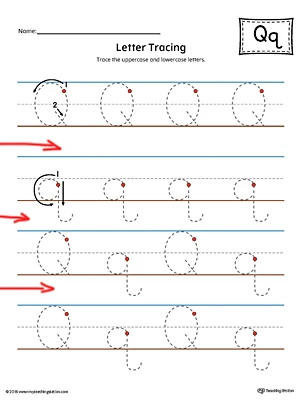
hi all iam making more then 100 pages book in indesign see there is equal spacing in between these lines that i marked with red , now the issue is that i want to increase the spacing between these set of lines but the issue is that not equally increasing or distrubuting spacing equally due to letter of q crossing the bottom lines. 


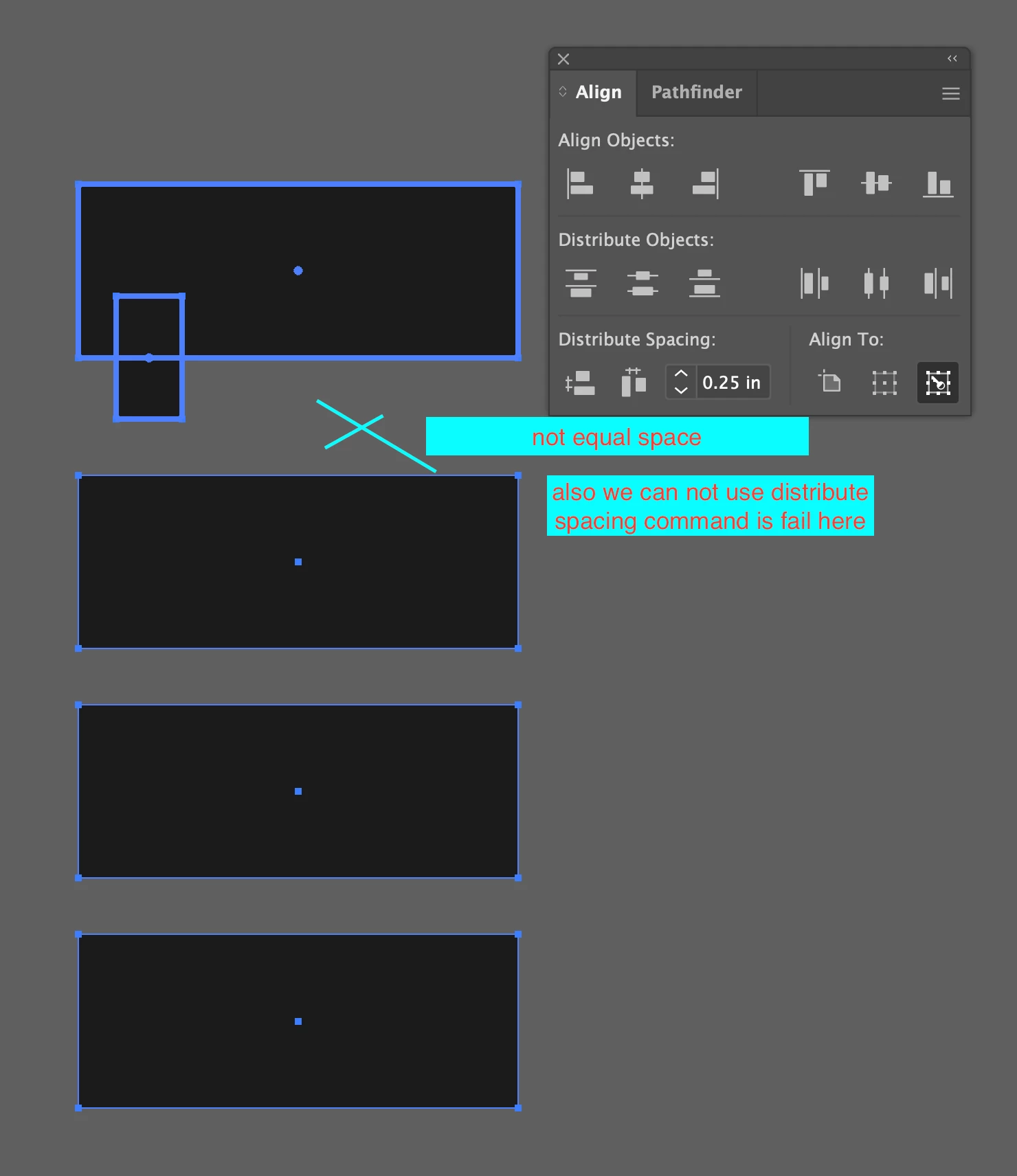
now in this situation how we add more equal space between them  like 0.25 inches , i think its simple things that is missing commands in illustrator and indesign  accorinding to my experience. 
 

This topic has been closed for replies.
Correct answer hhas01

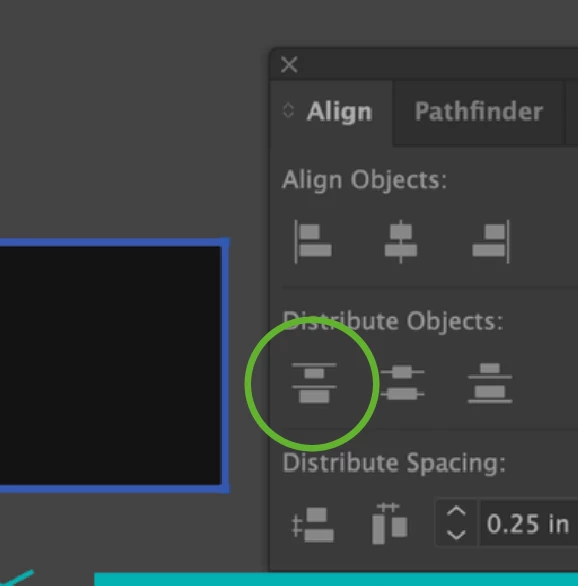
Assuming each “line” is a group of paths, and the cyan path always marks the topmost edge of each group, select all groups and apply the first Distribute Objects option (not Distribute Spacing):


That will give you a constant distance from one cyan line to the next, regardless of any descenders.

p.s. It’s polite to post questions to relevant Topics only, which for this question would be “How-to” and “Tools”.

2 replies

hhas01Correct answer
Inspiring
May 16, 2024

Assuming each “line” is a group of paths, and the cyan path always marks the topmost edge of each group, select all groups and apply the first Distribute Objects option (not Distribute Spacing):


That will give you a constant distance from one cyan line to the next, regardless of any descenders.

p.s. It’s polite to post questions to relevant Topics only, which for this question would be “How-to” and “Tools”.

pixxxelschubser
Community Expert
Community Expert
May 16, 2024

😄

Hi @hhas01 

In case the P.S. was meant for me:


I asked my questions to find out which solutions are possible for which programme and whether the topic should perhaps be moved to another forum.


Kind regards

pixxxelschubser
Community Expert
Community Expert
May 16, 2024
  1. What ist your question? 
  2. Is this an InDesign question? (We are here in the Illustrator Forum)
  3.  Do you work with one text frame?
  4. Do you work with paragraph styles?