
Inspiring
January 1, 2021
Answered

Make a half circle to match width/height of full circle

  • January 1, 2021
  • 4 replies
  • 906 views

Hi all,

With this project, I want to know how to make the black rectangle match the exact dimensions of the circle so that it looks like a small portion of the circle is black.
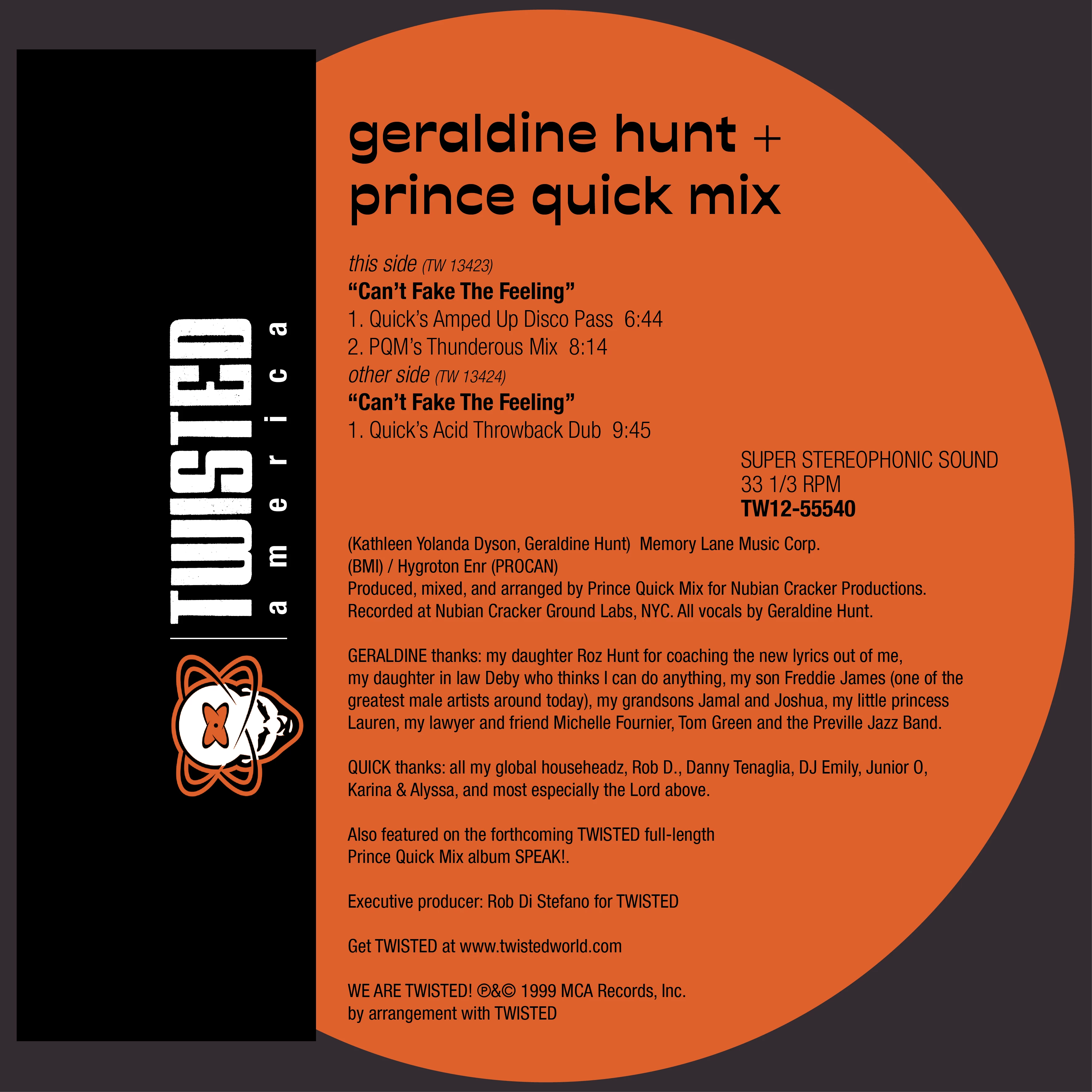
Just like this picture -
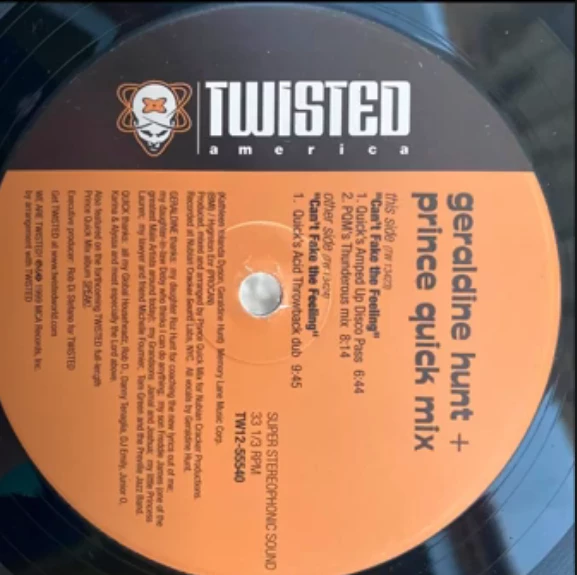
Thank you!!

This topic has been closed for replies.
Correct answer Jacob Bugge

kirbydoo,


As I (mis)understand it, you can create a copy of the original circle beneath the coloured parts and above the black rectangle, then ShiftSelect the black rectangle and Ctrl/Cmd+7 to make a Clipping Mask.


The black rectangle could have been made as large as the dark grey one forming the background.


4 replies

Jacob Bugge
Community Expert
Community Expert
January 2, 2021

kirbydoo,


It sounds as if you placed the copy circle above the orange one rather than beneath it (you can see the stacking order in the Layers palette); and I wonder whether one of them has a thin stroke.


Jacob Bugge
Community Expert
Community Expert
January 2, 2021

You are welcome, kirbydoo.


May I ask which way you came from the full original circle to the partial coloured one (since adjustment became needed)?


kirbydooAuthor
Inspiring
January 2, 2021

I actually had to invert the colors of each circle. I made the orange circle black and the black circle orange. This was because when I would apply the clipping mask, the half circle would become orange. Once that was decided, I placed the half circle over the larger one and switched the colors back. For some reason, the half circle didn't quite fit in the larger one, so I had to adjust its position on the x axis because I kept seeing part of the orange circle around the black circle's edge.

Jacob Bugge
Community Expert
Jacob BuggeCommunity ExpertCorrect answer
Community Expert
January 2, 2021

kirbydoo,


As I (mis)understand it, you can create a copy of the original circle beneath the coloured parts and above the black rectangle, then ShiftSelect the black rectangle and Ctrl/Cmd+7 to make a Clipping Mask.


The black rectangle could have been made as large as the dark grey one forming the background.


kirbydooAuthor
Inspiring
January 2, 2021

Thank you Jacob. That's actually what I ended up doing. I also did a little bit of adjusting to the half circle to get it to fit 100% into the larger circle.

pixxxelschubser
Community Expert
Community Expert
January 1, 2021

You can use

  1. the Pathfinder Panel or
  2. the ShapeBuilder Tool or
  3. Live Paint Tool.


Please use it for your own designs / labels.

kirbydooAuthor
Inspiring
January 2, 2021

Thank you. I can assure you that I am only making these images for personal use. They look much better on on my phone/computer screen than the low-quality scans you can find on other sites.