Participant
June 9, 2020
Answered

Make a pattern responsive in Illustrator

  • June 9, 2020
  • 1 reply
  • 870 views

Good evening community,

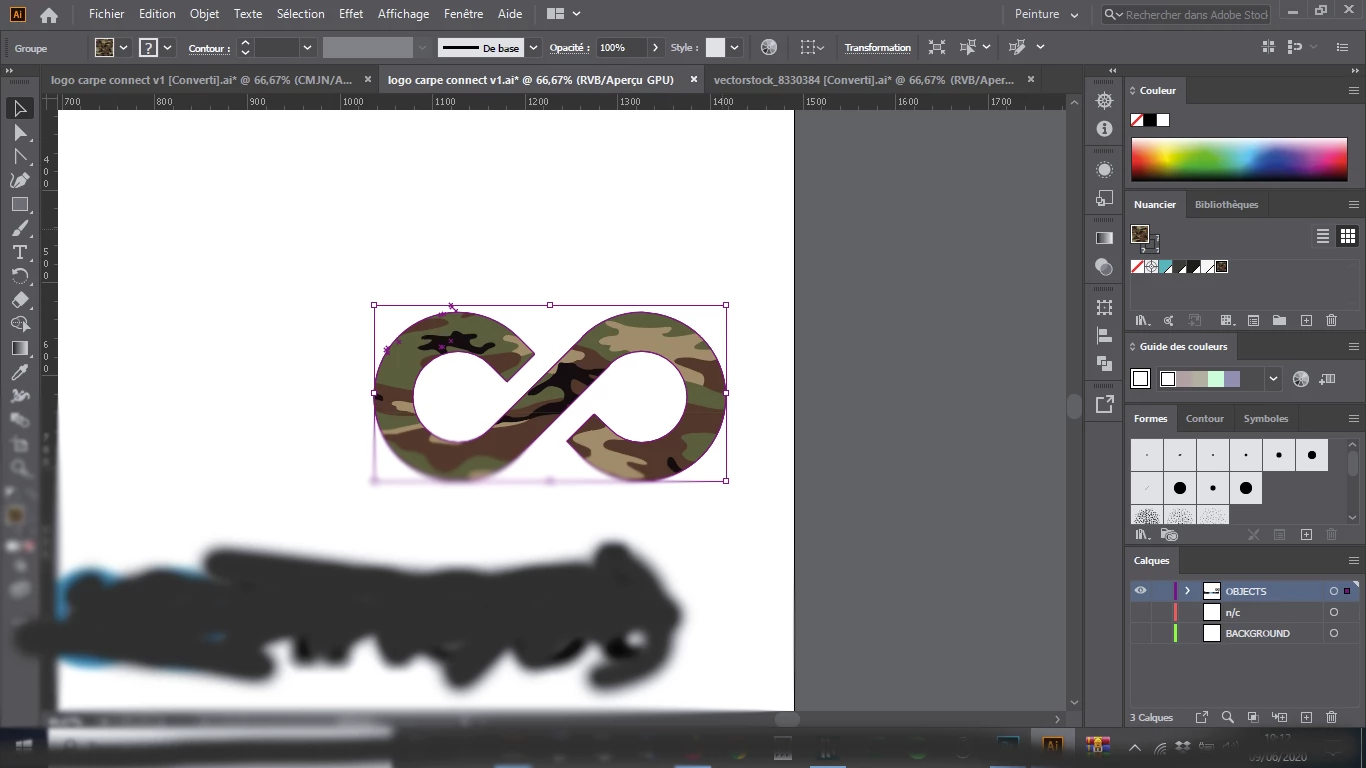
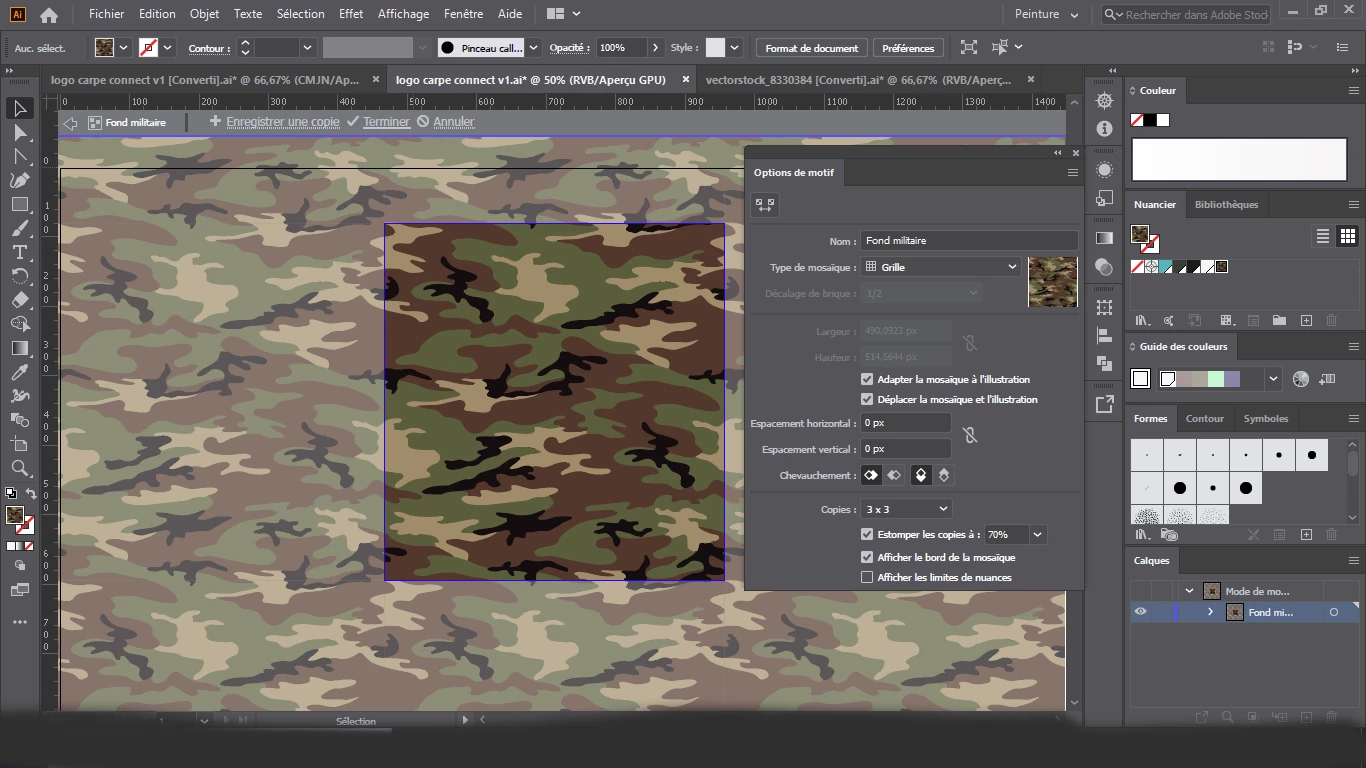
I'm a french user of Illustrator 2020. I need some advices to make a pattern responsive in function of the size of the form. Better than explanation, let's see 4 printscreens.
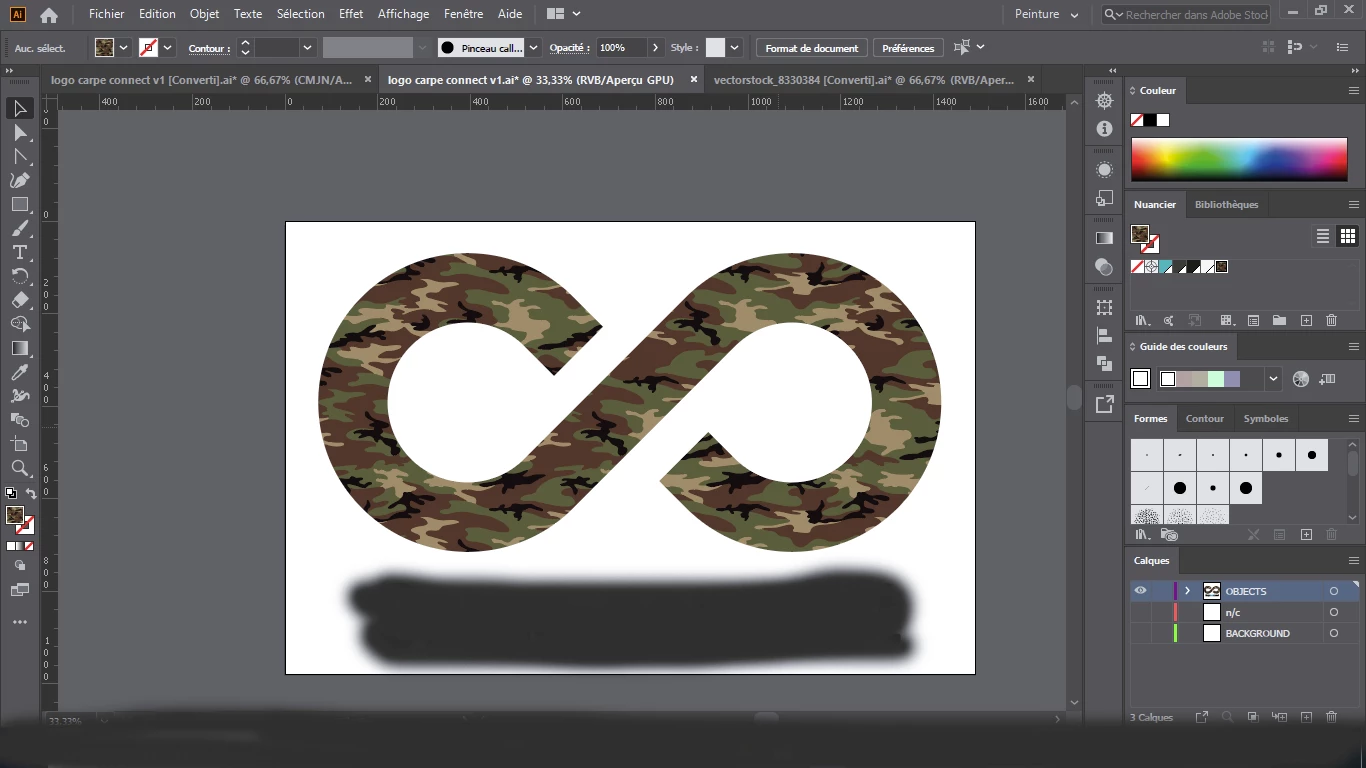
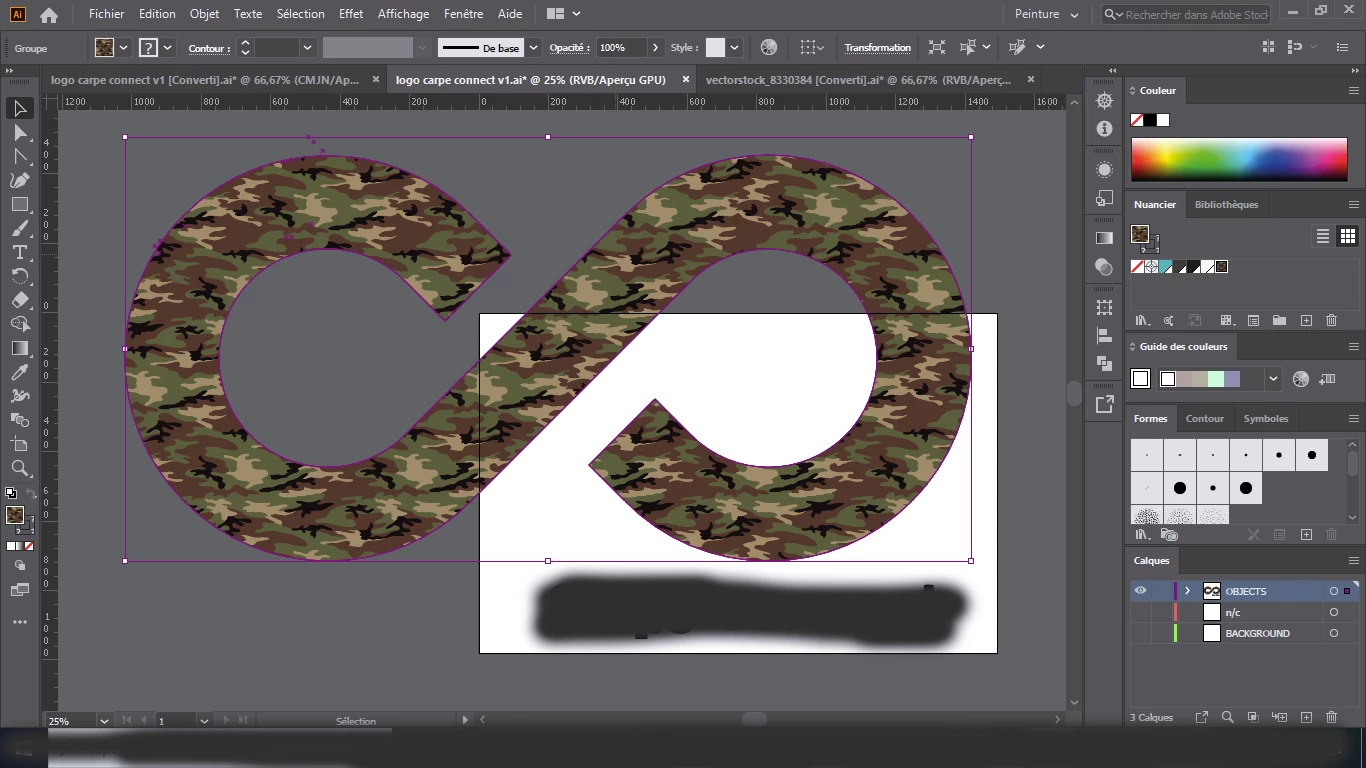
I've filled the infinit form with a vectoriel pattern, to create a vectoriel logo. My problem is when I enlarge the form, the pattern stay where it is, and is not responsible with the form. So I always have a different logo.

I've tried all the option in the properties box of the pattern. But doesn't work.

How can I fix it ?


Yours sincerely,
Oxysun

This topic has been closed for replies.
Correct answer Oxysun

Ok, next time I will include pictures directly in the message.


I didn't find "Transform patterns" in preferences, but I found it by this way :

- select the form concerned

- thumbnail "Object" -> Transformation -> the second last one called "Transformation répartie..." in french

- then "Transform patterns" is here, and it works.

Thanks for your advice, have a good day @Monika_Gause !

1 reply

Monika Gause
Community Expert
Community Expert
June 9, 2020

Please include screenshots in your posts and not attach them. Thank you.


In preferences is "Transform patterns" turned on?

OxysunAuthorCorrect answer
Participant
June 10, 2020

Ok, next time I will include pictures directly in the message.


I didn't find "Transform patterns" in preferences, but I found it by this way :

- select the form concerned

- thumbnail "Object" -> Transformation -> the second last one called "Transformation répartie..." in french

- then "Transform patterns" is here, and it works.

Thanks for your advice, have a good day @Monika_Gause !

Monika Gause
Community Expert
Community Expert
June 10, 2020

You're welcome!

The setting can be found in several places - glad you could solve the issue.