

Participating Frequently
August 13, 2020
Answered

Make guide is greyed out
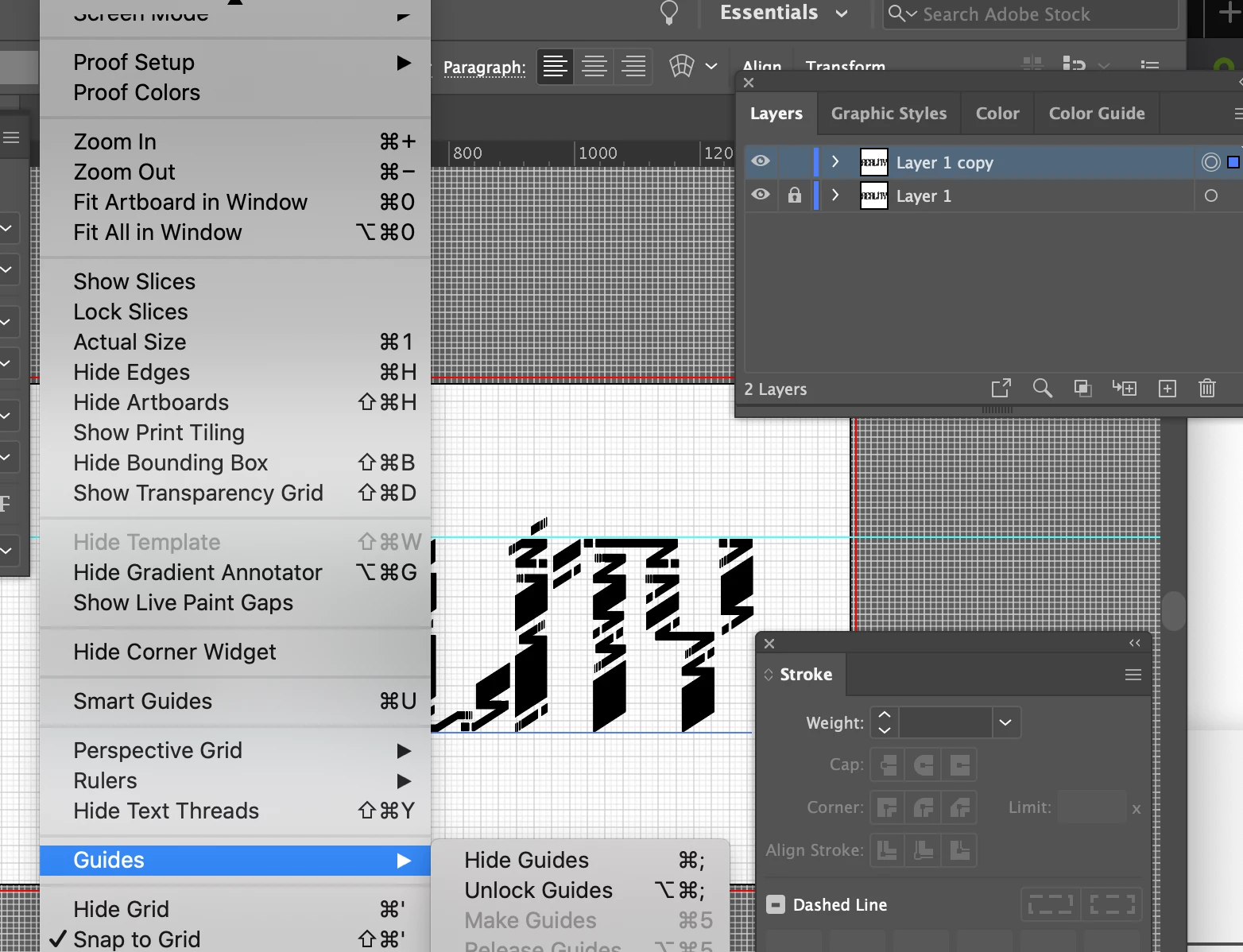
The object is selected, yet the make guides is greyed out.
If there are any idea why, would be appreciated

Kurt Gold
Kurt GoldCorrect answer
Community Expert
August 13, 2020

That won't work with live type objects.


You would first have to outline the type object (convert it to paths).


See Type menu > Create Outlines.

5 replies

Kurt Gold
Community Expert
Community Expert
August 13, 2020

I don't think so, Larry.


At least I'm able to convert polygons (live shapes) to guides.


Astonishingly, Illustrator is courteous enough to make them amphibious, that is: they are actually guides, but at the same time still live shapes that can be modified through the Transform palette.

Translate
Kurt Gold
Community Expert
Kurt GoldCommunity ExpertCorrect answer
Community Expert
August 13, 2020

That won't work with live type objects.


You would first have to outline the type object (convert it to paths).


See Type menu > Create Outlines.

Translate
Larry G. Schneider
Community Expert
Community Expert
August 13, 2020

Kurt,
Is it also possible this same limit might be the same for "live" polygons?

Translate
Kurt Gold
Community Expert
Community Expert
August 13, 2020

What kind of object is selected?


Is it perhaps already a guide? Or something else?

Translate
Participating Frequently
August 13, 2020

it is a text

Translate