
Answered
Make particular are transparent of an illustration.
Hi,
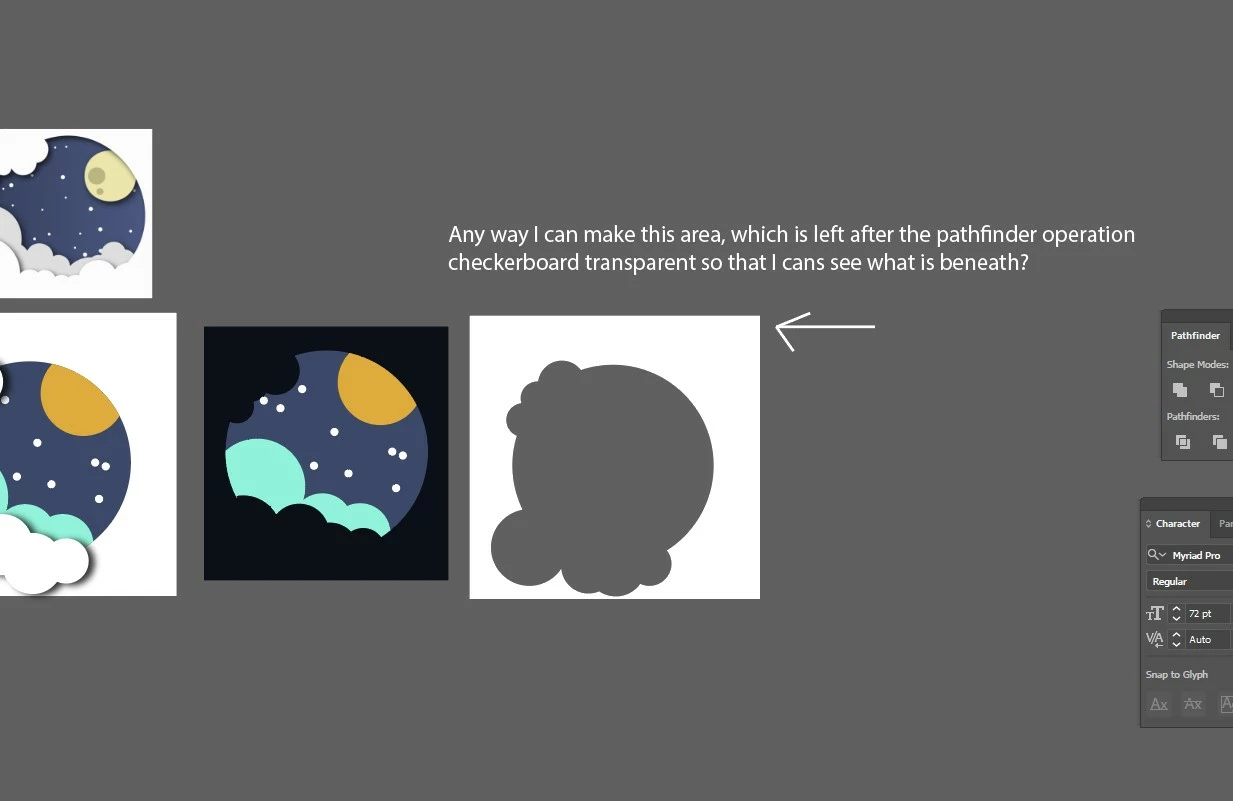
I need some are of an illustration to be tranparent. Any way I can do that in Illustrator?

Hi,
I need some are of an illustration to be tranparent. Any way I can do that in Illustrator?
Is the shape you're pointing to vector Illustrator art? If so then it should be a compound path which in this case would appear to be currently filled with white. If that is so then selecting the compound path and changing the fill from white to None should do what you're looking for. If the shape is a raster object then it's color can't be changed in Illustrator.
Already have an account? Login
Enter your E-mail address. We'll send you an e-mail with instructions to reset your password.
 AdChoices