


Known Participant
January 20, 2024
質問

Make the Eyedropper Tool available when working with the Color Picker Window

  • January 20, 2024
  • 返信数 1.
  • 538 ビュー

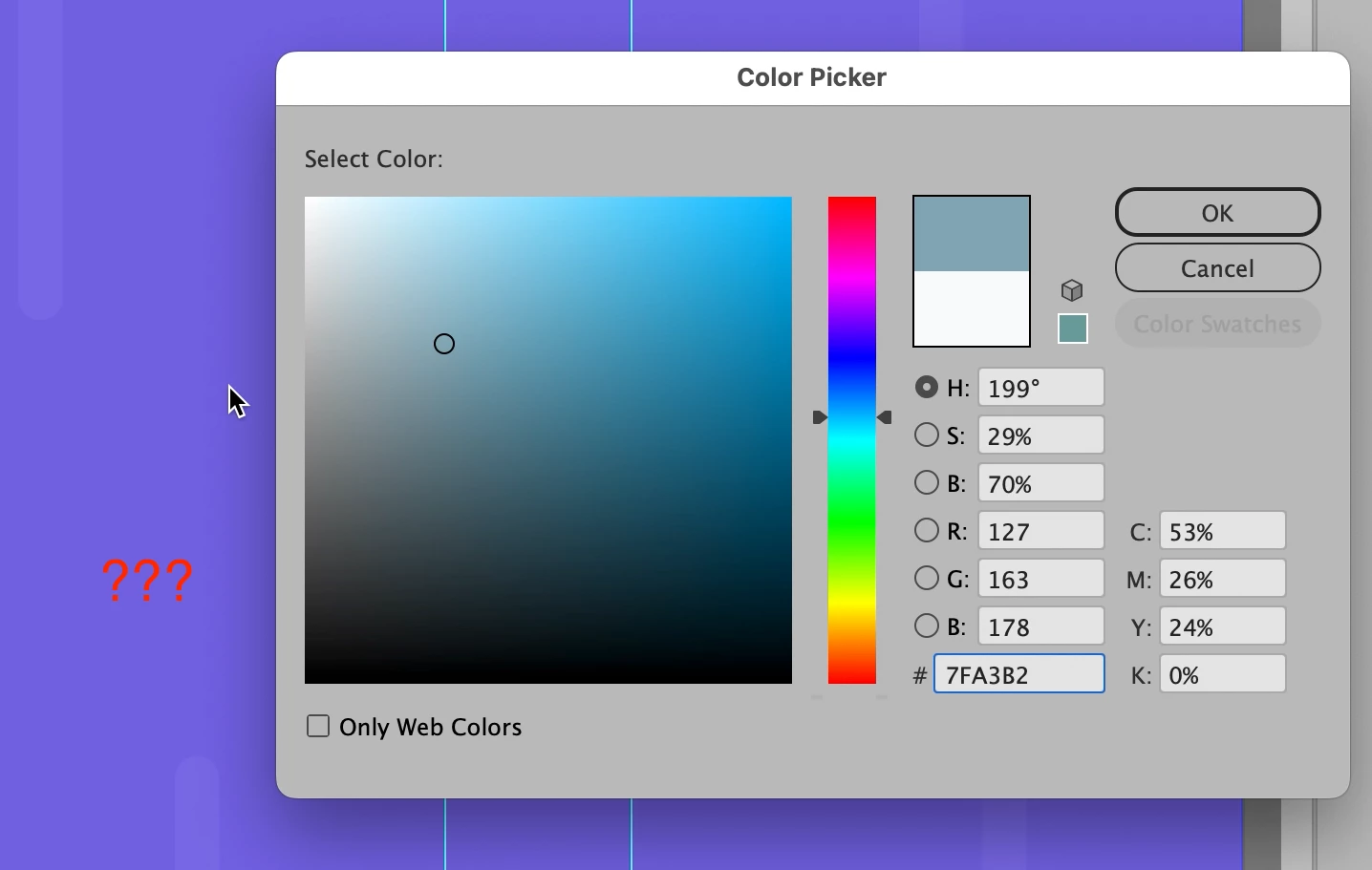
Currently, for some reason, when working with the Color Picker window, the Color Picker Tool (Eyedropper tool) isn't available to select a color outside the Color Picker window.

Illustrator Color Picker window:
 

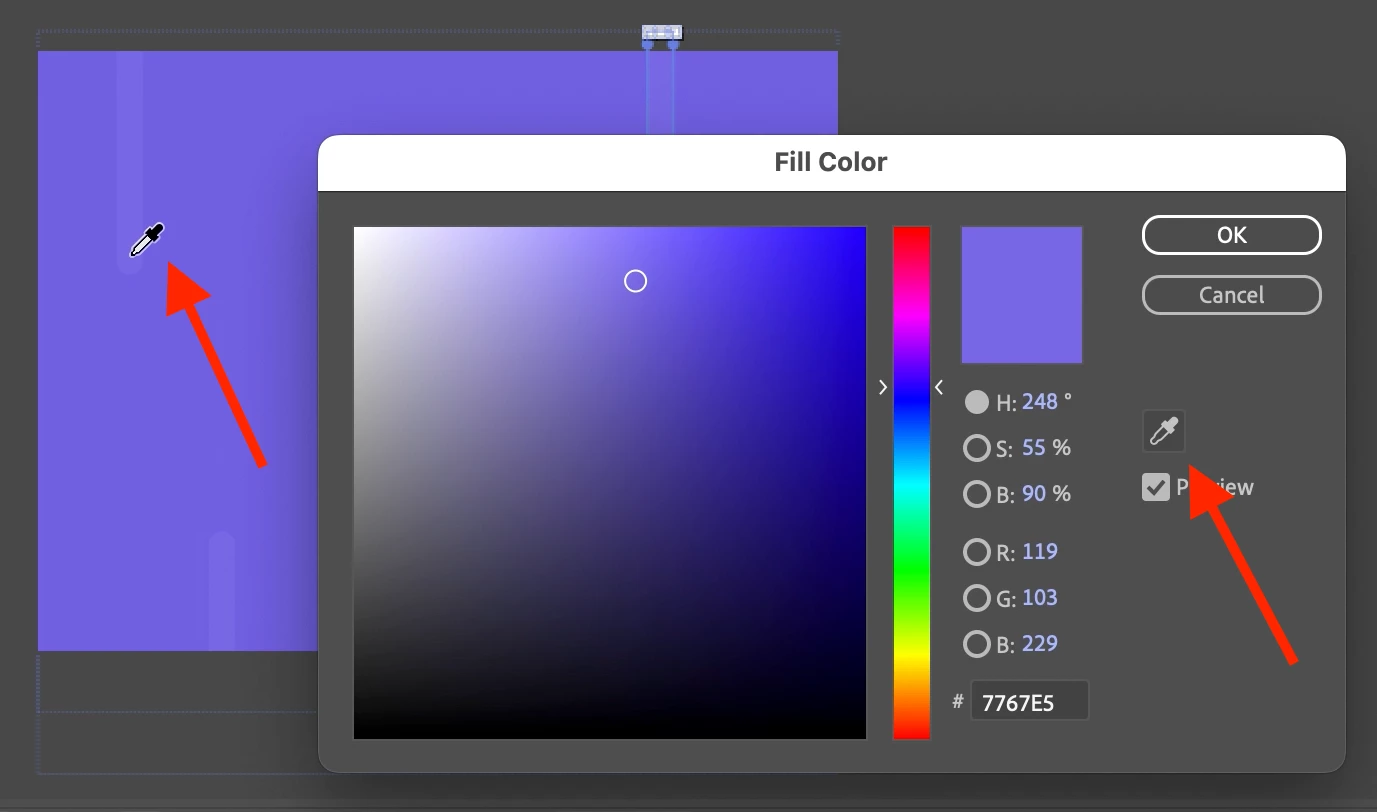
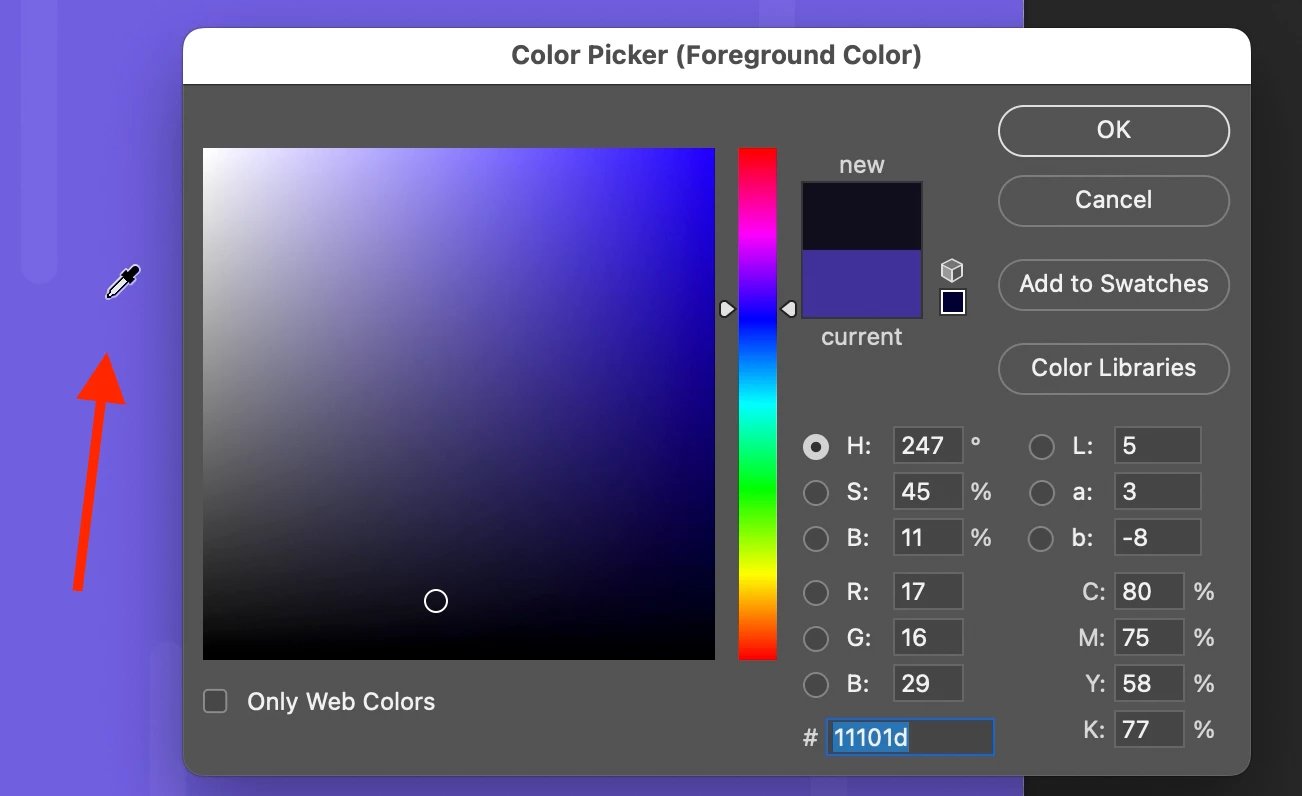
It's available in the Photoshop and After Effects though.


After Effects:
 

Photoshop:
 

Because of this issue, the UI/UX of these Adobe apps becomes inconsistent, making it more challenging to establish a consistent workflow when using multiple Adobe apps.


Please, make the EyeDropper available when working with the Color Picker window in Illustrator same way as it's done in Photoshop and/or After Effects.

このトピックへの返信は締め切られました。

返信数 1

Monika Gause
Community Expert
Community Expert
January 20, 2024

The Eyedropper tool in Illustrator is mainly used for picking up styles and appearances.


Please use this for feature requests: https://illustrator.uservoice.com 

brumby0890作成者
Known Participant
January 20, 2024

But what about colors, like how it is done in Photoshop and After Effects? Why do I have to rely on a third-party app for that instead of using Illustrator itself?

Monika Gause
Community Expert
Community Expert
January 20, 2024

@brumby0890  schrieb:

But what about colors, like how it is done in Photoshop and After Effects? Why do I have to rely on a third-party app for that instead of using Illustrator itself?


re you can pick up colors, but in Illustrator images are often linked in a file (and they might even be a different color mode then). When you pick up those colors, they go through color management. So picking up from images is possible, but might not give you the desired result anyway.


So: the way Illustrator handles images is completely different than in Photoshop or After Effects.