Participant
December 15, 2023
Question

Make this into separate lines to animate

  • December 15, 2023
  • 2 replies
  • 185 views

Hi guys,


I have realised that I really need to learn Illustrator if I’m gonna push my After Effects stuff forwards. So, I started on a friends static logo for his IRacing team, intending to create a motion graphic for it.


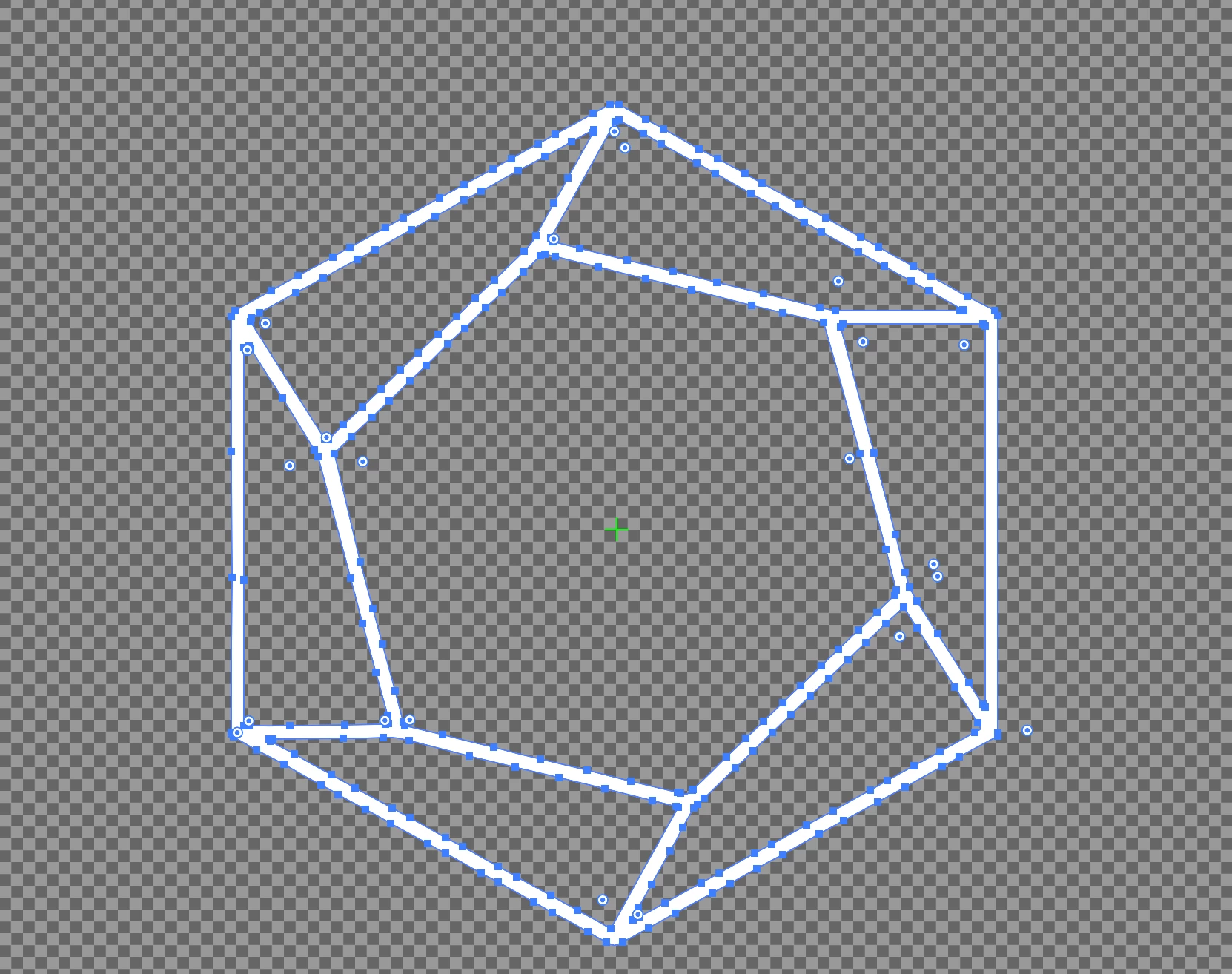
I managed to get the low res jpeg in and vectorize it but I’m having trouble splitting it into sections so I can animate the lines individually. I have attached to original logo and the trace I did.


I know this is real beginner stuff but I’m floundering here lol


Cheers

 

This topic has been closed for replies.

2 replies

RvdT
Inspiring
December 15, 2023

Many ways are possible. I would do the following:

-Polygon tool, copy, paste in front, scale, rotate smaller polygon 

-Remove points using white arrow tool, connect lines using pen tool

-copy, rotate, move (rotate tool set axis, ctrl+alt+drag)


GL

Doug A Roberts
Community Expert
Community Expert
December 15, 2023

If you want to animate them you probably need them as stroked paths rather than filled shapes. Thus I'd advise redrawing it.

All you need to do is draw a hexagon (use the polygon tool), copy it, scale and rotate, then use the pen tool to join up the corners.