Maha,
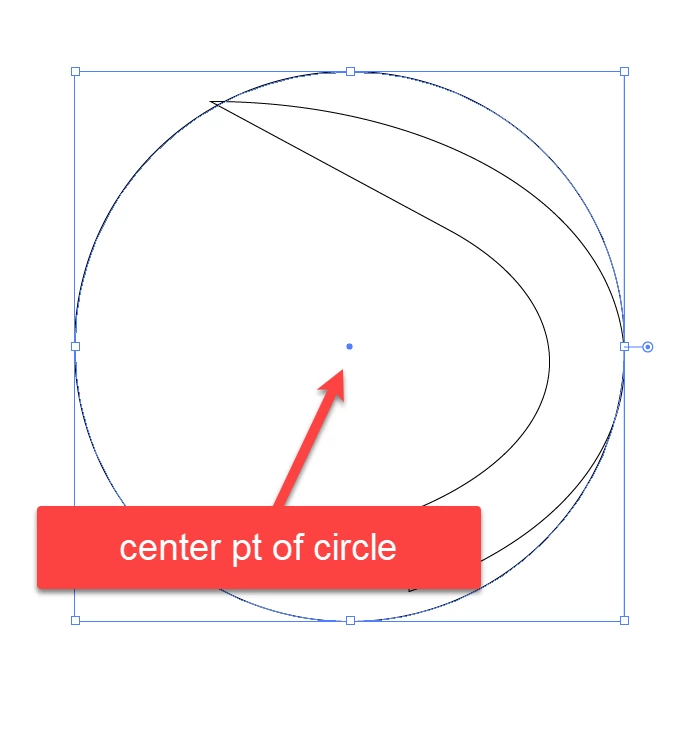
You can create a fixed rotation centre to use for the curved image/path and then rotate freely in the following way:
1) Create a copy of the original circle (Ctrl/Cmd+C+F) with a stroke and no fill and increase its size (increase W and H proportionally) so that it has the same centre and fully encloses the curved image/path;
2) Group the copy circle and the curved image/path, then remove the stroke of the copy circle so it becomes invisible.
Now you click the curved path with the (normal) Selection Tool at any time and rotate the (Group containing the copy circle and the) curved image/path freely round the fixed rotation centre, which is the centre of the original/copy circle.
You can hide or lock the original circle.





 AdChoices