Participant
July 27, 2019
Resuelto

Making a traced image a swatch made my file too big

  • July 27, 2019
  • 1 respuesta
  • 237 visualizaciones

Hello! I dragged an image into illustrator, image traced it and then dragged it into swatches. I  then used live paint to fill the object I wanted to add that swatch to. I    filled my object with the swatch, I then edited the swatches and messed around with the pattern options. After that I noticed that my file was laggy as if the swatch made my file size way too big. Also, when I hover around the object I filled it shows random anchor points that I can't select. It seems like the image I used/image traced is in the background , how can I get ride of this?
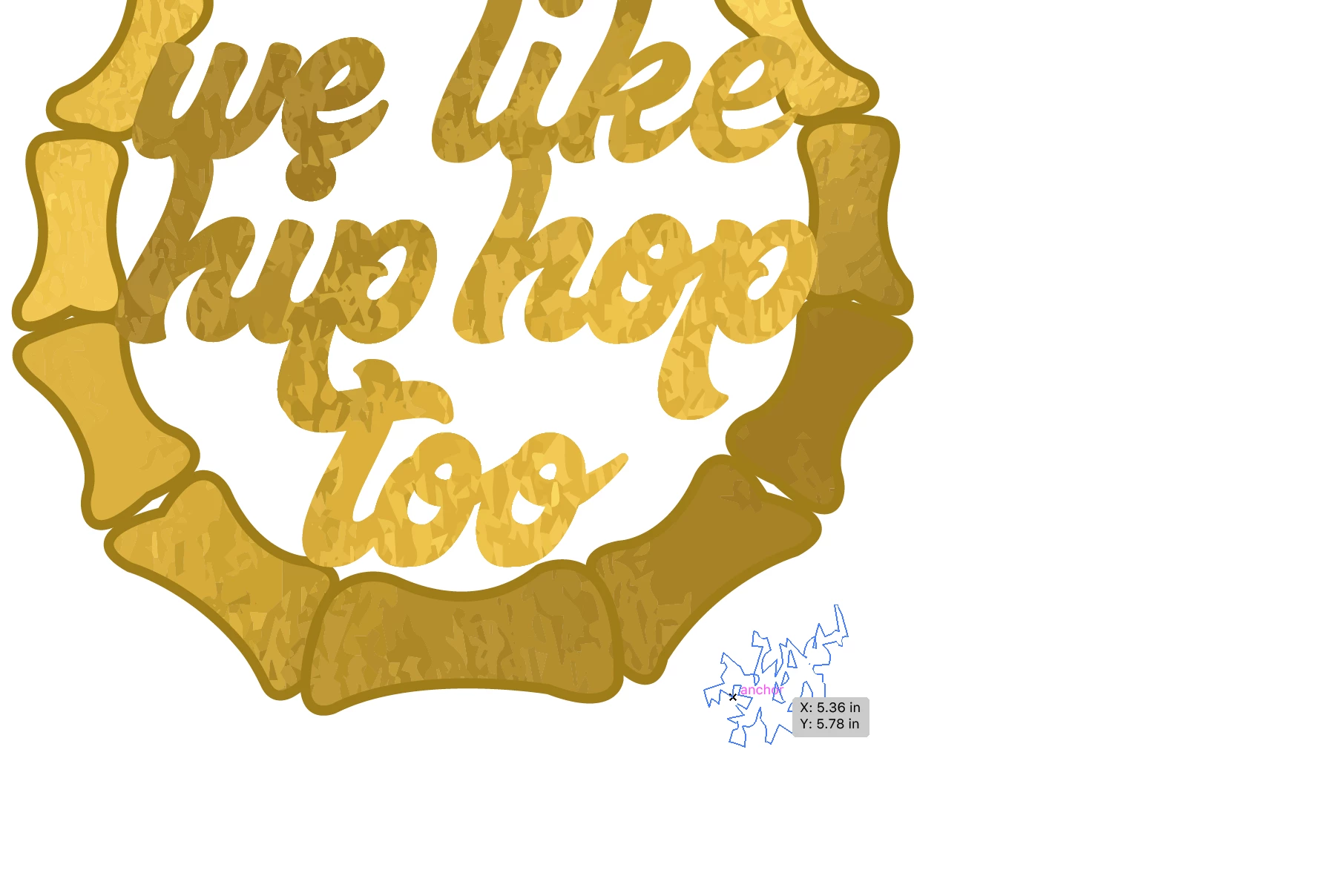
this picture shows what happens when I hover over the surroundings.

Este tema ha sido cerrado para respuestas.
Mejor respuesta de Monika Gause

There seem to be a gazillion points in this. And since you are using a clipping mask, there seems to be lots of unnecessary objects (they are hidden). So maybe you want to delete them.

Get into outline view and then with the lasso you can carefully select what it outside the mask shape and delete it.

1 respuesta

Monika Gause
Community Expert
Monika GauseCommunity ExpertRespuesta
Community Expert
July 27, 2019

There seem to be a gazillion points in this. And since you are using a clipping mask, there seems to be lots of unnecessary objects (they are hidden). So maybe you want to delete them.

Get into outline view and then with the lasso you can carefully select what it outside the mask shape and delete it.