
Answered
Making the Grain effect bigger?
Hi!
Is there a way to make the Texture > Grain effect > Stippled bigger?
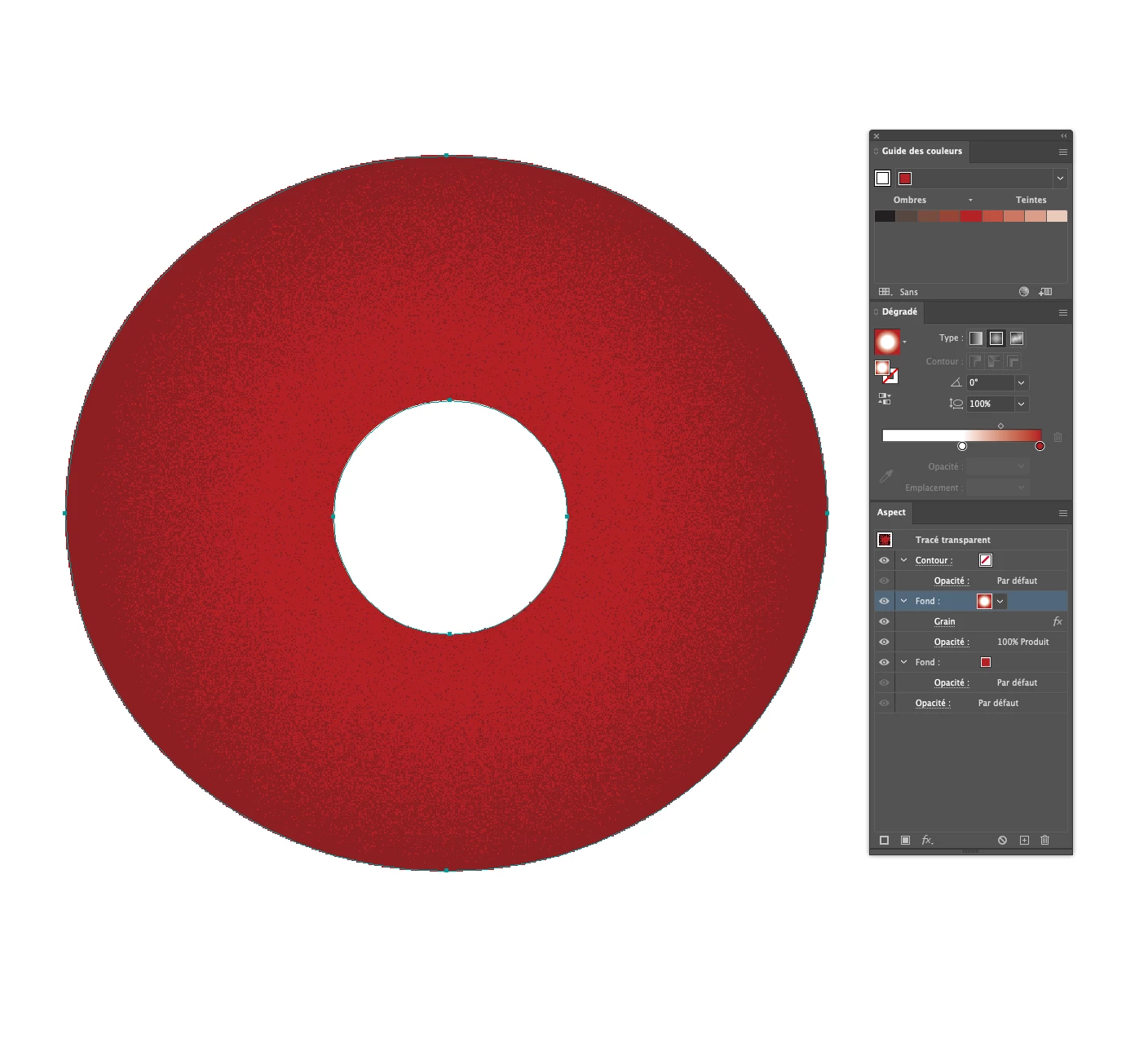
Here is an example – I would like the pixels of the effect to be bigger:
Thank you!
Chris.

Hi!
Is there a way to make the Texture > Grain effect > Stippled bigger?
Here is an example – I would like the pixels of the effect to be bigger:
Thank you!
Chris.
You may decrease the Document Raster Effects settings (experiment with the ppi values) and you may have a look at the Grain Type dropdown menu in the Grain Options dialog. There is, for example, a type called "Enlarged". But you may try the other types as well.
Already have an account? Login
Enter your E-mail address. We'll send you an e-mail with instructions to reset your password.
 AdChoices