Participant
April 26, 2020
Question

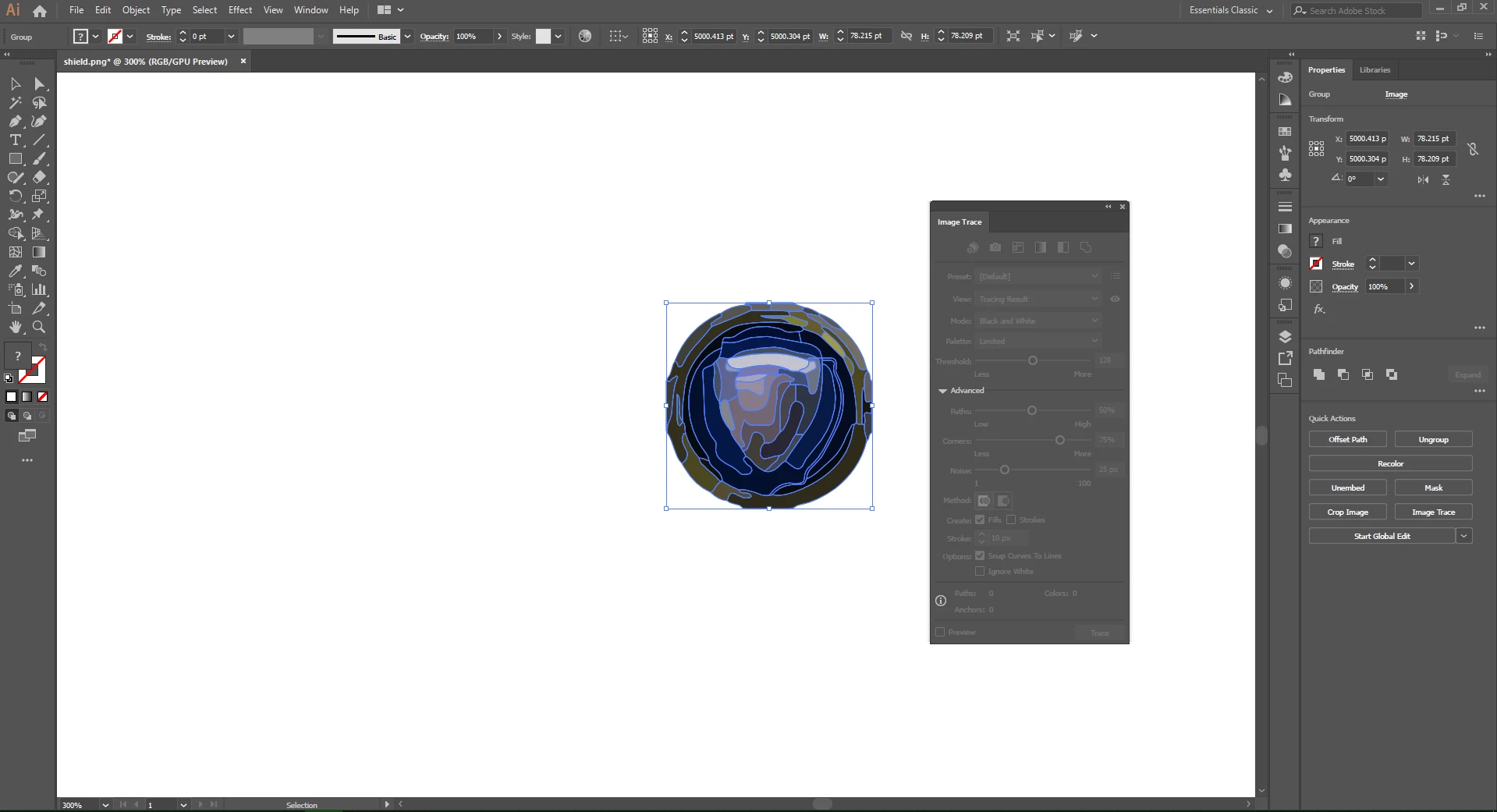
Making vector image in Illustrator. Squiggly lines within image when using Image trace.

  • April 26, 2020
  • 4 replies
  • 1373 views

Good Afternoon,


                    Good afternoon everyone. First post here.  Let me get straight to the point. 


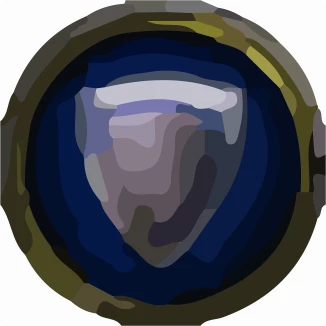
I have not used the Adobe suite for over 10 years and I am trying to create a vector image. This image:

(I understand the image under copyright law, this is just for personal practice.)


For whatever reason, when I "Im age traive the image it makes quite a few paths within the image. Most videos I have seen, this does not happen. It simpally traves around the image. 


Thank you!

This topic has been closed for replies.

4 replies

barbara_a7746676
Community Expert
Community Expert
May 30, 2020

Image Trace is not accurate enough for tracing logos. It may seen like its more time consuming to trace it by hand using the Pen tool, basic shape tools, and Pathfinder commands, but usually it is faster than trying to fix an inaccurate trace.

Ashutosh_Mishra
Inspiring
May 30, 2020

Hi there,


Thanks for reaching out. I hope your issue is resolved now.

We'd appreciate if you mark the helpful response correct once your issue is resolved. You may also share any other workaround you might have used. This will help other users with the similar situation.
If you still have issues, please share a small video of your workflow. It'll help us understand your issue better and help you accordingly.

Looking forward to your response.


Regards,

Ashutosh


Jacob Bugge
Community Expert
Community Expert
April 27, 2020

justanoob,


With a(nother) (mis)understanding, you can try different Image Trace settings, see below, but you may have a good start for what you wish, if you use the Shape Builder (or Pathfinder) to unite areas and give them the (same) desired colour (also see below).


Image Trace:


https://helpx.adobe.com/illustrator/using/image-trace.html


You may also look here:
http://blogs.adobe.com/adobeillustrator/2013/07/image-trace-in-illustrator-a-tutorial-and-guide.html


Always expand after image tracing to get things to work. Select it/them and Object>Image Trace>Expand.


Shape Builder:


https://helpx.adobe.com/illustrator/using/creating-shapes-shape-builder-tool.html
https://helpx.adobe.com/illustrator/how-to/shape-builder-easy.html


Ton Frederiks
Community Expert
Community Expert
April 27, 2020

You need a high quality image to get a high quality result.

Your image does not have enough resolution.