V I L  L O V
Inspiring
July 22, 2024
Answered

map art scaling WITHOUT maintaing aspect ratio

  • July 22, 2024
  • 2 replies
  • 836 views

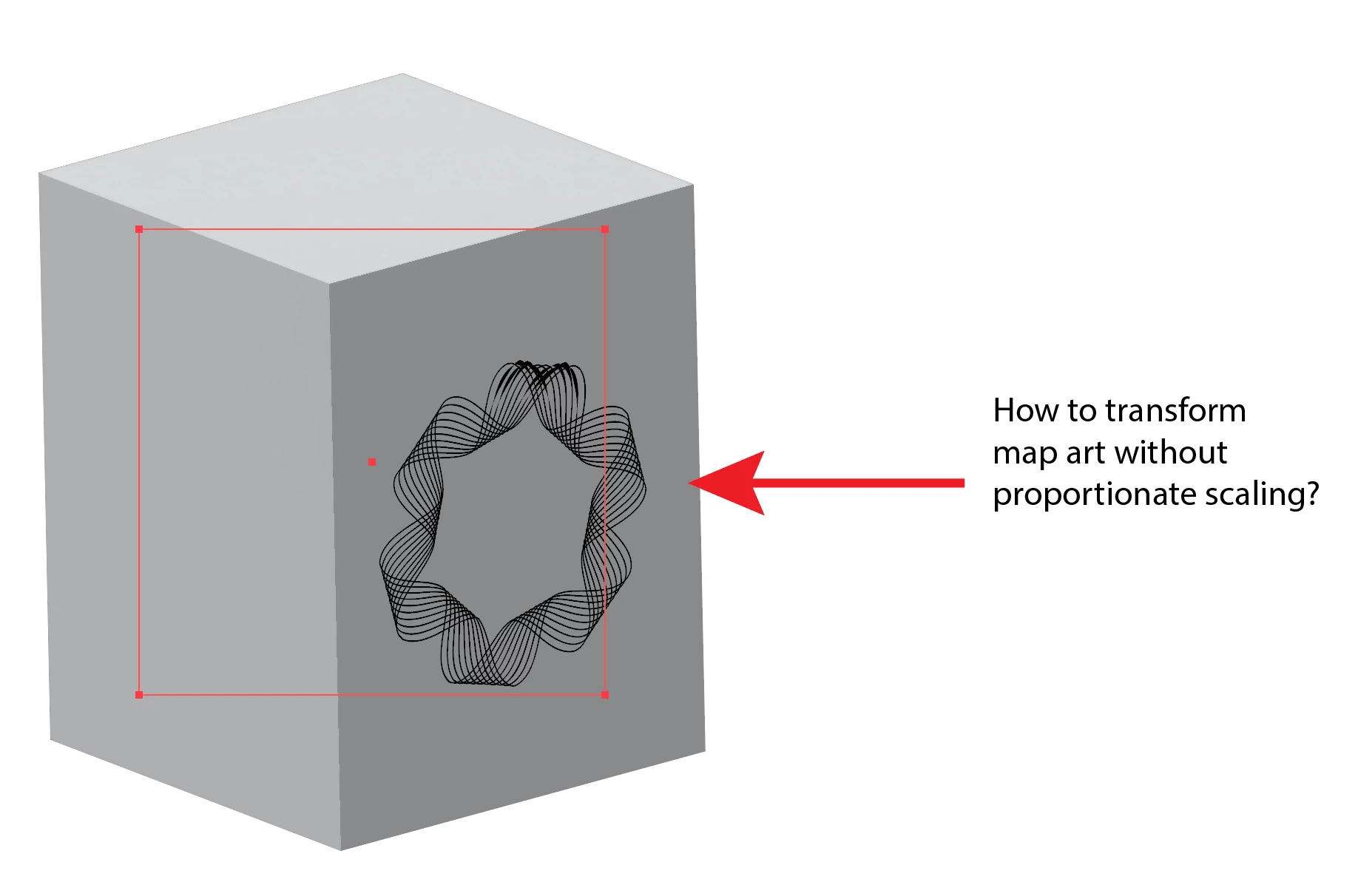
Is it possible to resize a map art object without maintaining aspect ratio? i can do this is illustrator CS5. currently, the only way to resize a map art is aspect ratio scaling.

This topic has been closed for replies.
Correct answer Monika Gause

You can still use the classic 3D effects.

2 replies

Monika Gause
Community Expert
Monika GauseCommunity ExpertCorrect answer
Community Expert
July 22, 2024

You can still use the classic 3D effects.

V I L  L O V
Inspiring
July 22, 2024

i guess this is the only way.

creative explorer
Community Expert
Community Expert
July 22, 2024

@V i L L O V oh wow...this is a first for me that you don't want to maintain aspect ratio! If you are using the latest Illustrator, hold down the Shift key while resizing to achieve the result. If by chance it is still 'maintain the espect ratio,' don't hold the shift key (at one time many years ago, if you want to maintain aspect ratio, you had to hold the shift key. Then Adobe changed that, and no longer need too, unless, you change it on your end, which I did...so, hopefully holding the 'Shift' key doesn't maintain the aspect ratio


m
V I L  L O V
Inspiring
July 22, 2024

i think you are referring to regular objects. i am referring to objects as map art objects. these are objects you place on the surface of a 3d object. there's only proportionate transform. unlike in CS versions, you can transform art map objects' height or width or both.

creative explorer
Community Expert
Community Expert
July 22, 2024

@V i L L O V I missed the most important words 'map art object'....I messed up. Sorry!

Have you turned off the Scale Corners and Scale Lines and Effects in the Preferences?

m