Answered

This topic has been closed for replies.
Not in the map art diaglog box. This is where I have it perfectly laid out: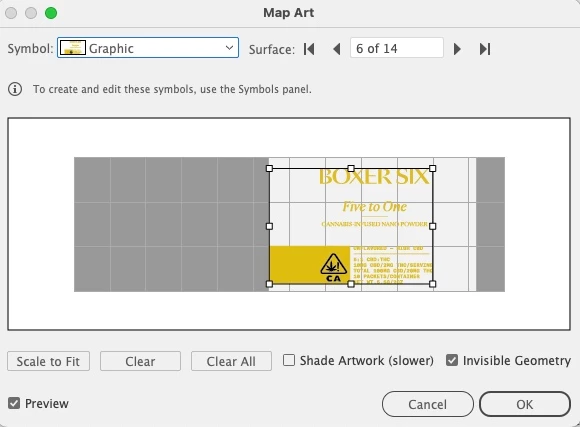
Then if I select the new symbol, this is what happens and I have to resize/rejig it and it's impossible to get it perfect
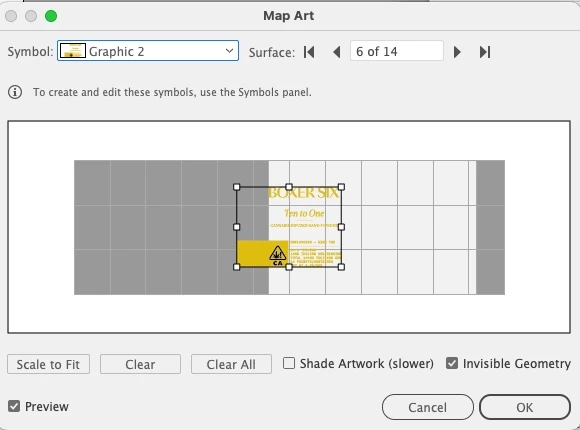
Figured it out! I've edited the symbol from the symbol palette and voila, replaced 🙂


Sign up
Already have an account? Login
To post, reply, or follow discussions, please sign in with your Adobe ID.
Sign inSign in to Adobe Community
No account yet? Create an account
To post, reply, or follow discussions, please sign in with your Adobe ID.
Sign inEnter your E-mail address. We'll send you an e-mail with instructions to reset your password.
 AdChoices