
Participant
April 26, 2018
Question

Margin on one side when printing borderless

  • April 26, 2018
  • 1 reply
  • 861 views

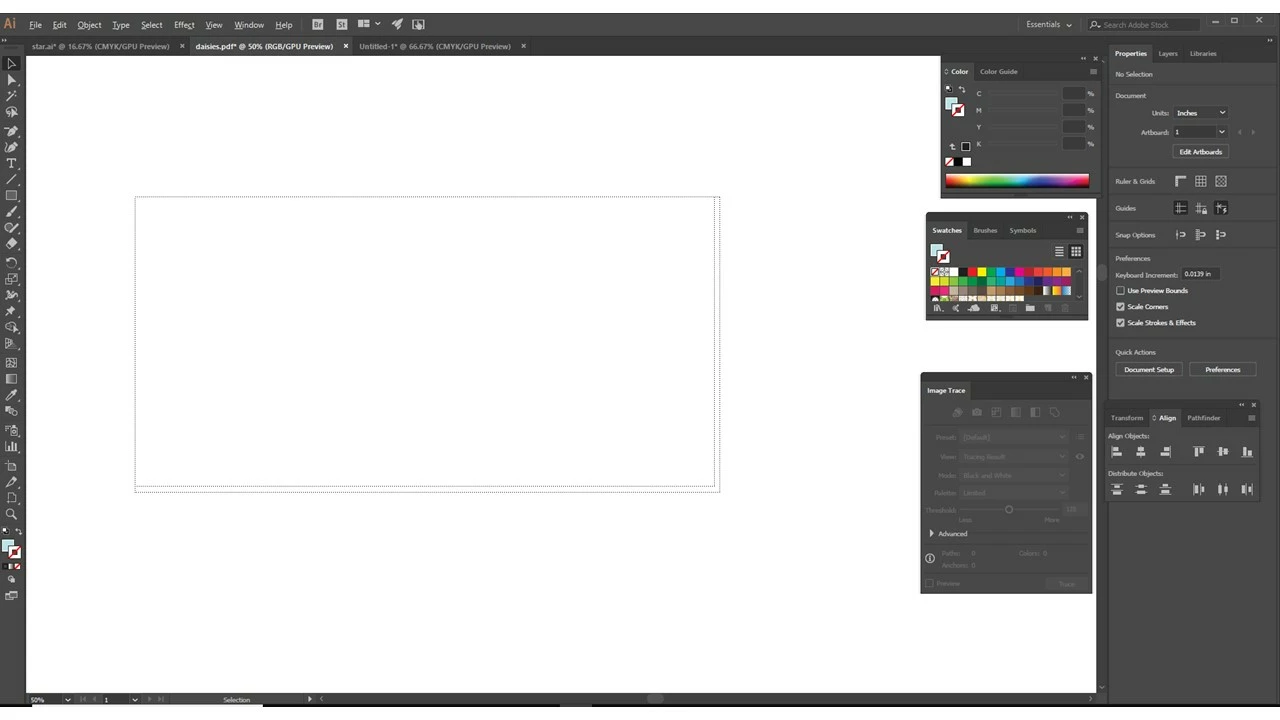
I am trying to print borderless on a large format printer that supports borderless. It was previously doing so. Now it is printing with a margin/border on one side and on the bottom. This is what it looks like on the artboard when I choose show print tiling (I'm not tile printing, just to see what's happening) it shows the one sided border and on bottom. I can't figure out what is going on.. Thanks in advance for any insight
    This topic has been closed for replies.

    1 reply

    Omar.Fathy
    Community Expert
    Community Expert
    April 26, 2018

    The problem in the Printing Setting. Try to reset it to default and make sure that every option is right.

    Can you give us a screenshot from your print window setting?!

    rubyl2018Author
    Participant
    April 27, 2018

    Thank you for your reply! Here are screenshots from my printer settings. I tried resetting everything and it's still giving me those borders

    rubyl2018Author
    Participant
    April 27, 2018

    If this helps...If I make the image 48" wide (printer is 24") and tile print, the first page prints borderless and the second piece prints with the border on right and bottom