
Mechanically centered object in Illustrator is not actually centered.
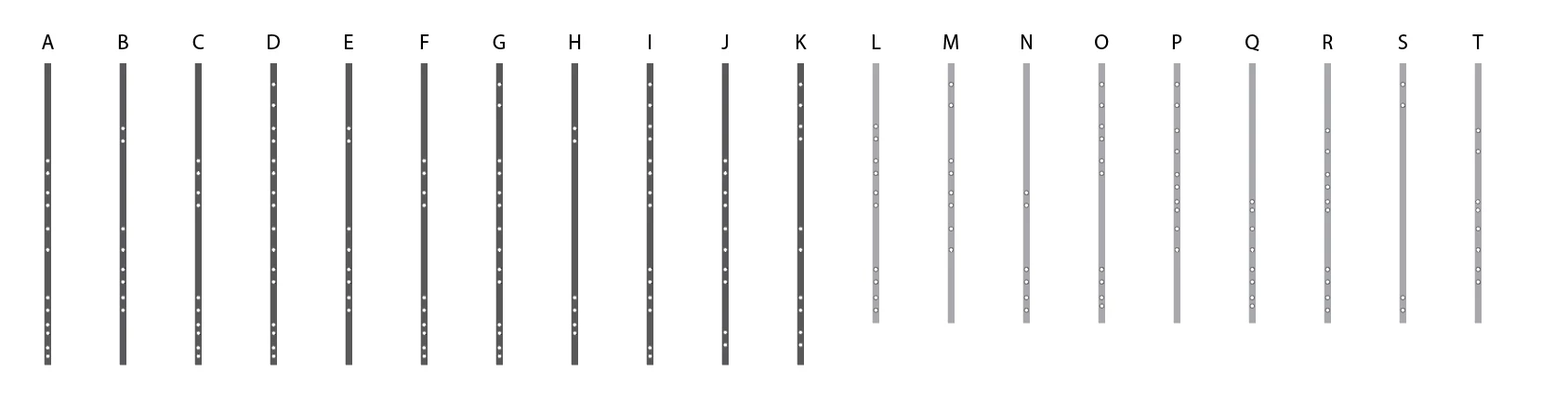
I created a file that is basically a tall box with circles in it meant to indicate drill holes on a post. The drill holes are mechanically aligned to the center of the box in order to have the holes be perfectly centered. When I sent the file to the guy who was going to drill them, he told me the holes were off center. I verified this with a third part as well as printing it myself and checking with a tape measure.
Why would something that I aligned come out not aligned when printed?
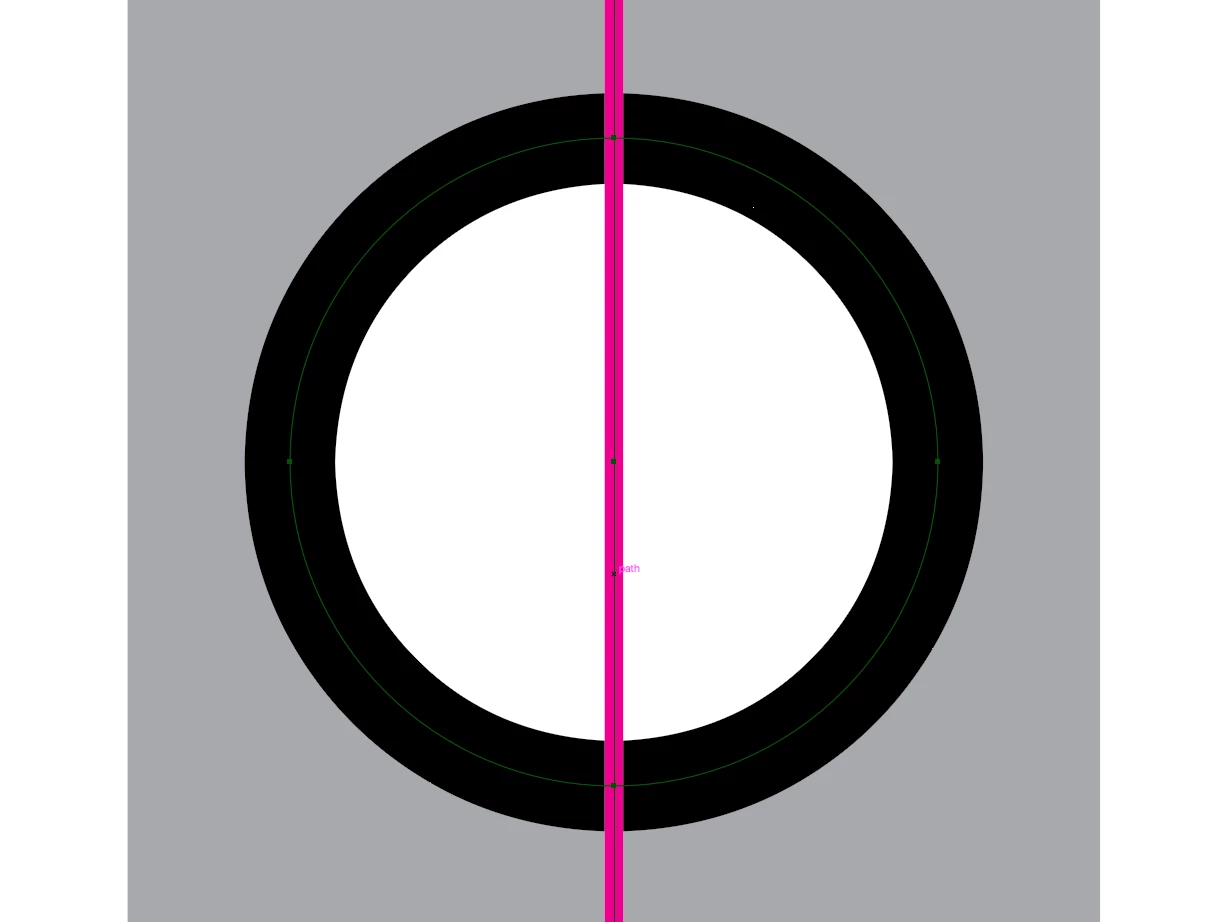
Below is a screenshot of the file and a close up of one of the holes with a pink line I added and aligned to center. The holes on the far right post (T) are almost 1/8" off center yet when I align them, nothing moves. File is attached. Let me know if you have the solution or if you see the holes as centered or not.
CC link to the file: https://assets.adobe.com/id/urn:aaid:sc:US:b2aa3827-f402-4fe8-a435-eb1ebf2659b5?view=difile


 AdChoices