Participant
Nov 24, 2026 9:06 AM UTC
Question

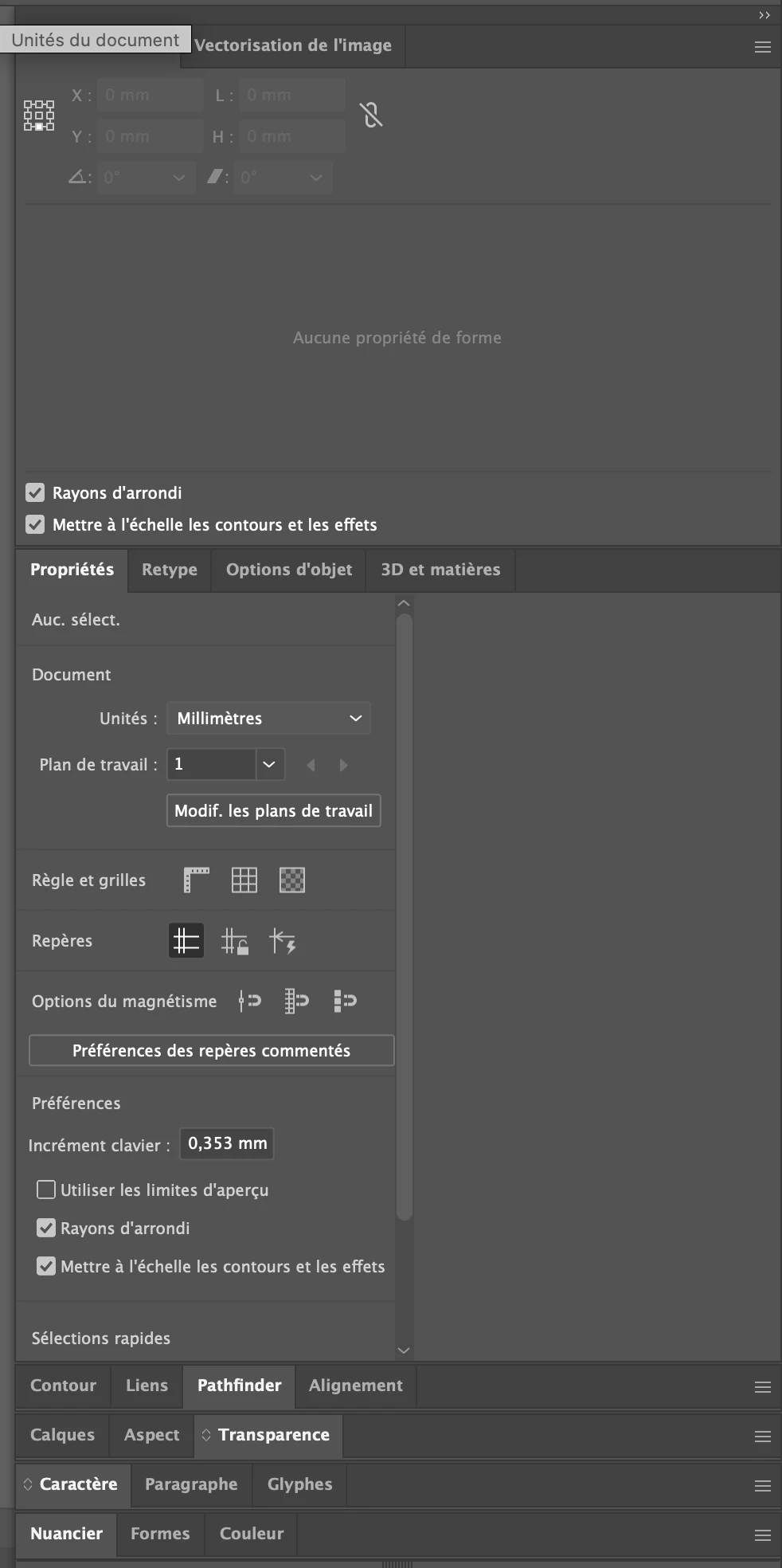
menu width issue

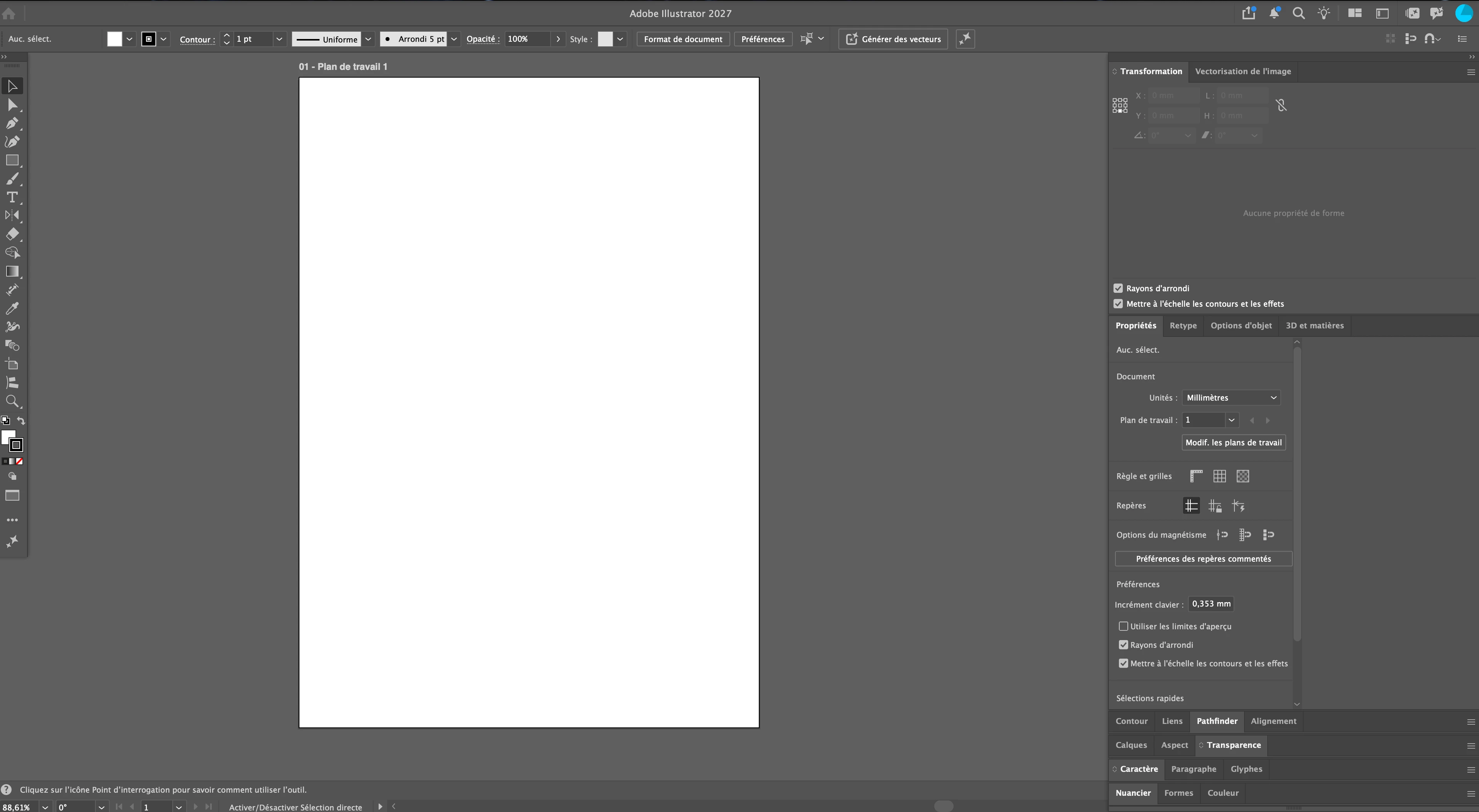
The width of the menu bar on the right side of the screen can’t be resized. It’s been an issue for over a year now. It’s a basic functionality that shouldn’t be a problem. Looking online I found a 3 yo reddit on this matter.

Screenshots are from my external screen but it gets even worth when I used my 13inch laptop screen, the menu bar takes 1/3 of the screen. 

Stop additional softwares. Fix the UI of your main products please.
 

    2 replies

    justlearn
    Community Expert
    Community Expert
    Nov 25, 2026 8:10 PM UTC

     ​@Antoine5C40 Resetting Illustrator Preferences  as ​@Ton Frederiks suggested should have done the trick. 

    Or try resetting the workspace 

    It also depends how many panels are docked together. The one on the left has four and the one on the right has 3 panels docked together. I can resize the width by placing my cursor on the sides
     

    For example, I can resize the panel,
     

    But as soon as I reset my workspace, the panel is back to what it was default saved (I created a custom workspace). But any workspace should go back to it’s factory default workspaces


    Translate
    m
    Ton Frederiks
    Community Expert
    Community Expert
    Nov 24, 2026 10:55 AM UTC

    ​@Antoine5C40 Did you try to reset your workspace?

    Translate