


Merge Anchor points while keeping the handles
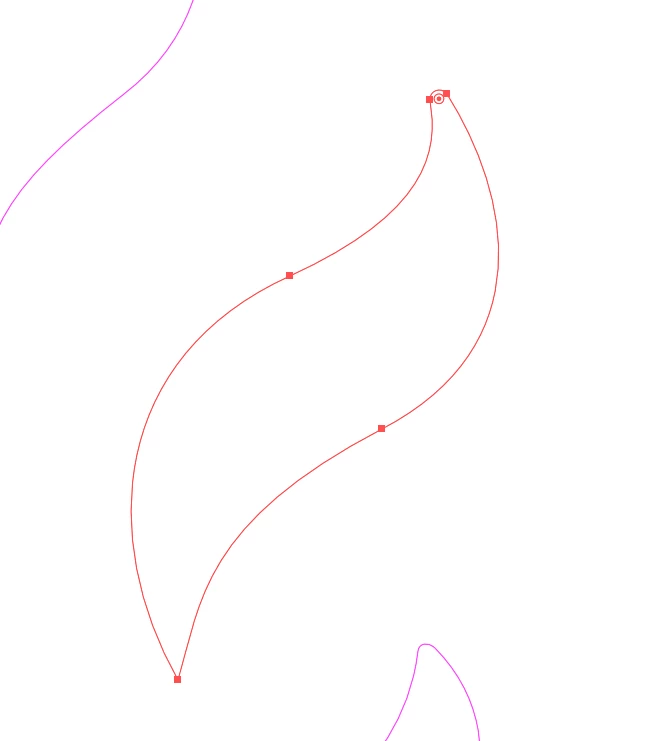
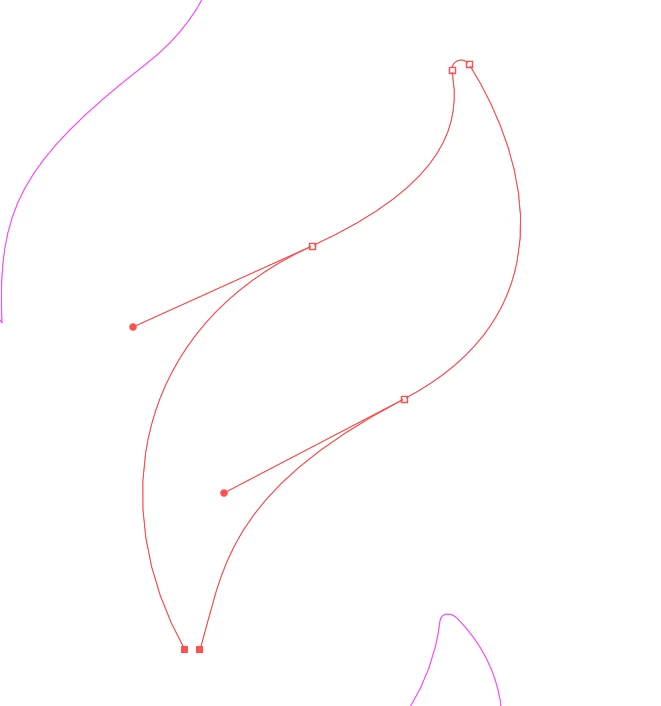
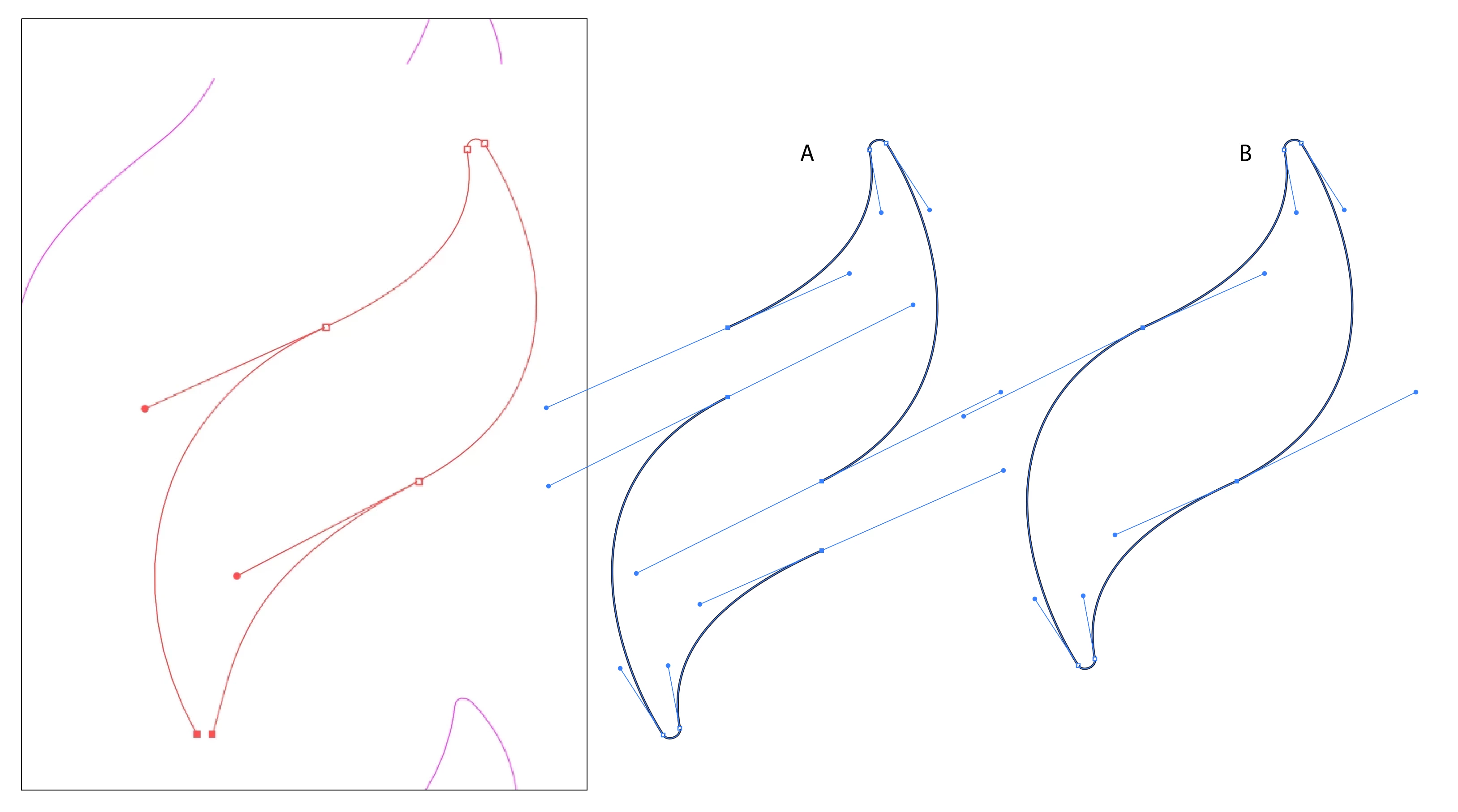
So quite simply I created a path and now I want to fuse the two anchor points at the end into one so that their handles will still be intact and the overall form of the shape doesn’t gets changed.
Like it can be seen on the upper end of the form, I want to use Illustrator’s function to create a specifically sized radius on the closed corner of a path, which so far doesn’t seems to work with two sepaerate anchor points.
Originally I used a “Merge Overlapped Anchors” script but it stopped working this morning.
All options inside Illustrator that I tried so far had no effect whatsoever, including the object>path stuff, Ctrl + J on top of tools for merging stuff and other commands.
Also for some reason the unselected paths appear purple, even though they only have a black outline and their layer is red.

 AdChoices