Participant
March 14, 2019
Answered

Merging 2 shapes

  • March 14, 2019
  • 5 replies
  • 1481 views

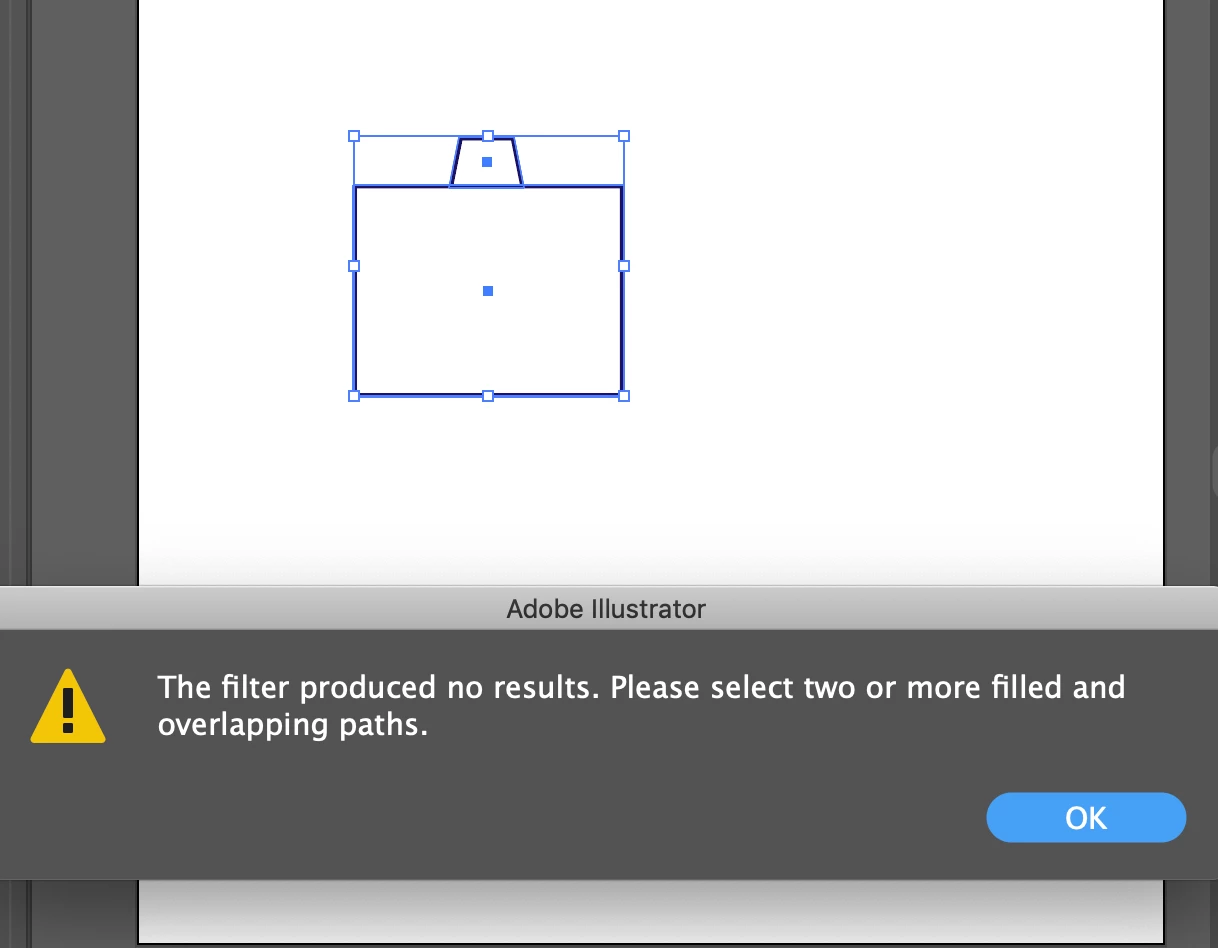
When I try to merge 2 shapes  (following a tutorial) I get an error message. The filter produced no results. Please select two or more filled overlapping paths. I am doing exactly as the Tutorial says so I don't get why this error keeps happening. What am I doing wrong? thank you

    This topic has been closed for replies.
    Correct answer Laura0268

    Yes but that's what they were saying to do in the Tutorial which was hard to see, but figured it out.

    5 replies

    meganchi
    Legend
    March 15, 2019

    It's hard to tell from your screenshot, but look in preview mode to see if the outlines of those shapes are truly touching. If not, then nudge the top shape down slightly and try using pathfinder to unite the shapes again.

    Jeff Witchel, ACI
    Community Expert
    Community Expert
    March 15, 2019

    Is it possible you can give us a link to the tutorial as well?

    Just curious, have you tried this with the Shape Builder tool (Shift+M) instead? Select the two objects, then click and drag across the two shapes to Unite them.

    Jeff Witchel, ACI
    Community Expert
    Community Expert
    March 15, 2019

    Are you using Merge in the Pathfinder panel instead of Unite?

    Working with shapes similar to yours, I can't get that error message using Unite no matter how hard I try. I've tried this with two shapes filled with white. No problem. One shape filled with a color and one not filled. One that is an open shape and one closed. Even two shapes that don't overlap at all. No error!

    As Monika asked, what exactly are you doing to get that error? Please give us a step by step description.

    Jacob Bugge
    Community Expert
    Community Expert
    March 15, 2019

    Jeff,

    Are you using Merge in the Pathfinder panel instead of Unite?

    That is how I read it, guessing that the tutorial says so, hence my question and suggestion.

    Jacob Bugge
    Community Expert
    Community Expert
    March 14, 2019

    loraleee,

    Are both path filled (hard to see on a white background)?

    How about Pathfinder>Unite (holding Alt/Option for (somewhat) older versions)?

    Laura0268Author
    Participant
    March 15, 2019

    That worked...thank you! I'm not sure why there were saying merge when they were hitting the Unite button. Sorry Newbie Here

    Jeff Witchel, ACI
    Community Expert
    Community Expert
    March 15, 2019

    Hi Lorileee,

    If an answer is correct, please mark it correct.

    Thanks!

    Jeff

    Monika Gause
    Community Expert
    Community Expert
    March 14, 2019

    Can you tell us what exactly you are doing?