
Mesh on pattern object turns the object black
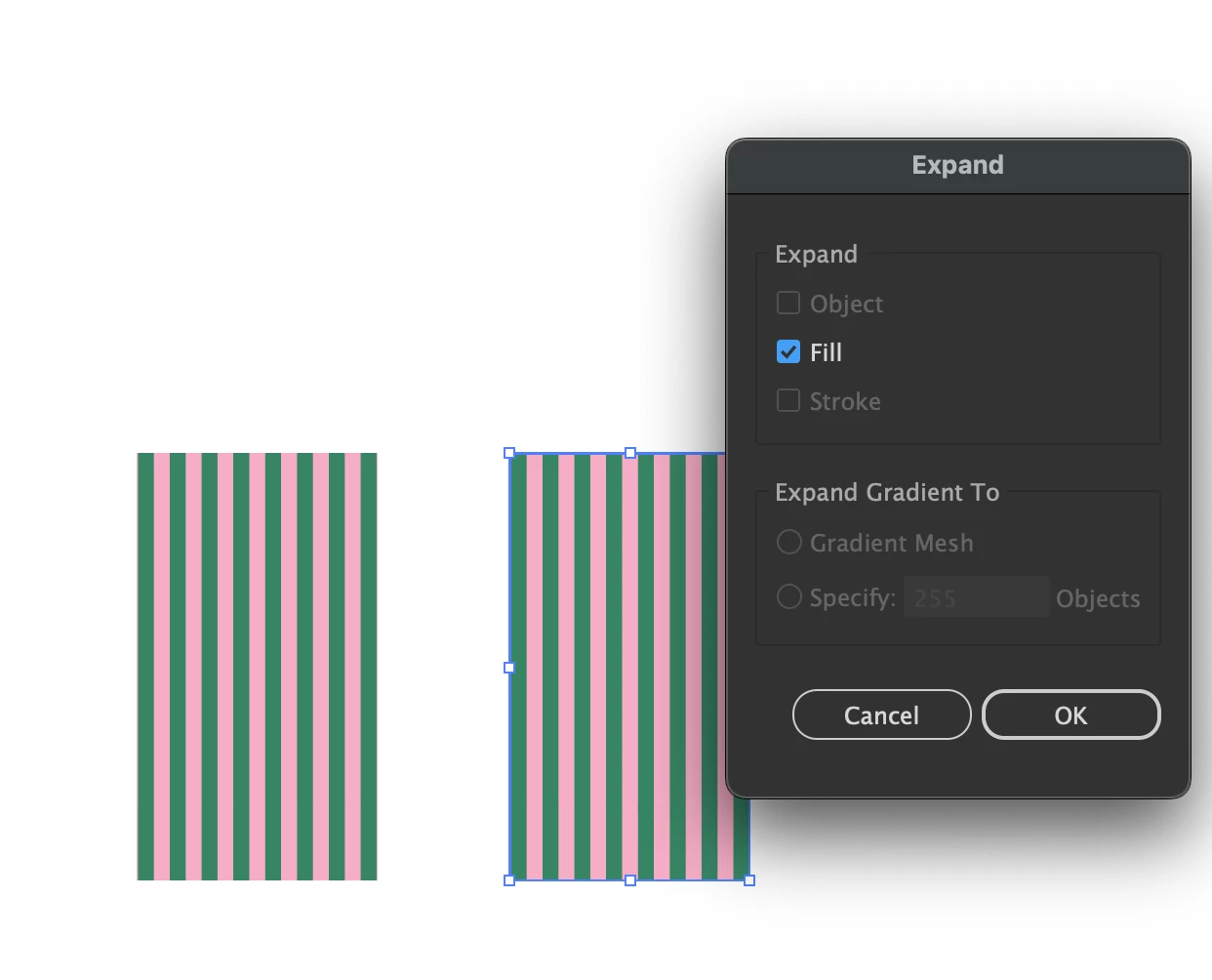
I know how to use the mesh on a gradient object, but a pattern object will turn black if you put a mesh on it. And if I try to put a pattern on a mesh object, it will not adopt the pattern even as a flat pattern.
Nor can I mesh a grouped object of vector lines since they will only edit as individuals.
As you can see from my image, I'm trying to apply a mesh to a stripe pattern. I don't care how it's achieved, only that I have a simpler way to manipulate multiple lines together without creating a bunch of gaps. If there's an easier way than creating a million new anchor points and moving them individually, I'd like to know it.
I've had to go into photoshop to manipulate an object's pattern, but if there's a way to keep working in illustrator instead of going back and forth between programs, I'd prefer to just stay in illustrator.


 AdChoices