

Question
Missing Font Dialog box is not appearing
Hi There,
Adobe Illustrator 2022 is installed both in my Office PC and Home PC. Although I can see "Missing font Dialog Box" from my Office PC but it is not showing in my Home PC for a ai file which font(s) are missing. I can that there is an option "Don't show on document open" in this warning/dialog box and perhaps I have clicked on this option in my Home PC:
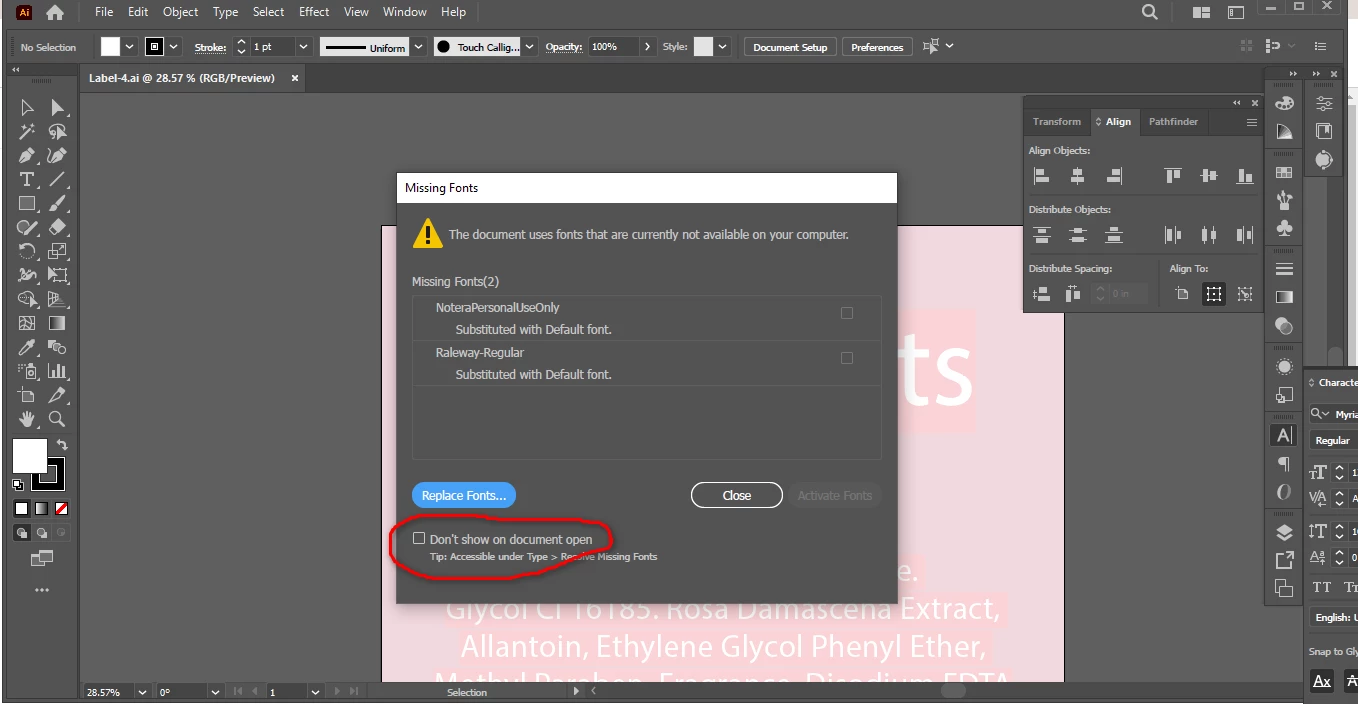
But I can't figure out an option to re-enable this option so that this dialog box can be seen with missing font information in my Home PC.
Anyone know how to enable the Missing Font Dialog Box again (for illustrator 2022)?


 AdChoices