
Participant
March 9, 2024
Answered

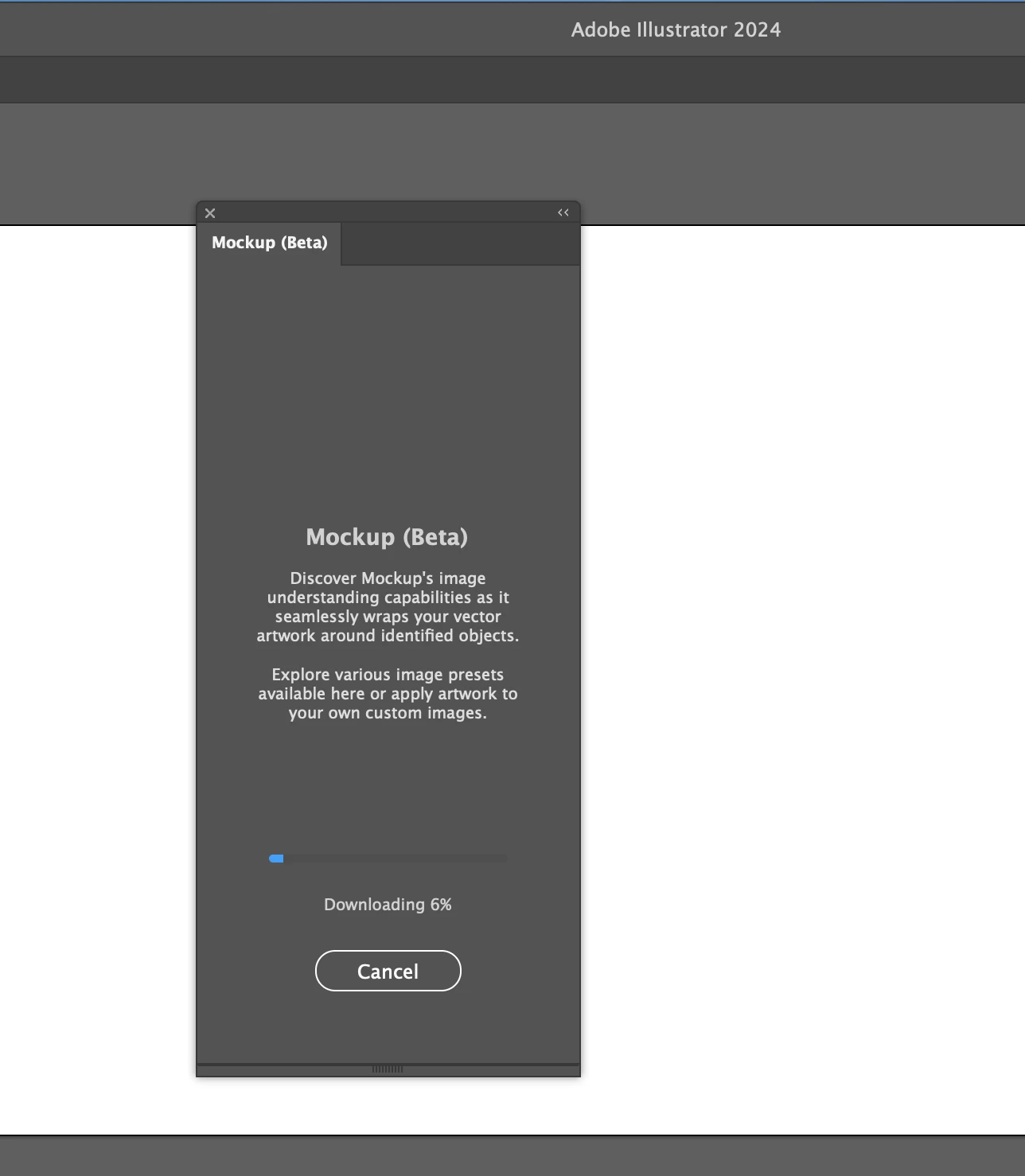
Mock Up won't download

  • March 9, 2024
  • 1 reply
  • 1681 views

I've tried 3 times.  The most recent time I let it sit overnight for 12 hours and still nothing.  It goes to 6% in a few seconds and then just stops.  If I click "cancel" then a window pops up saying "canceling" but it won't go away unless I completely close and restart Illustrator.  Any advice?  My system is an Apple Macbook Air M1 with 8 GB memory and 315 GB of available storage space.
This topic has been closed for replies.
Correct answer Jason&Creiz

Ended up being a bug in the software.  I contacted support and they had me delete and redownload a bunch of my Illustrator files and then it worked.


Thank you

1 reply

Anshul_Saini
Community Manager
Community Manager
March 15, 2024

Hello @Jason&Creiz,


I'm sorry to hear that you're experiencing difficulty downloading the mockup package in Illustrator, and I understand how frustrating it can be when the download process stalls repeatedly.


Given the symptoms you described, it sounds like there might be an issue with the download process itself, rather than your system's capabilities. Thank you for providing details about your system specifications; your Apple MacBook Air M1 should be more than capable of handling the download.


To troubleshoot this issue further, could you please try downloading the mockup package directly from the Creative Cloud Desktop app? Here's how you can do it:

  1. Open the Creative Cloud Desktop app on your computer.
  2. Navigate to the "Apps" tab and locate Adobe Illustrator in the list of installed apps.
  3. Click on the three dots (...) next to Illustrator and select "Add-ons" from the dropdown menu.
  4. Look for the Mockup feature components or any related add-ons, and try downloading them directly from there.


Please let me know if you encounter any issues during this process or if you have any other questions. I'm here to assist you further and ensure that you can access the mockup package successfully.


Best regards,

Anshul Saini

Jason&CreizAuthorCorrect answer
Participant
March 15, 2024

Ended up being a bug in the software.  I contacted support and they had me delete and redownload a bunch of my Illustrator files and then it worked.


Thank you