


Question
Modified symbols become misaligned when copied to Animate.
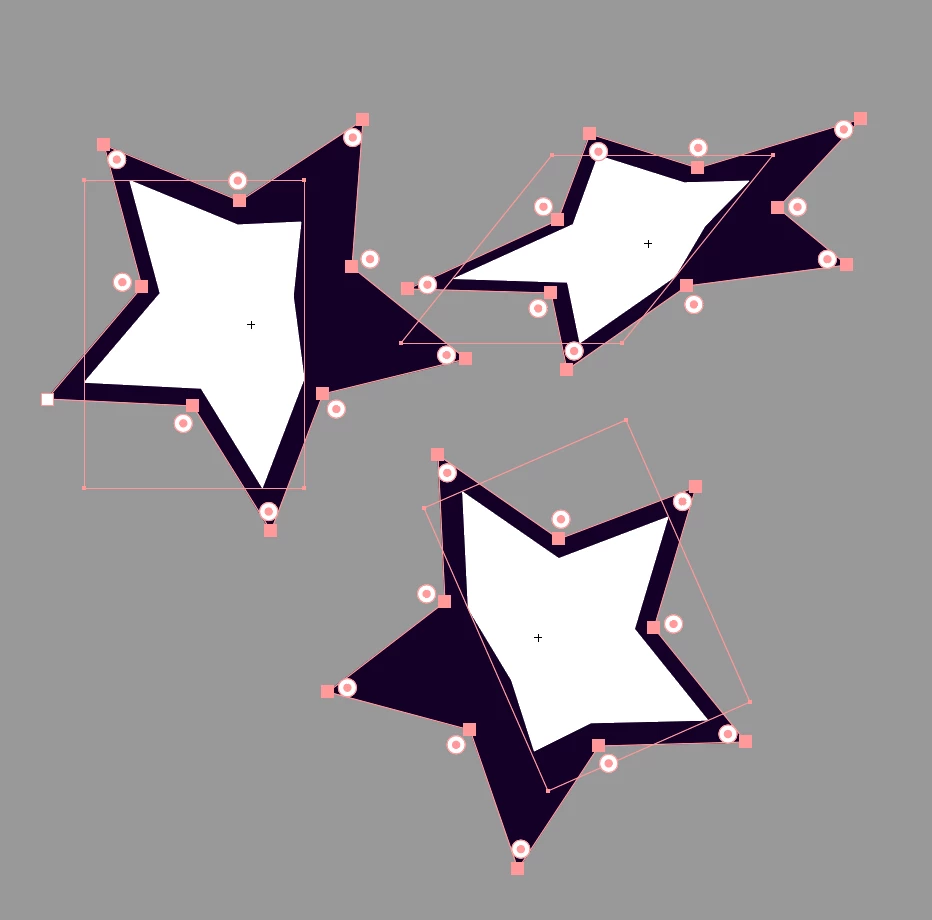
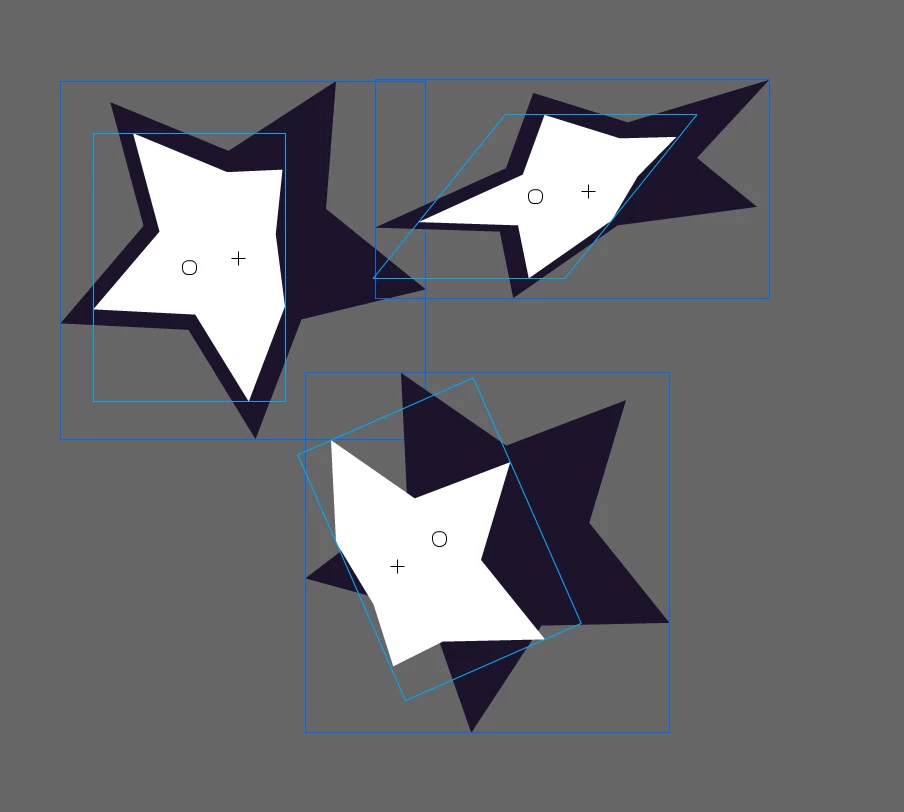
当我将图稿复制到 Animate 时,我发现某些元件未对齐。经过几次尝试,我确定了原因,这很可能与登记点有关。创建符号时,配准点位于符号的确切中心。但是,当我再次编辑符号时,我更改了它的外部轮廓,导致配准点不再位于中心。这会导致在自由变换后导入 Animate 时出现错位。
有什么方法可以确保在编辑符号时配准点保持在符号的确切中心?或者有没有其他方法可以避免这种错位?
我在将图稿复制到animate的时候发现部分符号错位了。几番尝试之后找到了原因,大概是和套版色点有关。创建符号的时候套版色点在符号正中心,之后对符号再次编辑的时候改变了符号的外轮廓,导致套版色点不处于符号的正中心,在经过自由变化后导入animate会发生错位。请问有什么办法可以在编辑符号时一直确保套版色点在符号的正中心?或者什么方法避免这种错位。
 AdChoices