Thank you for sharing, Dave.
I hope you will report on Illy as well.
MSVCP120.dll is missing, this error on windows might crash Illustrator and InDesign
Download Visual C++ Redistributable for Visual Studio 2012 Update 4 from Official Microsoft Download Center
and download Visual C++ Redistributable for Visual Studio 2012 Update 4
select VSU_4\vcredist_x64.exe(if you are on 64 bit OS) and VSU_4\vcredist_x86.exe (on both 64 bit and 32 bit OS)
once downloaded run these files
and click repair on both
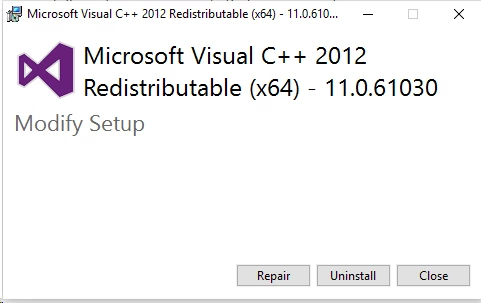
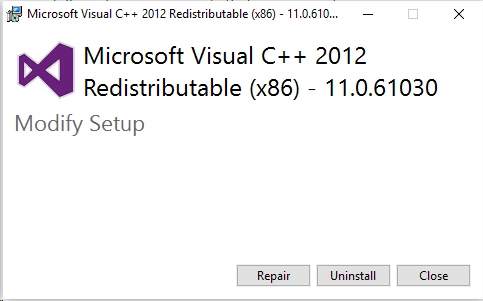
then it will ask you to restart , do not restart and download the next update
Download Visual C++ Redistributable Packages for Visual Studio 2013 from Official Microsoft Download Center
and follow the same steps
next step will be removing(delete/ rename) preferences folder(indesign/ Adobe Illustrator/Adobe Illustrator 20 Settings/Adobe Illustrator 19 Settings) from below mention locations
C:\Users\usernameAppData\Local\Adobe
C:\Users\usernameAppData\Roaming\Adobe
then restart the system
after the system is rebooted relaunch the application
Regards
Srishti



 AdChoices