
Participant
April 4, 2024
Question

multilayer creation

  • April 4, 2024
  • 1 reply
  • 129 views

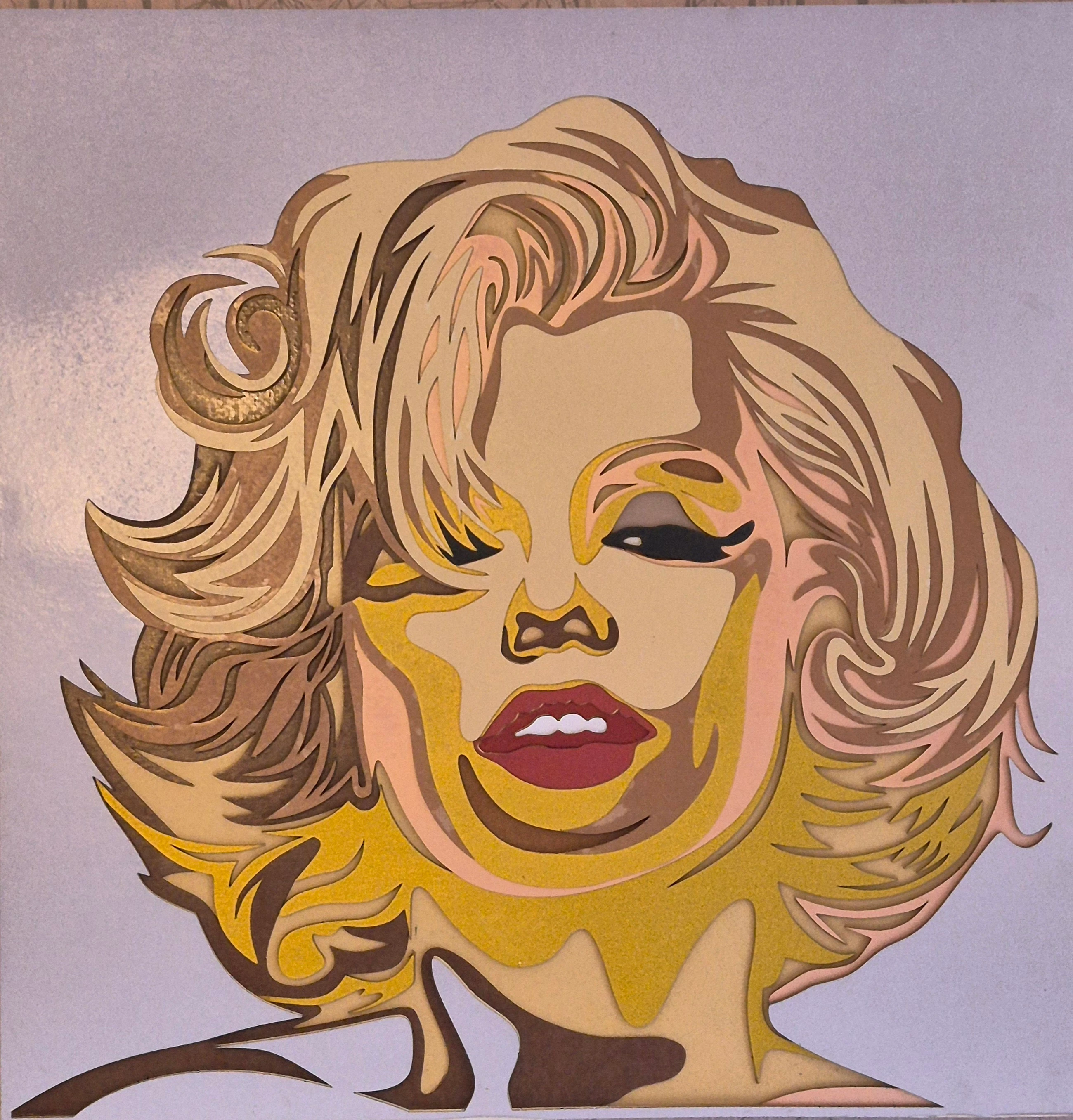
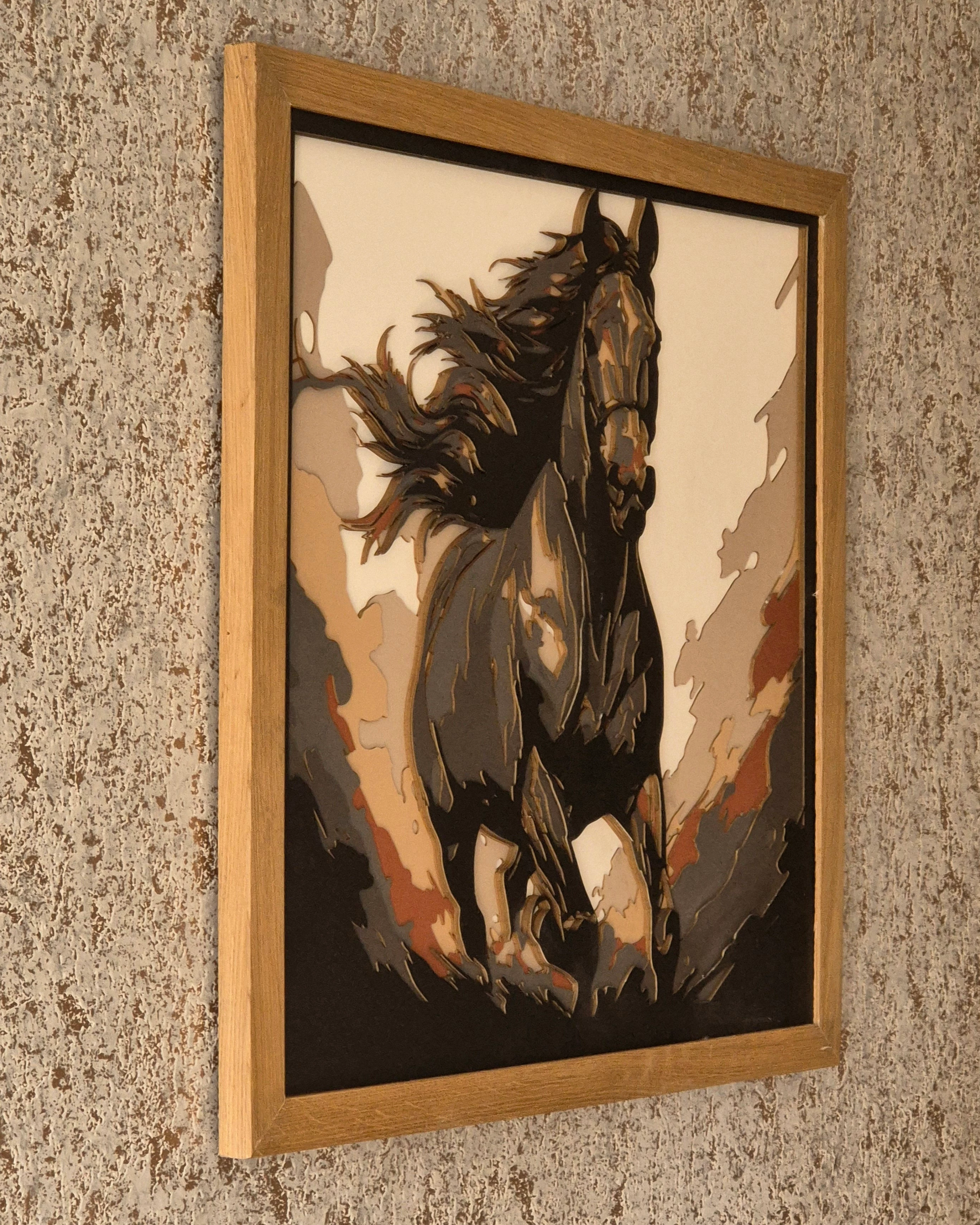
I want to be able to split an image down into its constituent colours, say 6 minimum and 10 maximum. to enable me to create that image, on a laser cutter, using multiple layers of coloured paper or card. Can anyone give me any pointers, please? Se attached image on the end result. Many thanks 
This topic has been closed for replies.

1 reply

Monika Gause
Community Expert
Community Expert
April 4, 2024

You can try and do that in Image Trace. You might not like the result. And then you have to do it manually.

Here's a video about tracing limited amounts of colors: https://youtu.be/WnkCzWBP8mw

After tracing you might need to isolate the colored shapes to put them on different layers (depending on the specifications you need for the plotter. Use Select > Same > Fill color for that.