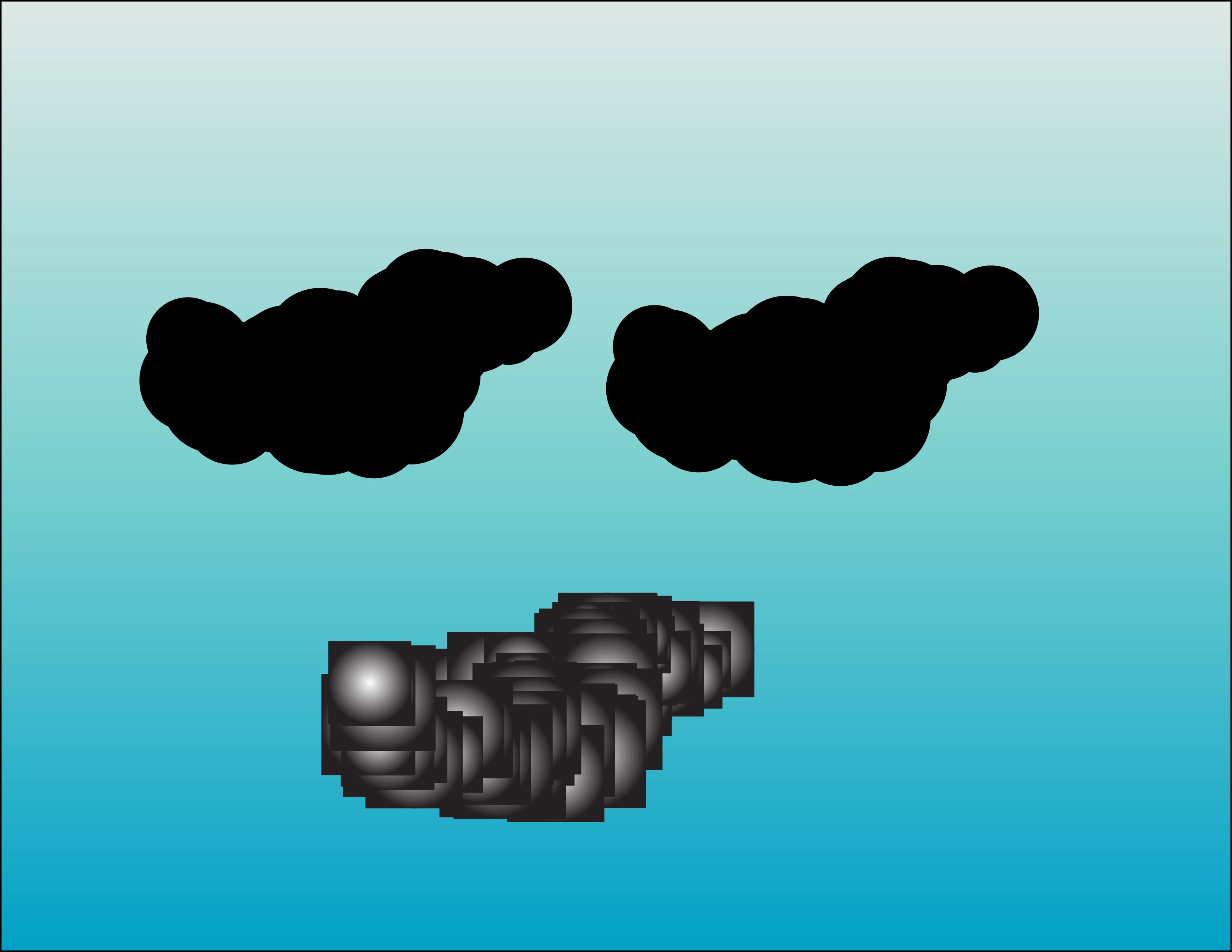
The problem seems to be that in the current version of Illustrator the no-stroke, no-fill rectangles that are formed when the brush is created are not deleted by the Expand Appearance process as they were at the time the tutorial was created.
1) Follow the instructions in the tutorial for making the Art Brush, drawing a path, Expand Appearance, and Ungroup. Do not apply gradient.
2) Make sure that Smart Guides are turned on (View menu > Smart Guides or cmd/ctrl + U).
3) Choose the Direct Selection Tool (white pointer) and drag it close to the cloud shape. When a square outline appears under the cursor, click on it.
4) Go to the Select menu > Same > Fill & Stroke, then delete the selected squares. If the circles disappear, undo and be sure to select only a square, not a circle!
5) Select the circles forming the cloud shape and proceed with the tutorial.
Peter


 AdChoices