yuponteek
Participant
November 1, 2018
Question

My illustrator CS6 file is corrupted

  • November 1, 2018
  • 1 reply
  • 163 views

Hi,

I got this issue on image below. How can I repair or edit file for this issue?
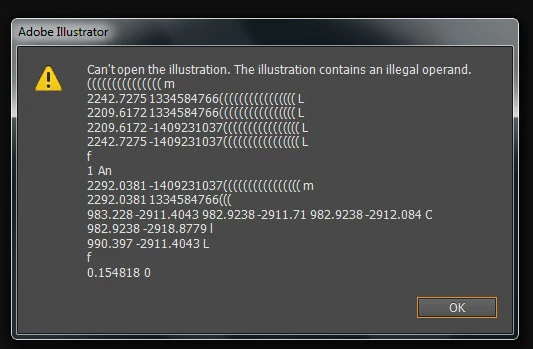
I already tried to open file in Adobe Acrobat but some pages is corrupted too.

Can anyone to share with me that is this issue happens from?

Thank you

This topic has been closed for replies.

1 reply

Monika Gause
Community Expert
Community Expert
November 1, 2018

If the file is still on server: frist copy to your harddisk then open.

Since you can open the file in Acrobat:

Create a new file in Illustrator and place your file in it. Embed. Save from this whatever you can.

In case you have some backup running on your computer: open the backup. In case you don't have a backup running: why not?

Then there are recovery services online that might or might not be able to recover the file, but that's basically it. They are ot for free.