
jneydew14040192
Participating Frequently
October 30, 2019
Question

My illustrator file black strokes are grey as a PDF. How do I change them to pure black?

  • October 30, 2019
  • 3 replies
  • 1373 views

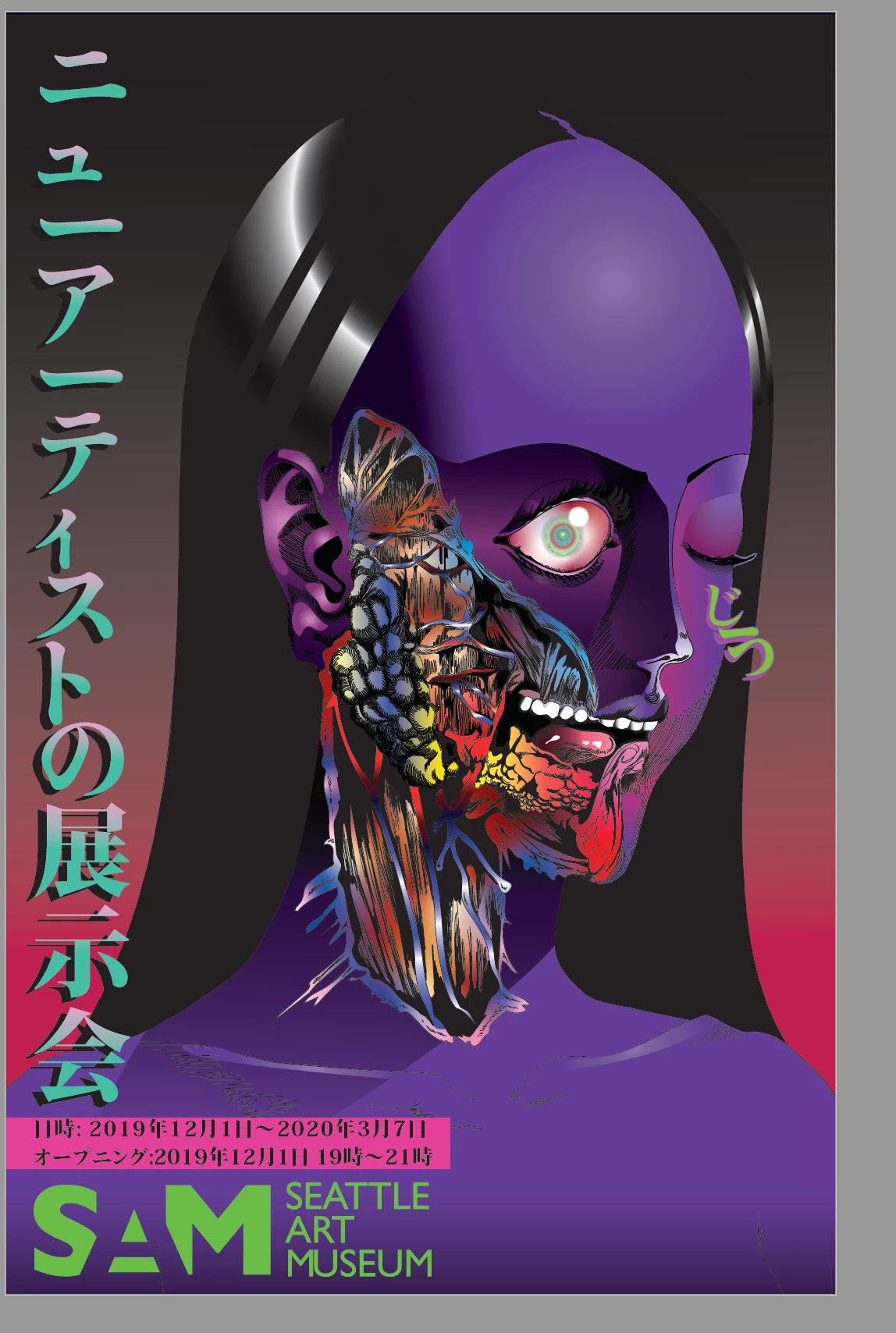
My drawing is in color, but the black strokes come out as grey. This is the jpeg one so you can see how its suppose to look.This is an assignment due tomorrow so can anyone please save me ASAP?!


This topic has been closed for replies.

3 replies

ceyhun_akgun
Legend
October 30, 2019

Do you check Fime / Document Setup?

Here, it is possible to give color to the background. Must be white. If you have given color, the screen may appear in this way.

Graphic Designer Educator / PrePress Consultant
Monika Gause
Community Expert
Community Expert
October 30, 2019

Can you check with the print preview in Acrobat if they just look grey or if they are grey? The color values would be important.

Sebastian Bleak
Community Expert
Community Expert
October 30, 2019

Hi, would you be able to provide us with a screen shot of your entire screen? Sometimes that helps us find the issue. Also would you be able to point out the lines that are supposed to be black? Thank you!