

psummerfield
Known Participant
November 13, 2022
Answered

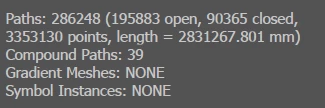
My illustrator file has 286248 paths & 3353130 points.. help to make illustrator more effiencent..?
  • November 13, 2022
  • 1 reply
  • 830 views

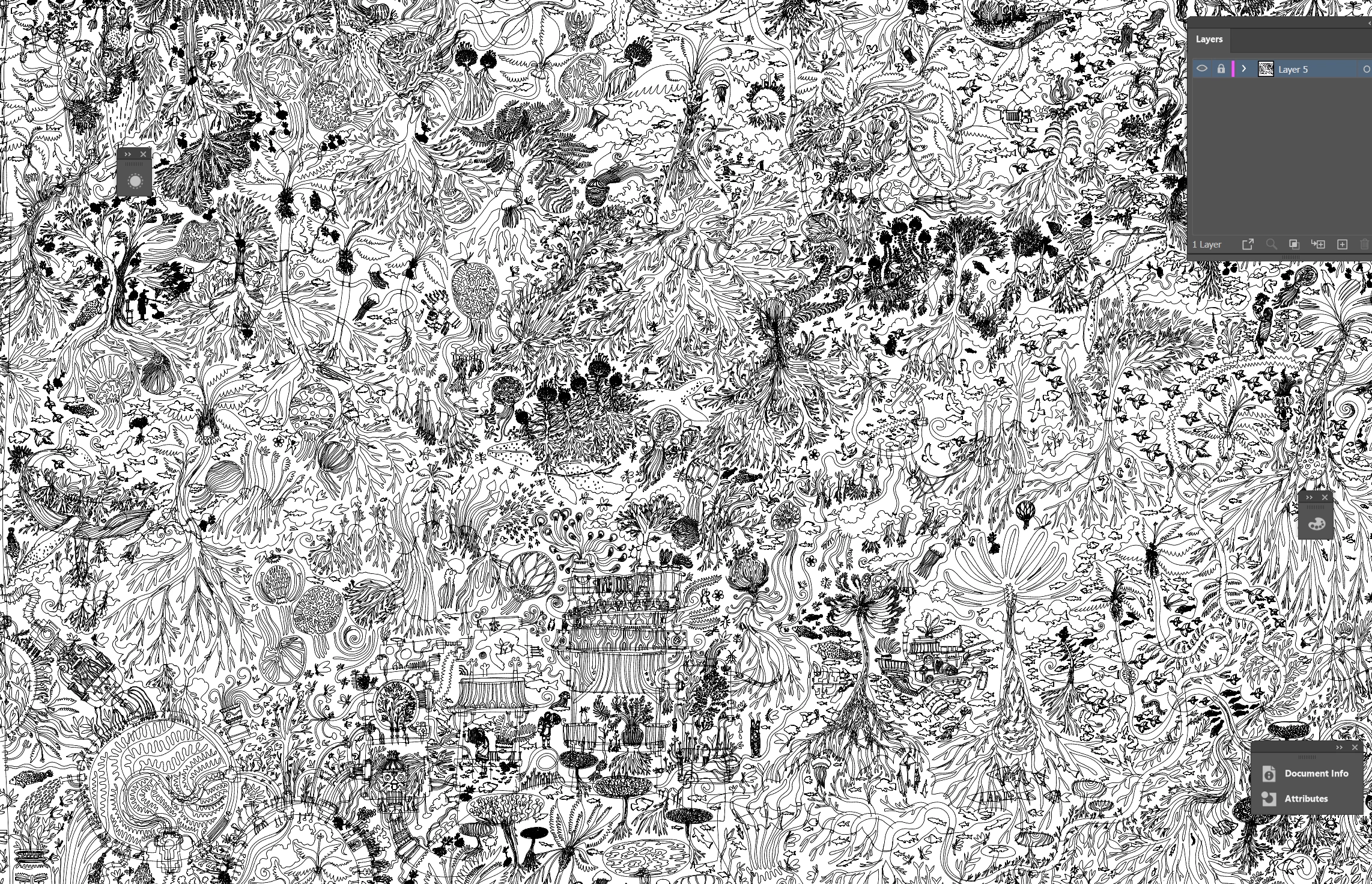
This is my file... and illustrator is running really slow and I really need to make it faster to work on this file to finish. I honestly don't know who to turn to at this point, since it seems this a really nice issue to have.


My file doesnt contain fonts, colours. Only black, white, and greyscale objects (which is news to me lol)


Is there any adobe devs on here who could help me make illustrator run better?
 

This topic has been closed for replies.
Correct answer CarlosCanto

working in outline mode is a total mind trip... not really possible in my case.. lol....... but maybe its possible... since it doesnt look like i have alot of other options.... hiding it might work too..... or taking a screenshot, and linking it toanother file could work too... ..


lol, ok you can also toggle Outline view on/off on individual layers. Move only the portion you're working on to a separate layer and switch Preview off on all other layers

1 reply

CarlosCanto
Community Expert
Community Expert
November 13, 2022

can you share the file to analyze?

psummerfield
Known Participant
November 13, 2022

unfortunately not. I have spent the past 2 years on this artwork, I need to keep the file off the internet. I can provide a screenshot... so you get the idea. Is there any way to disable parts of illustrator which I am not using in this file?


CarlosCanto
Community Expert
Community Expert
November 13, 2022

damn that's kind of busy, nice work.


perhaps you could reduce points (Object->Path->Simplify...) but that sometimes comes with some distortion if you remove too many points. It might not help you much though.


To your second question, yes, you could hide the paths you're not working on, the screen should refresh faster and let you work.