MQLiu
Participant
August 30, 2017
Answered

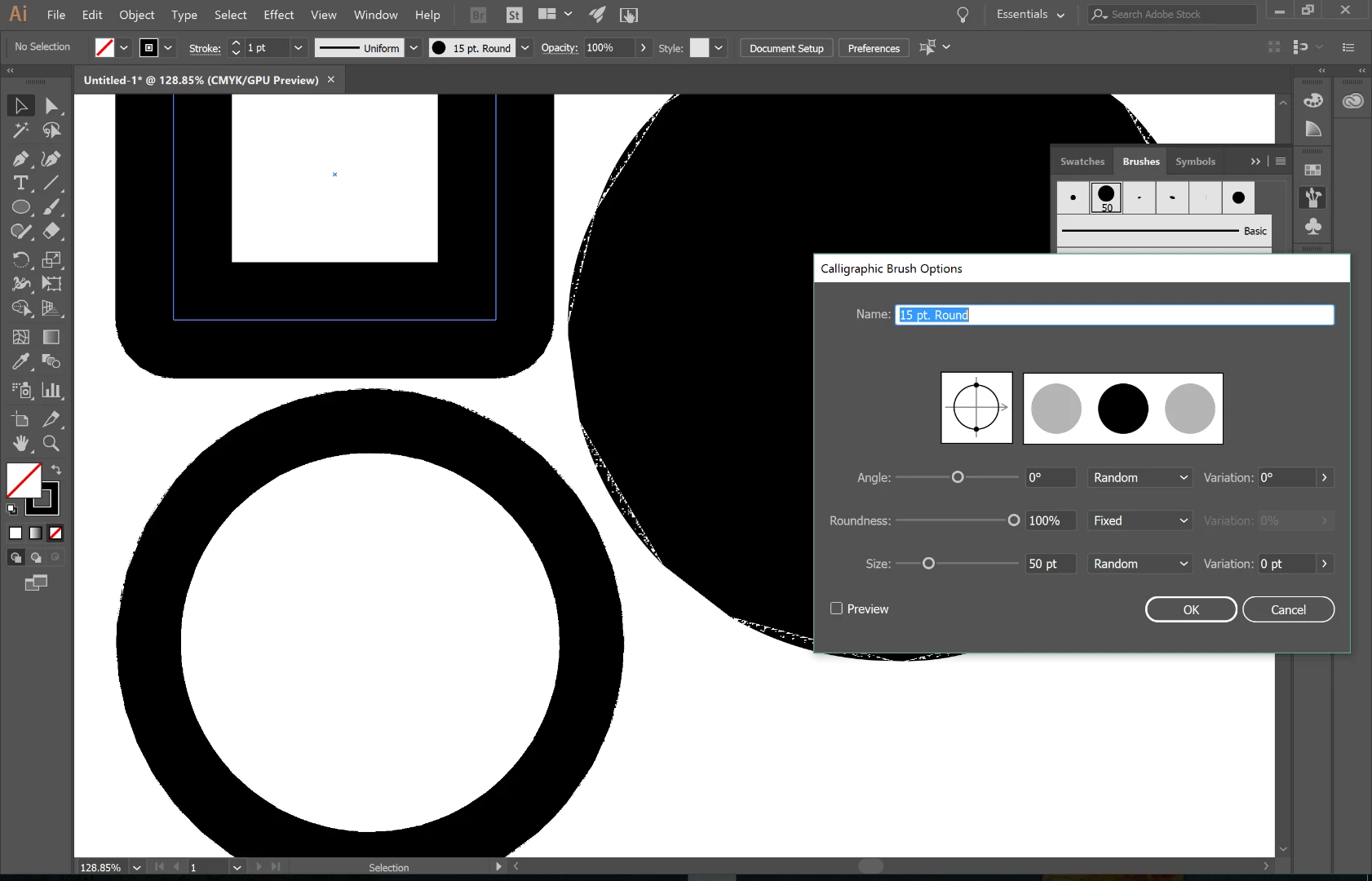
My illustrator stopped giving me smooth edges all of a sudden.

  • August 30, 2017
  • 2 replies
  • 749 views

I don't know how I can describe the edges showing in my illustrator, they are just not smooth anymore. But with the same file, they show perfectly normal in my friend's Illustrator. I tried uninstall and re-install it, but it didn't recover. What can I do? Anyone else had the same problem?
    This topic has been closed for replies.
    Correct answer Ton Frederiks

    And try to update your video card driver:

    https://illustrator.uservoice.com/forums/601447-illustrator-bugs/suggestions/20444446-font-edges

    2 replies

    Ton Frederiks
    Community Expert
    Ton FrederiksCommunity ExpertCorrect answer
    Community Expert
    August 30, 2017
    MQLiu
    MQLiuAuthor
    Participant
    August 30, 2017

    Thank you too!

    Ton Frederiks
    Community Expert
    Community Expert
    August 31, 2017

    Glad to hear you've got it solved.

    Monika Gause
    Community Expert
    Community Expert
    August 30, 2017

    Try View > Preview on CPU

    MQLiu
    MQLiuAuthor
    Participant
    August 30, 2017

    OMG, that's so simple! Thank you! RESPECT!