Participant
October 9, 2022
Question

my ilustrator keeps glitching

  • October 9, 2022
  • 2 replies
  • 192 views

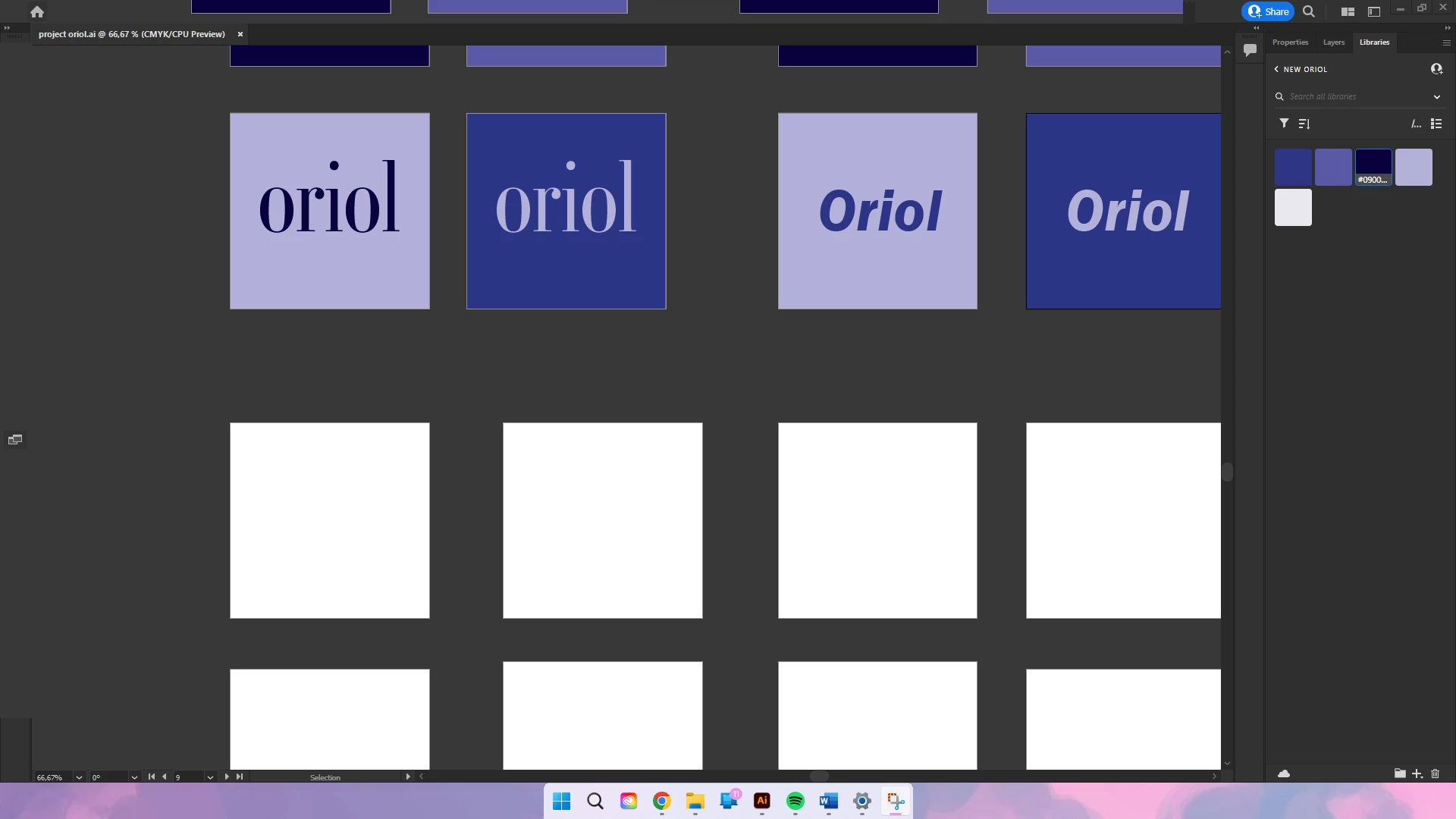
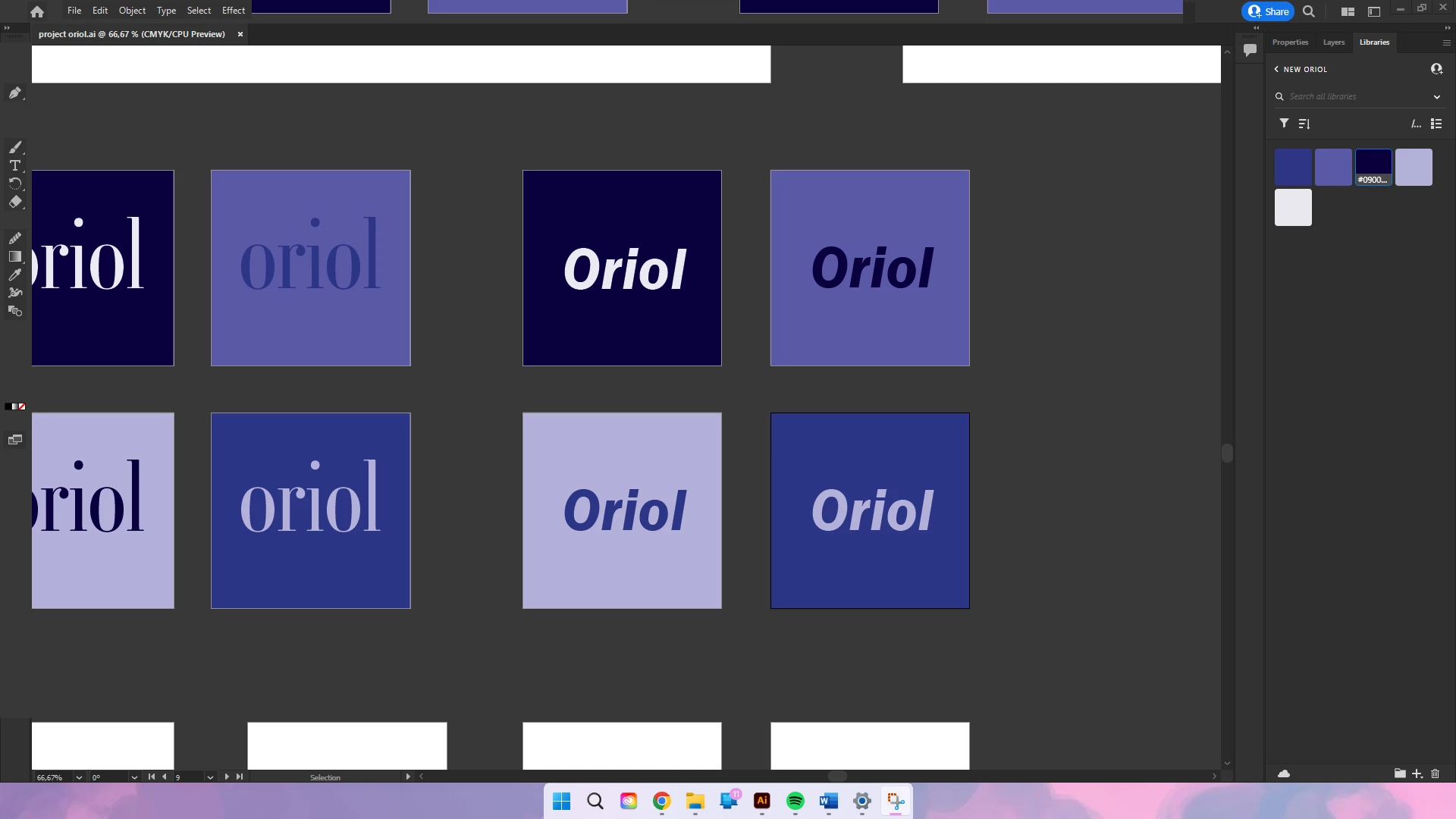
When I work, after a few minutes, I lose every tool and i even disabeld the  gpu and i dont no what to do can someone help me fix this
This topic has been closed for replies.

2 replies

Community Manager
October 10, 2022

Hello @Zicee,


Sorry to hear about this experience. Would you mind checking if Illustrator also behaves this way with other files? If yes, kindly try resetting Illustrator's preferences by following the steps shared in this article (https://helpx.adobe.com/illustrator/kb/troubleshoot-preference-issues.html) and sharing your observations.
Disclaimer: Please note that resetting preferences will remove all custom settings, and Illustrator will launch with the defaults. You may take a backup of these settings from the location mentioned in the article.


Also, try updating the GPU drivers, rebooting your computer, and relaunching Illustrator to check if it helps.


Looking forward to hearing from you.


Thanks,

Anubhav

Monika Gause
Community Expert
Community Expert
October 9, 2022

Which version and system is it?

Please tell us the specifications of your computer.

Did you already reboot the system?

ZiceeAuthor
Participant
October 9, 2022

i have the newest version (illustrator 26.5)

as for my computer i have the HP PAVILION WAVE desktop with 


Intel(R) Core(TM) i5-6400T CPU @ 2.20GHz 2.21 GHz

8GB DDR4 RAM

128GB SSD + 1TB HDD

Systeemtype x64-based PC

with windows 11


Monika Gause
Community Expert
Community Expert
October 9, 2022

8 GB of RAM is just the bare minimum of  RAM for Illustrator. Recommended is 16 GB, more is better.
