
My libraries aren't showing ANYTHING at all in Adobe Illustrator
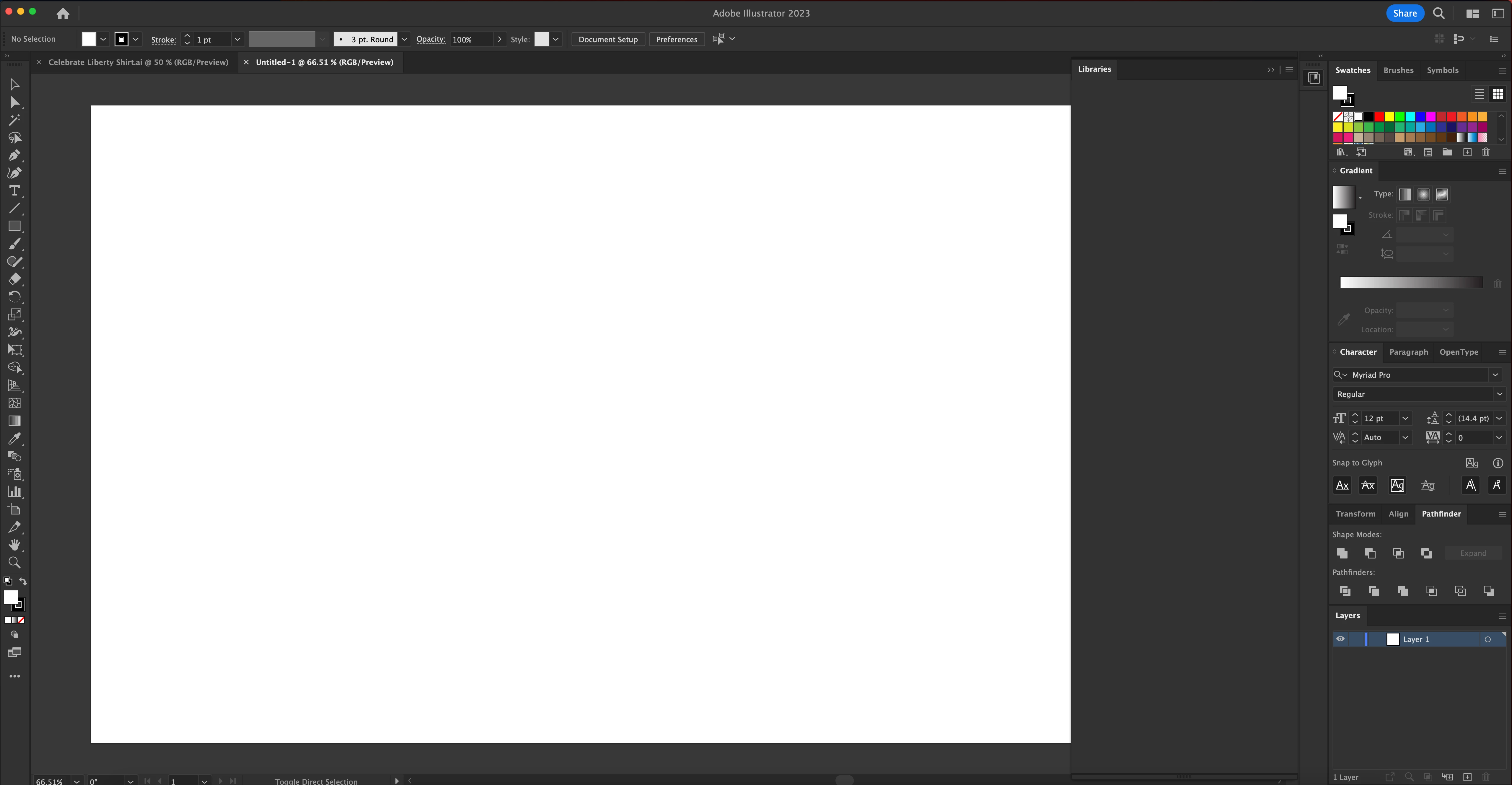
So in all other apps my Libraries show, but specifically in Adobe Illustrator, after updating, closing out, deleting, re-installing, re-starting, clearing cache, and MORE, it's still not showing. It shows a very breif black screen as though it's about to load and then just cuts to gray, unclickable, nothing to be done, not even an error message. Even to the point where when I click a vector in photoshop's library to pull up the file to edit or alter, it doesn't even pull up in illustrator.
I have done everything I've seen on other multiple forums and spent 3 hours on the phone with adobe and nobody seems to have an answer as to why this is happening. I'm hoping by posting about it here I can finally find an answer and help resolve my issue so I can finally use libraires again for my full time job.
Having to work around and save out logos to seperate files is exhausting in my line of work, I need access to my database.
As mentioned I can use all parts of libraires as smart objects in other programs but when I try to open them in illustrator in any capacity it opens the window of the program and does absolutely nothing.
Hope someone can help!


 AdChoices