

my pixel perfect pattern swatches don't display accurately.
Over the last couple of years, I have developed a lot of pixel perfect pattern swatches for various reasons. halftoning in screen printing being the primary one. Since the most recent update, 23.0.1, I have not been able to find a way to get them to display properly.
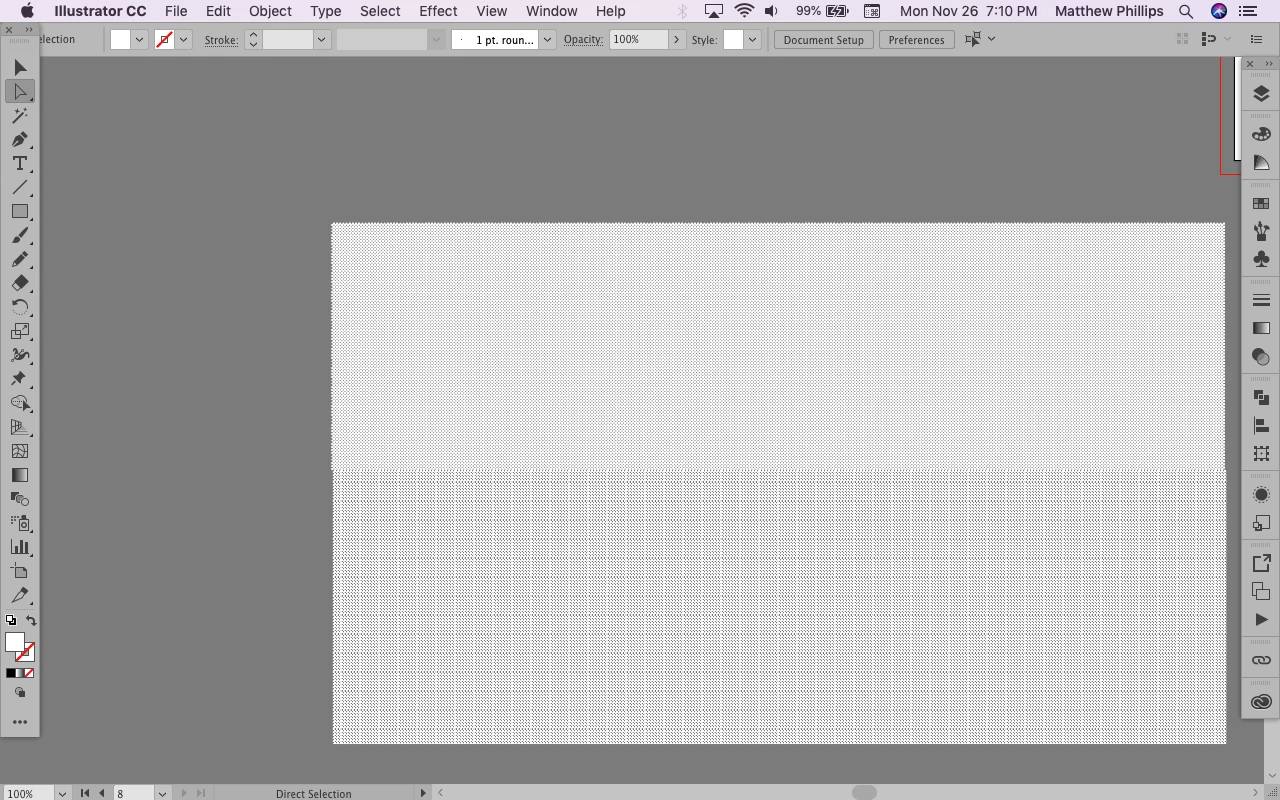
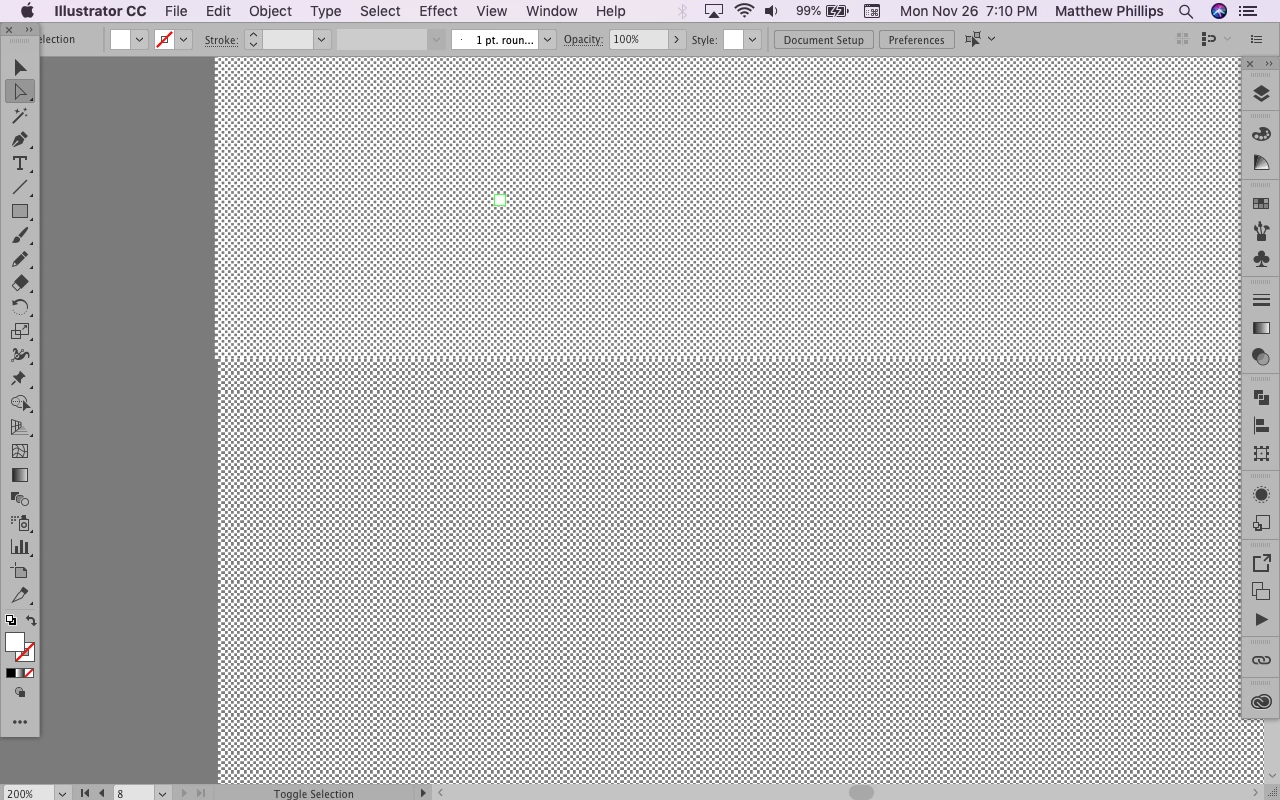
my units are pixels, my grid is 1 pixel, I make a rectangle which is aligned to the grid, the pixels of the pattern swatch are aligned to the grid, but when I zoom out to less than 400%, I get that plaid effect. this is an extremely simple pattern swatch, a 2x2 pixel checkerboard. as you can see on the last picture, they are both completely aligned with the grid, and I assure you, the grid is 25 pixels, with 25 subdivisions. The difference between the top and the bottom is that on the top, I took the swatch definition and tiled it manually by copying and pasting it, and the bottom is just a rectangle with the pattern swatch as the fill.
Even at 100%, the top has a noticeable pattern, which is very annoying when dealing with subtle gradations of halftones going from 36/36 to 1/36 pixels. I really have no idea what happened, except that I updated to the most recent version. Which I guess is my fault.

 AdChoices