marcelab70162871
Participant
July 24, 2020
Question

My vectorised watercolour painting gets blotchy and looses the watercolour details

  • July 24, 2020
  • 2 replies
  • 219 views

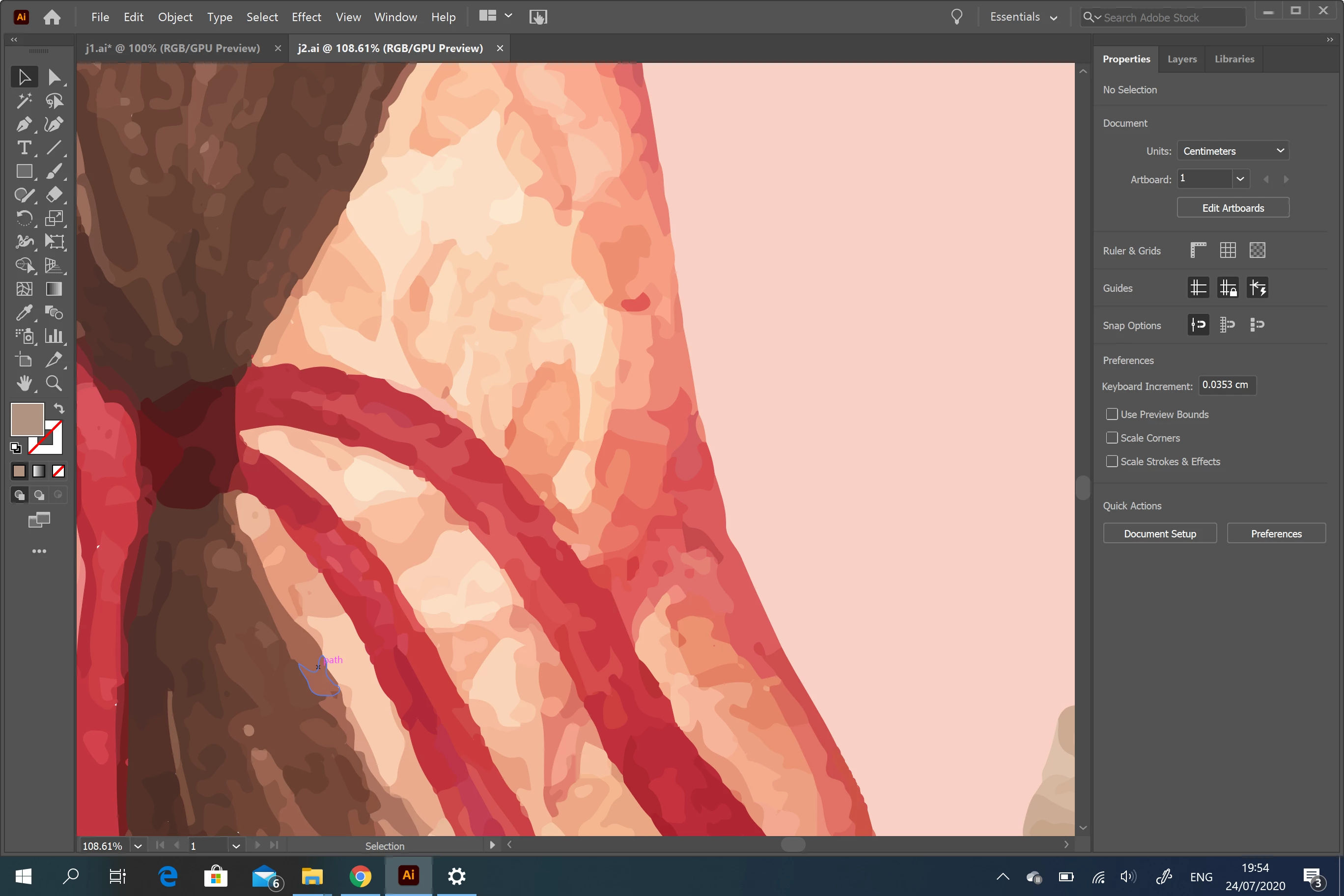
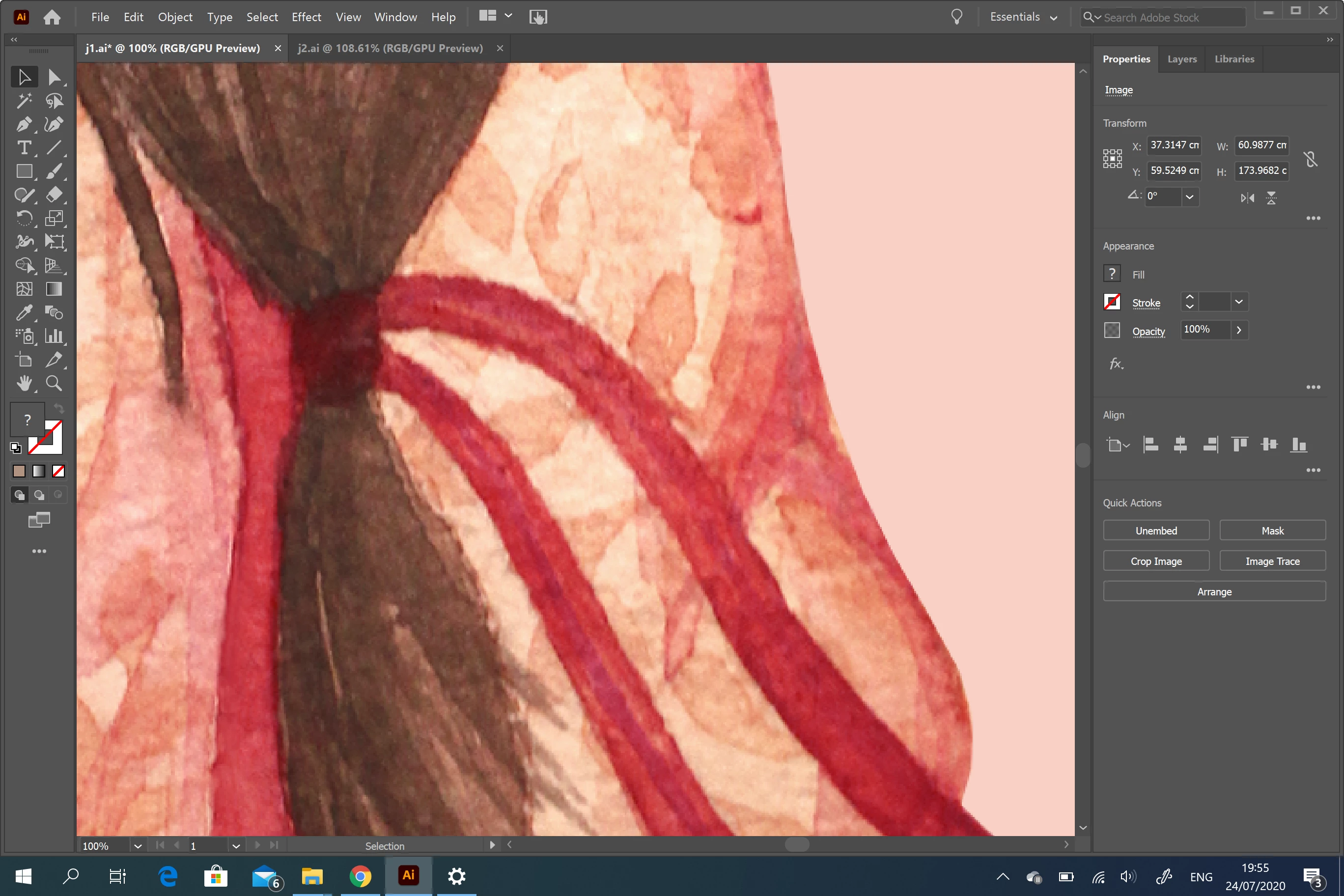
I am relatively new to AI so apologies for potentially a dumm question. I need to turn a watercolour painting into a large scale textile product print. I have the original watercolour and when I vectorise it, it groups colours / tones together and becomes blotchy, loosing the finery of watercolour painting so at large scale, it looks like 'paint by numbers'. How do I vectorise a painting to scale-up without becoming so patchy?


Vectorised :
 

Watercolour:
 

This topic has been closed for replies.

2 replies

Ton Frederiks
Community Expert
Community Expert
July 24, 2020

Michele is right, you will never get all the subtle watercolour details when vectorizing it.

Try to find out what resolution you need at the size you want it printed on textile (you will lose some fine detail anyway) and use Photoshop.

michelew83603738
Community Expert
Community Expert
July 24, 2020

Using the tracing functions on something like a watercolour image is not likely to produce a good clear image, unfortunately. Tracing works best on simple shapes and forms. But you could get better results by scanning in an extremely high resolution image. The problem is that you will have to have a computer with a ton of RAM, anchor points galour - a nightmare. This really isn't what this function is for I'm afraid. Something like this you would want to learn how to repaint, which will take mastery of various watercolour paint brushes. But if you are trying to create a textile print, I would think that perhaps sticking to Photoshop and working with Index colors would be your best bet anyway.