


Participant
September 21, 2022
Answered

Não consigo aceitar os termos de uso do Adobe Illustrator

  • September 21, 2022
  • 5 replies
  • 7721 views

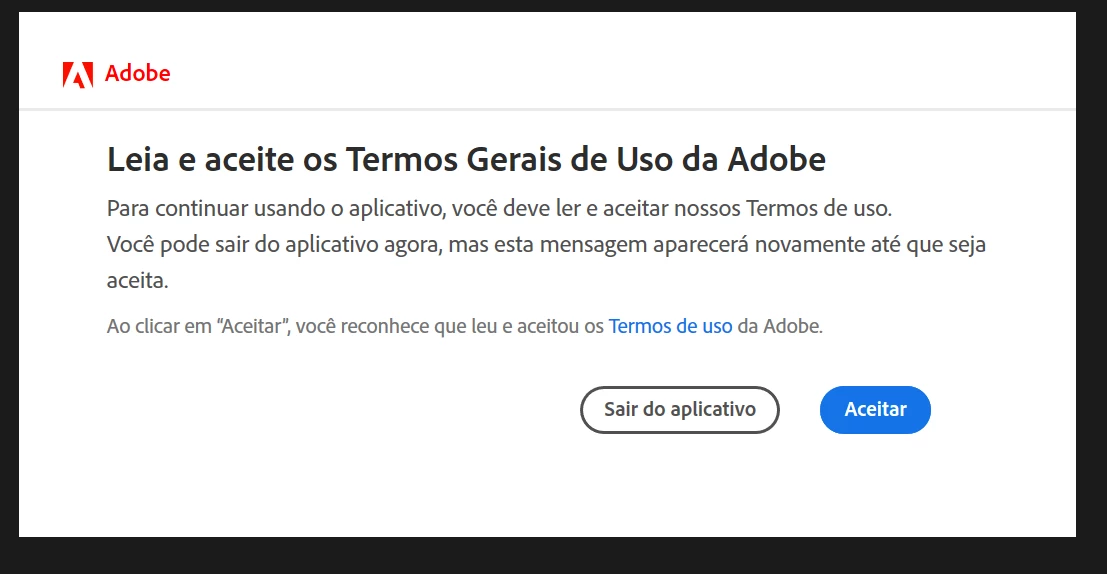
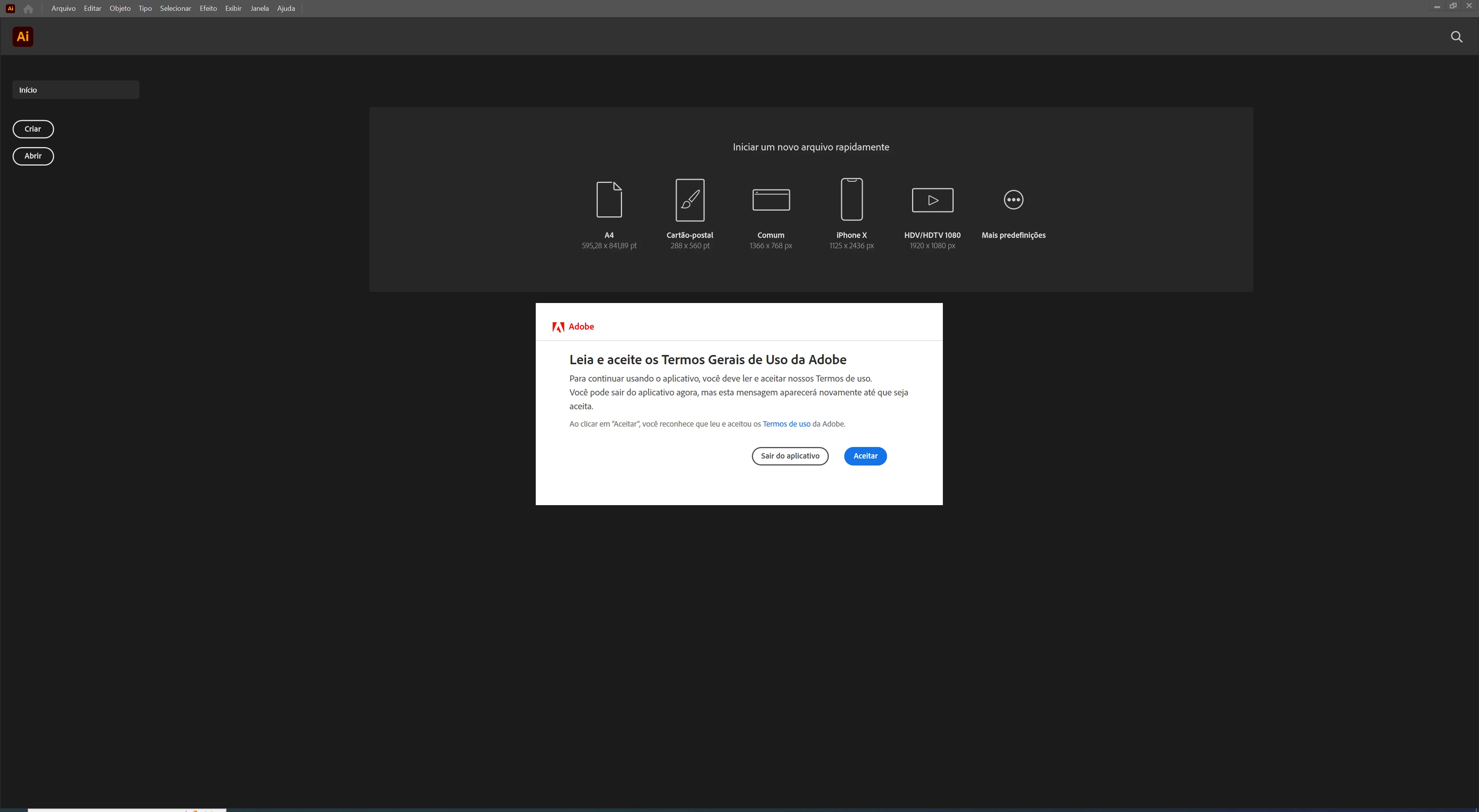
O meu Illustrator estava funcionando corretamente. Porém quando fui abrir ele, ele pede para aceitar os termos de uso. Porém eu não consigo clicar em ACEITAR é como se estivesse congelado. Já reinstalei diversas vezes. Sem sucesso. Alguém sabe como corrigir?
 

Correct answer LenoIllust
  • Eu consegui resolver de uma forma simples. Ao invés de usar o mouse, usei a tecla TAB e a tecla enter e foi kk.
  •  

5 replies

Participant
November 27, 2023

estou com o mesmo problema

Anubhav M
Community Manager
Community Manager
January 13, 2024

Hello @GILSON33891565981t,

Sorry to hear about your experience. Would you mind trying to manually reset Illustrator's preferences and checking if it helps:


For macOS

• Close all Adobe applications.

• Go to the following locations

• ~/Library/Caches

• ~/Library/Application Support/Adobe

• ~/Library/Preferences

• Rename Adobe Illustrator, com.adobe.illustrator and Adobe Illustrator 28 Settings folders to Adobe Illustrator.old, com.adobe.illustrator.old and Adobe Illustrator 28 Settings.old

• Launch Illustrator from the Creative Cloud.


Note: Location starting with this "~" sign indicates the User Library, which is hidden. So, you need to copy & paste the exact path in spotlight search or from Finder Menu > Go > Go to Folder > Paste the location in the dialog box like this:


For Windows

- Close all Adobe applications.

- Go to Location C:\Users\%USERPROFILE%\AppData\Roaming\Adobe

- Rename Adobe Illustrator and Adobe Illustrator 28 Settings folders to Adobe Illustrator.old and Adobe Illustrator - 28 Settings.old

- Relaunch Illustrator from Creative Cloud


Disclaimer: Please note that renaming preferences folders will remove all the custom settings, and Illustrator will launch with default settings. You can also save a backup of the folders in case you want to. The location is mentioned above.


Looking forward to hearing from you.


Thanks,

Anubhav

Participant
April 30, 2023

C (ou unidade com o aplicativo instalado) :\Users\(seu nome de usuario)\AppData\Roaming\Adobe
dentro da pasta adobe procure e renomei a pasta UXP   para UXP.OLD


Participant
October 8, 2022

Também estou com o mesmo problema. Fiz o que pediram porém nao funcionou. Alguma ajuda?


Anubhav M
Community Manager
Community Manager
October 18, 2022

Hello @Clara244914887kjk @Eager_society15A8,


Sorry to hear about this experience and for the late response. Would you mind trying the suggestions shared in this community post (https://community.adobe.com/t5/download-install-discussions/repeatedly-asked-to-accept-license-agreement/td-p/5251779) and checking if it helps?


Looking forward to your response.


Thanks,

Anubhav

Participant
September 28, 2022

Estou com o mesmo problema e não consigo resolver. Alguém poderia me ajudar?

Fiz o que estava abaixo e não deu certo.

Anubhav M
Community Manager
Community Manager
September 21, 2022

Hello @FMídia2622283813vl,


Sorry to hear about this experience. I would request you try the following steps and check if it helps:

  1. Close all Adobe applications.
  2. Rename the UXP folder to UXP.old from C:\Program Files\Common Files\Adobe\UXP
  3.  Relaunch Illustrator


Also, try resetting Illustrator's preferences by following the steps shared in this article (https://helpx.adobe.com/illustrator/kb/troubleshoot-preference-issues.html) and sharing your observations.
Disclaimer: Please note that resetting preferences will remove all custom settings, and Illustrator will launch with the defaults. You may take a backup of these settings from the location mentioned in the article.

Looking forward to hearing from you.


Thanks,
Anubhav