
Answered
Need Help to make this kind of shape

There are a few different ways to create a shape like you show. I would start with a 2" Ellipse...

then join all of the ends...
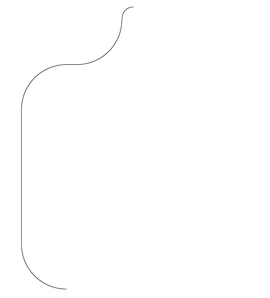
select all > Copy / Reflect....
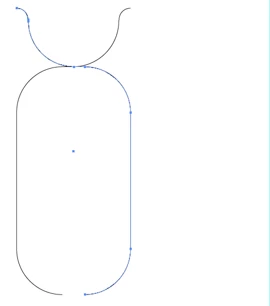
move copy to the right and join the ends at the top and bottom > add a circle at the top and an anchor point at the bottom center...
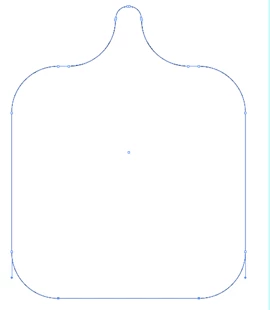
should look sommething like this...
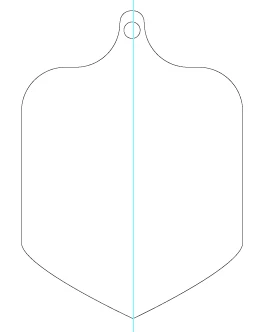
which is your dieline. Now you need to offset path for the bleed ( offset path > copy ). For the border, create another offset path ( only smaller ) and cut it to match. Be aware that copying a shape infringes on copyright, so might be better to contact the food vendor and see if you can get permission to use their dieline or see if there is a template somewhere out there you can legally use. At a minimum, get permission to create your own which is a derivative.
Already have an account? Login
Enter your E-mail address. We'll send you an e-mail with instructions to reset your password.
 AdChoices