
Need help with any possible ways to edit the edges of hard black lines from vector scanned drawing
I've always wanted to be able to take my black and white traditionally done drawings and scan them to be able to vectorize them and make them smooth, crisp, high quality, and to be able to edit and manipulate them yet still be able to hand draw it. So I figured out how to scan my black ink drawings with black and white settings on my scanner which manages to keep all of the detail of the drawing but makes the edges pixelated in doing so.
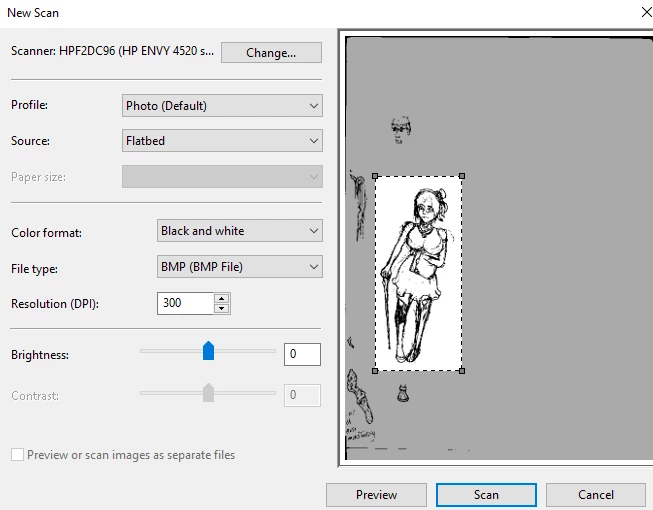
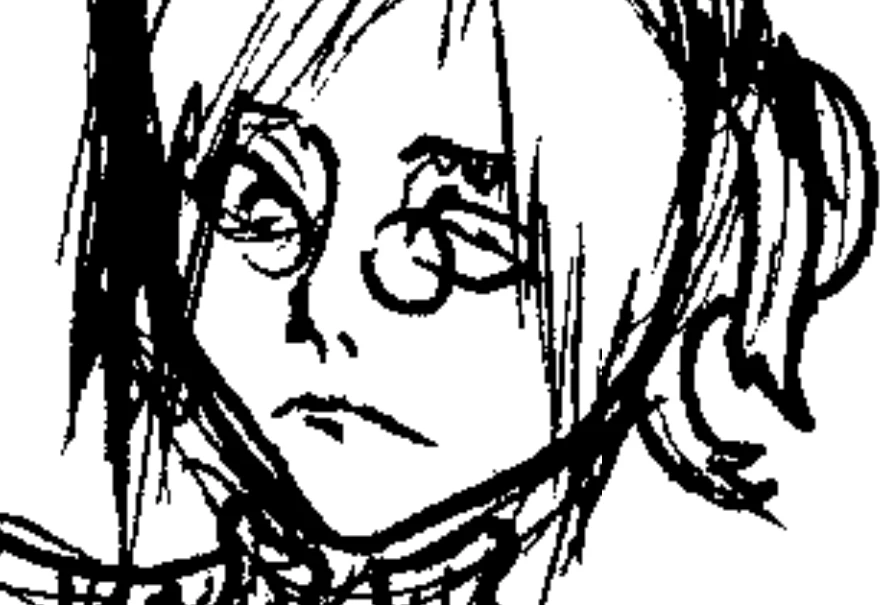
However, I also found a way to convert it into an svg/vectorized image by importing the drawing into Inkscape and by using the trace bitmap feature. (which makes it no longer pixelated)
In doing this, I don't have to sacrifice smoothness/simplicity over detail or vice vursa like what would happen if you used the live trace feature in Illustrator
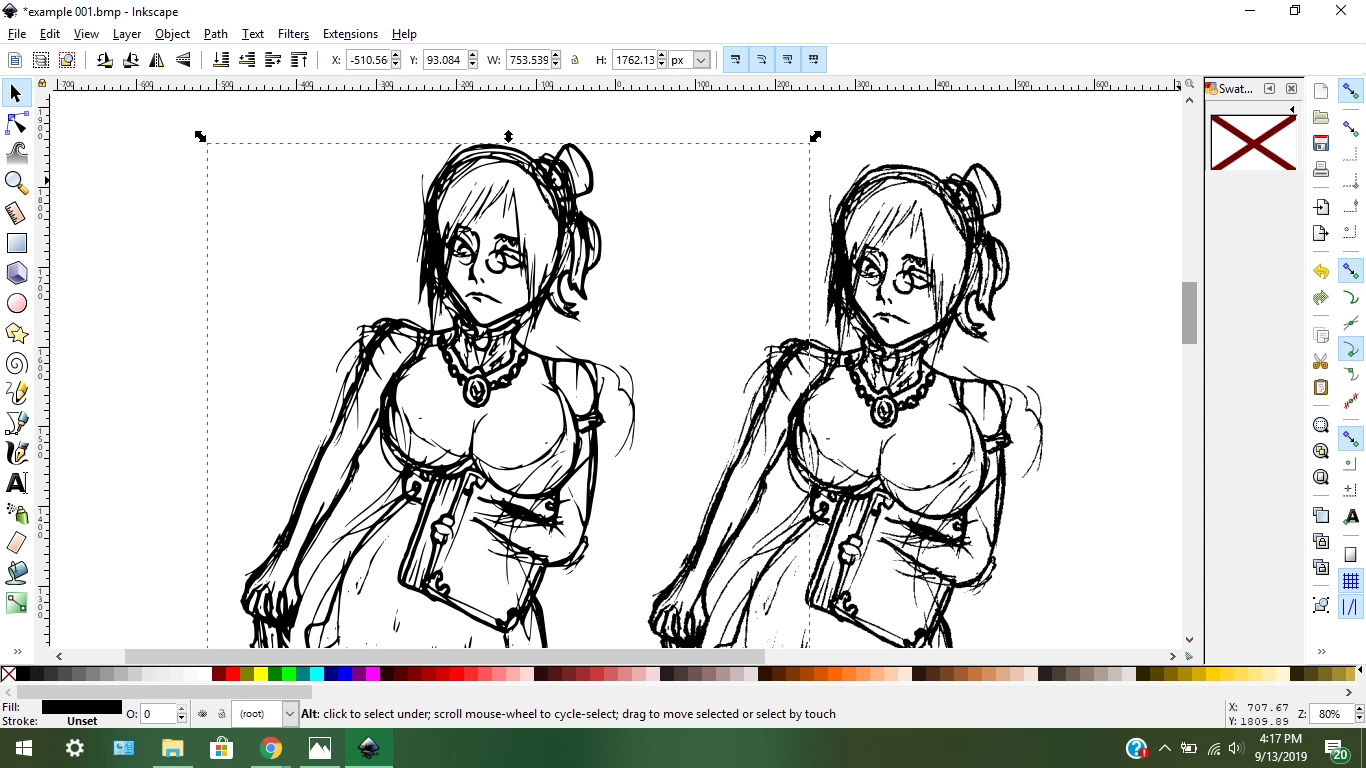
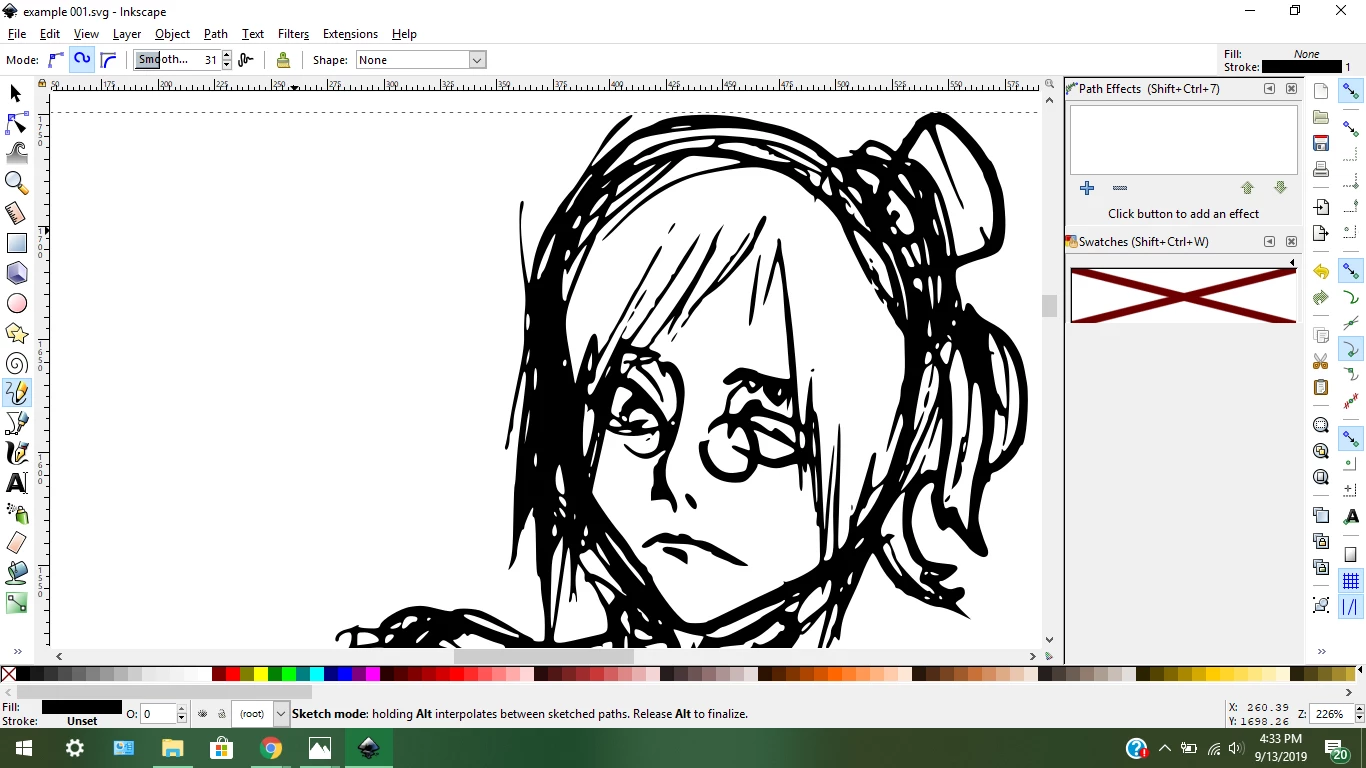
But now I realize that I need to find out a way to be able to edit the edges of the lines because they arent completely smooth and consistent like I would want them to be. I know a lot of peoples would just tell me to just start drawing digitally or use the path/trace/stroke/etc feature but that defeats the purpose of what I've been trying to do this whole time.
I want to do three things:
1. Draw traditionally in black ink
2. Scan my black and white ink drawings and be able to convert it into vector without losing/sacrificing detail
3. Being able to edit the roughness of the detected edges*
Here's an image that will help describe what I'm needing help with
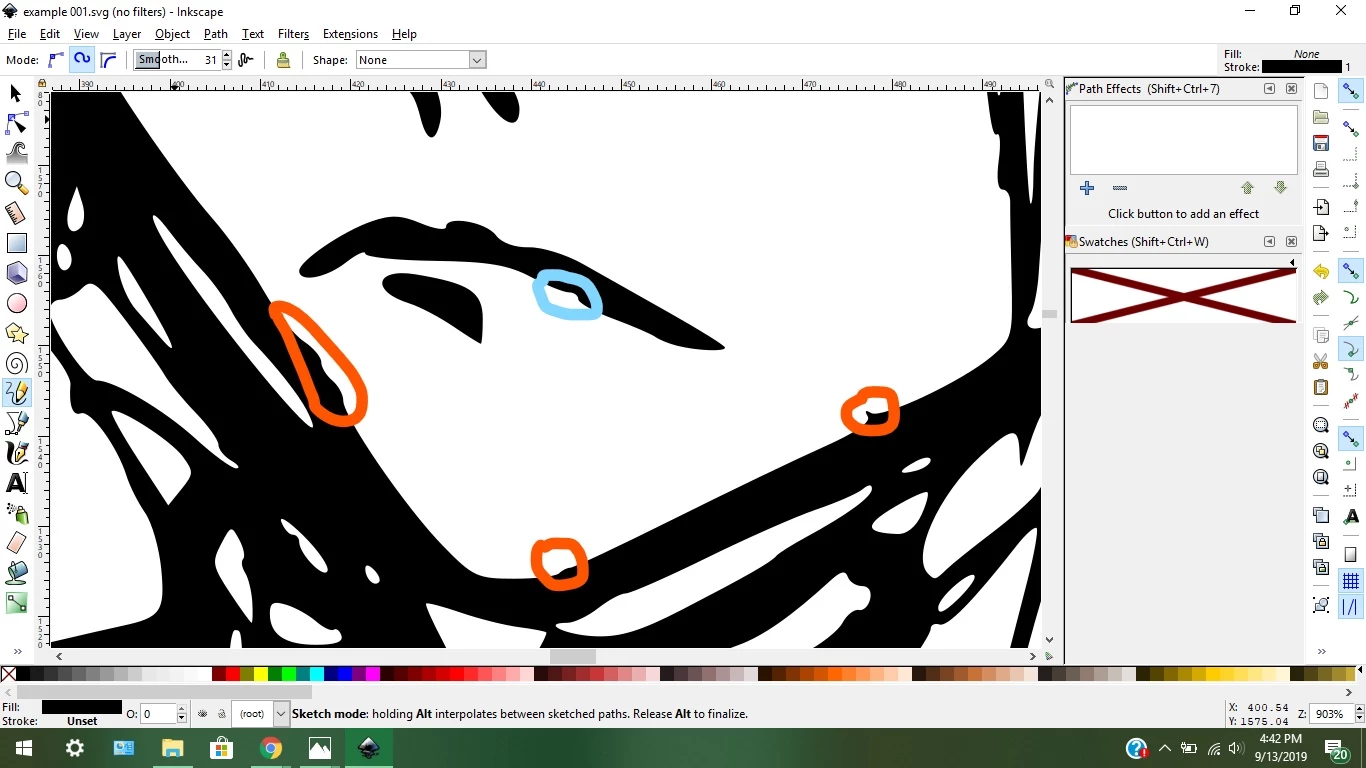
I have a hunch of how to achieve the desired results that I'm looking for but I need help from others that may know of some easy and efficient ways.
I understand nodes and how to manipulate them and how illustrator is great for dealing with nodes.
 AdChoices