


Participant
Oct 28, 2026 7:56 AM UTC
Question

New Ai User, Can't See Any Images, Stuck in Outline Mode

I’m a new Ai user in college. I have to place a file into Illustrator and mess with it as a first assignment, here is a list of everything not working;

-Can’t see any images, both png and jpeg files look like this when attempted to open or paste into Ai
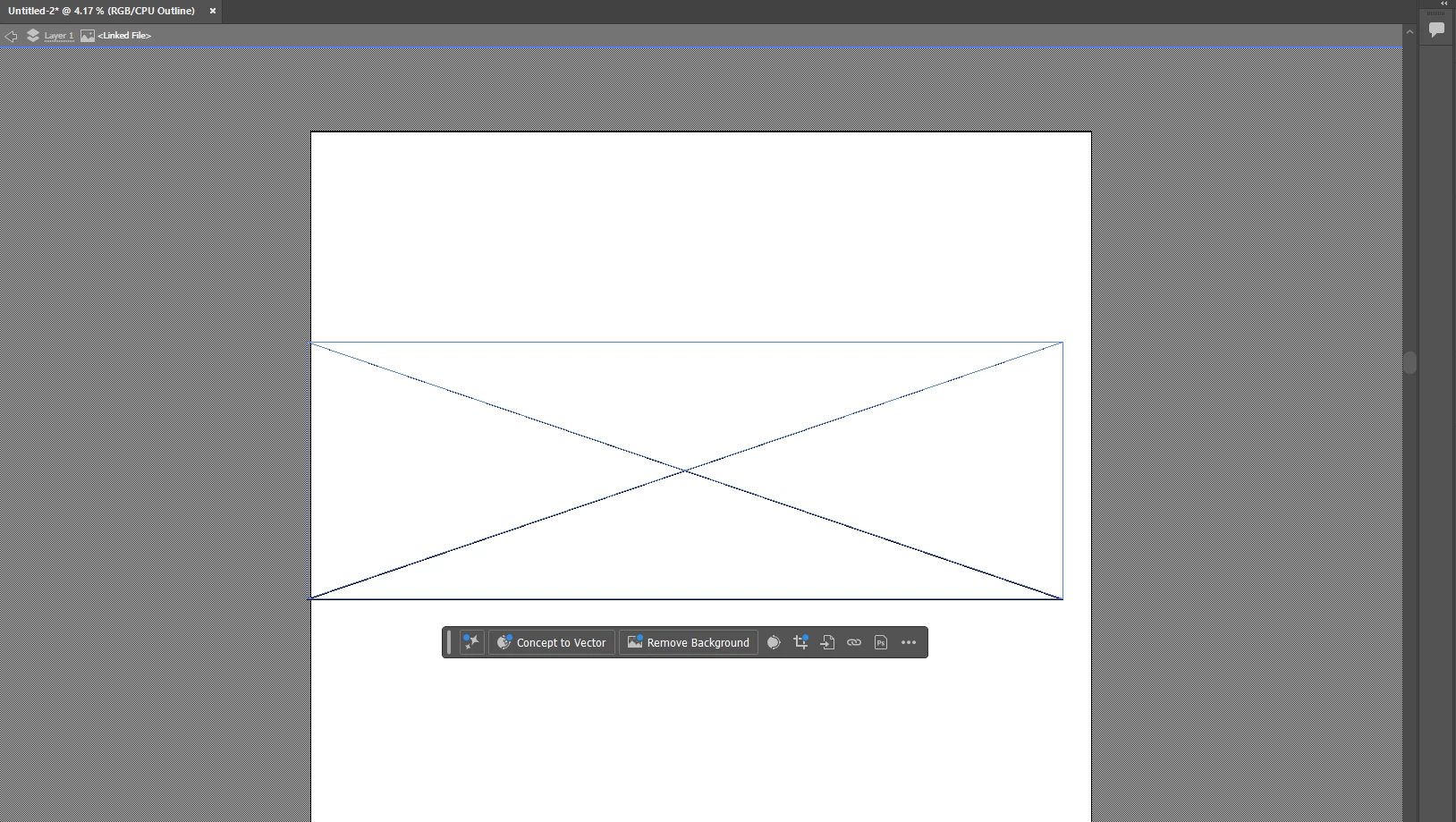


-Stuck in outline mode, CTRL+Y does not take it out of outline mode and fix the issue, instead I get this pop up
 

 -Can’t see the image in the layers preview


I am very familiar with creative programs and I’m confident in myself with computers but I’ve searched everywhere and tried everything I can find to resolution. Changing from gpu to cpu or vice versa does nothing either. I also attempted to make a different file, same issue.

Please help!!

    7 replies

    Ares Hovhannesyan
    Community Expert
    Community Expert
    Oct 30, 2026 12:35 PM UTC

    Did you try Reset Preferences or delete preference file. Ai will create it automaticaly

    Translate
    Ton Frederiks
    Community Expert
    Community Expert
    Oct 28, 2026 11:06 AM UTC

    I am curious what resolution (PPI) you see in the Links panel. 

    Translate
    Ton Frederiks
    Community Expert
    Community Expert
    Oct 28, 2026 10:07 AM UTC

    You can change the resolution in an Image Editor like Photoshop before you put the image into Illustrator. What is the PPI resolution of your image in Illustrator? You can check that in the Links panel.

    Translate
    Ton Frederiks
    Community Expert
    Community Expert
    Oct 28, 2026 8:33 AM UTC

    ​@Vibrant_Zest0770 It looks like a large file you are placing. The size is very large (your zoom is at 4.17%. Can you change the resolution before placing, or scale it during placing?

    Translate
    Participant
    Oct 28, 2026 9:30 AM UTC

    Edit: actually yes I can change the size of the box that appears, but it doesn’t make anything visible.

    No I cannot change it or at least I am not sure how to. I can barely click on the image itself, only the lines register

    Translate