Answered
New Save as aic files
This NEW option is horrible. Files are not updating, not opening correctly. I don't want this option but I cannot choose to save as .ai only files.
WHY is this??!!

This NEW option is horrible. Files are not updating, not opening correctly. I don't want this option but I cannot choose to save as .ai only files.
WHY is this??!!
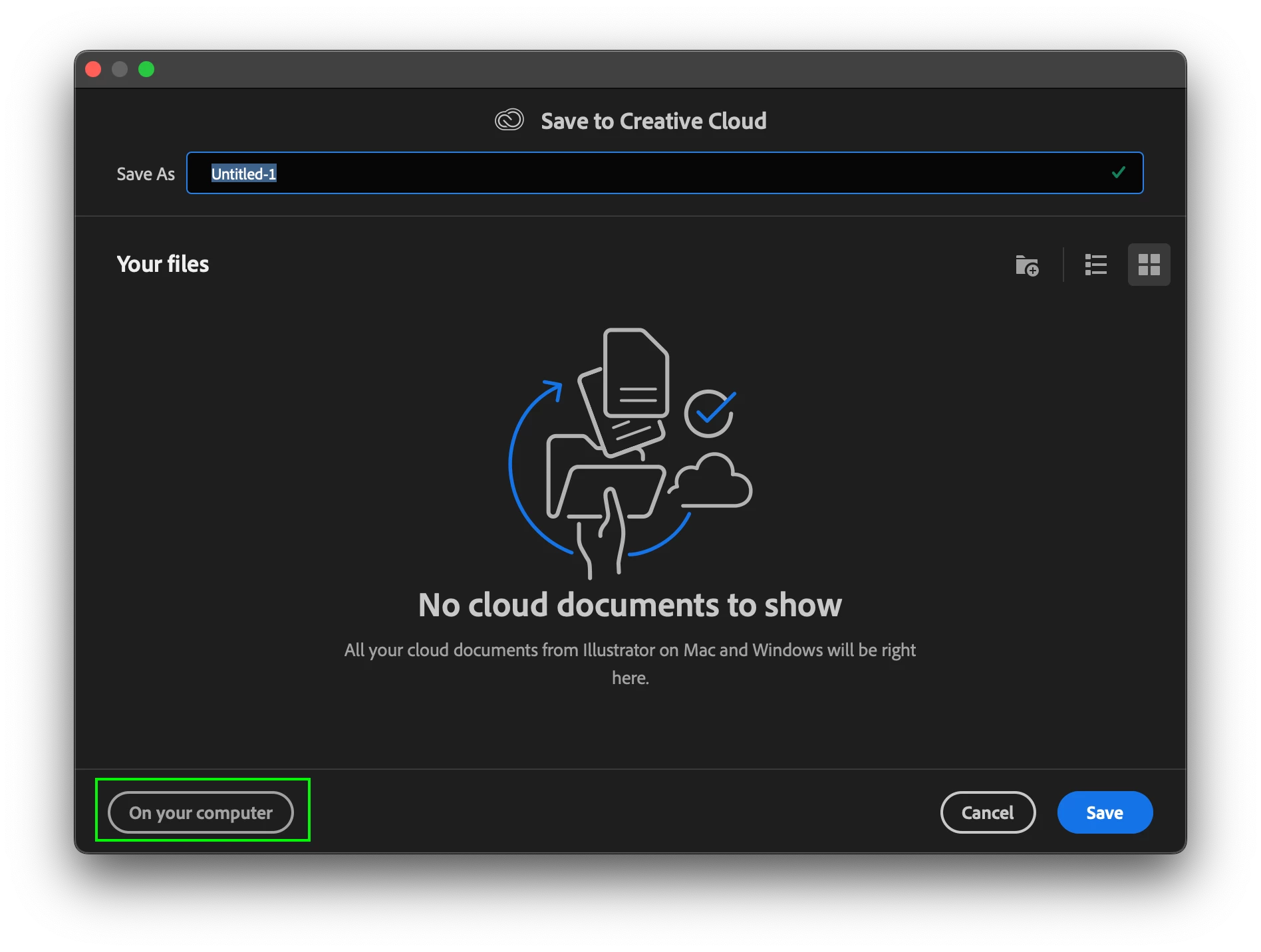
Illustrator cloud is offered as an option the first time you save a document after updating.
If you inadvertenty chose Cloud Documents, its going there.
To fix, go to Save As and click the "On Your Computer" button to switch to your local desktop.
Already have an account? Login
No account yet? Create an account
Enter your E-mail address. We'll send you an e-mail with instructions to reset your password.


 AdChoices