Participant
September 1, 2022
Question

NEW Shape and Transform measurements always change automatically to something random NEW

  • September 1, 2022
  • 1 reply
  • 201 views

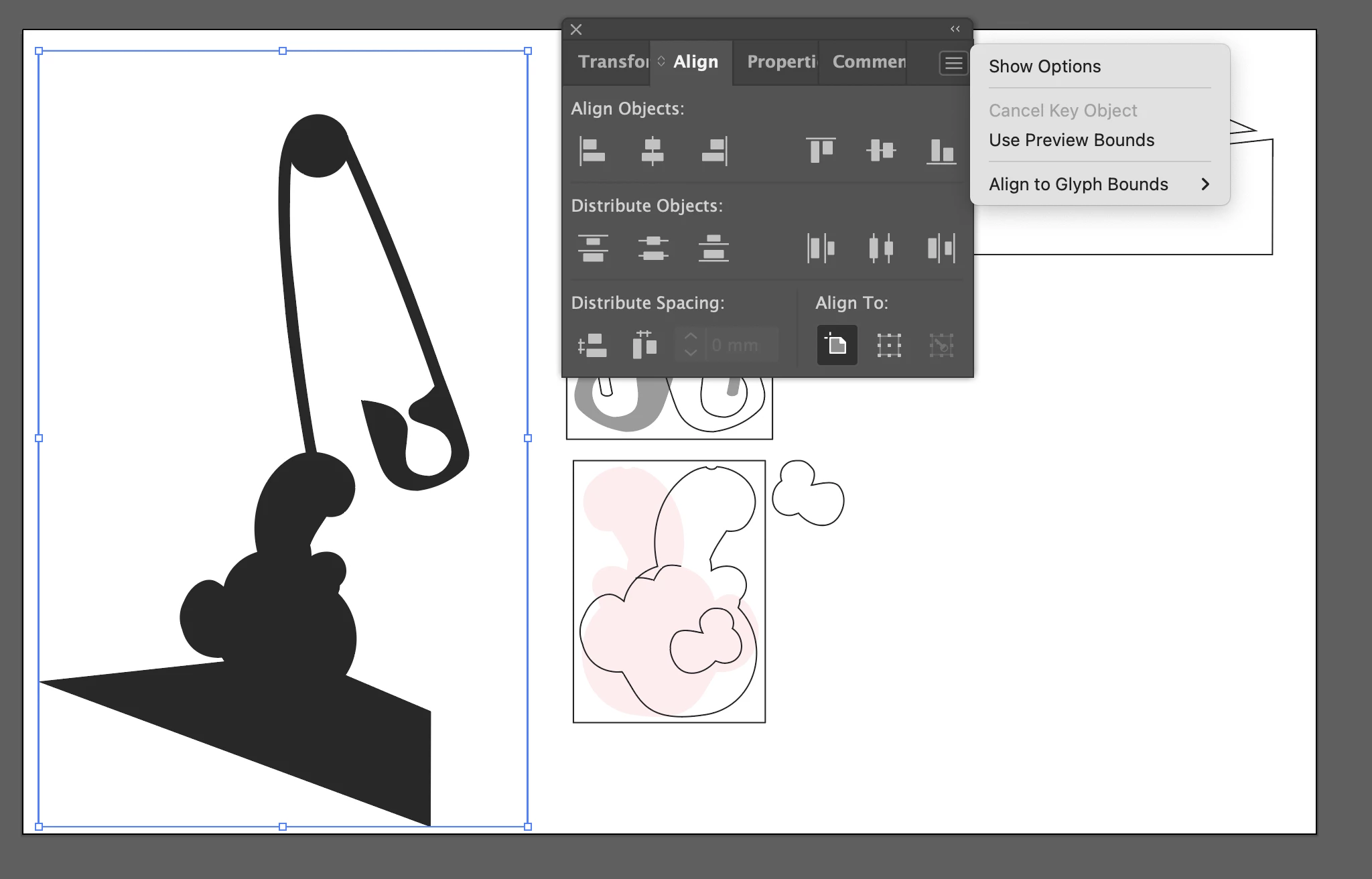
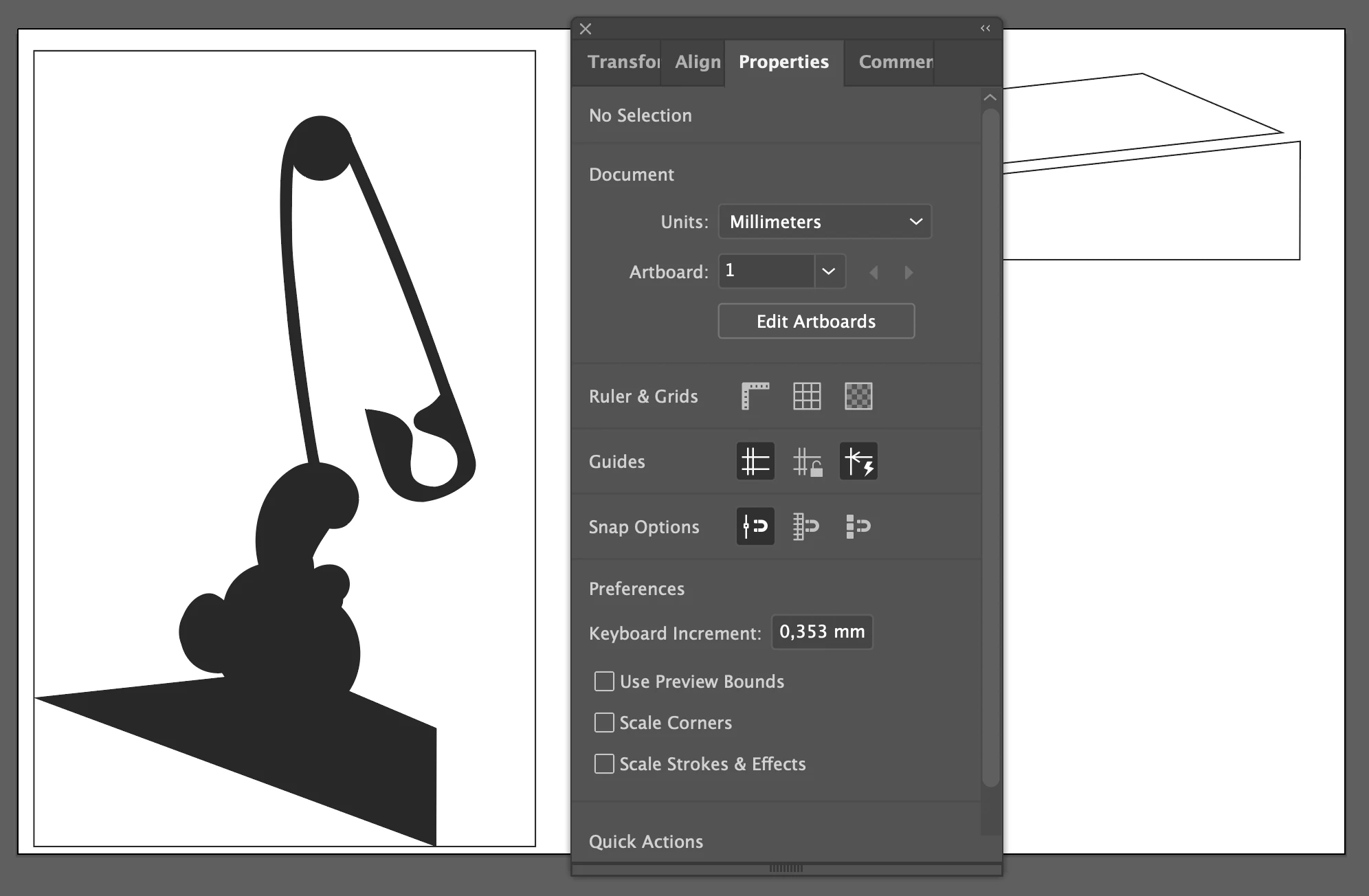
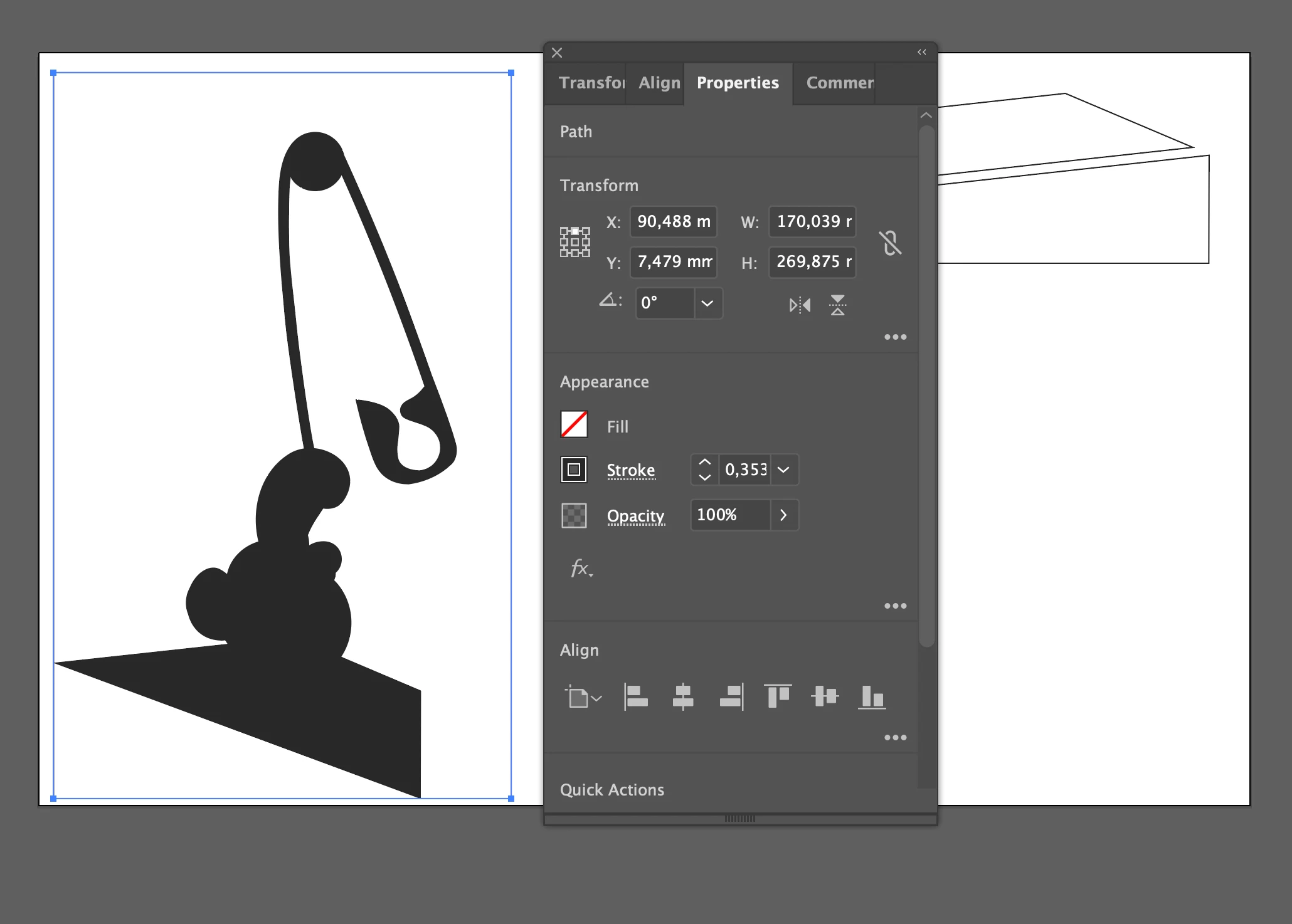
I´m continuing this old post in a new post. I´m also in need of illustrator to be super precise. Easiest example is that I want the rectangle to be 170x270 mm. And it starts off like that but then at some point changes slightly. Maybe when I´m moving it around. Use preview bounds is unclicked.I have been using snap to point, could this be causing this? It´+s like a puzzle, shapes needs to match eachother PERFECT and they just keeps changing... 
 

This topic has been closed for replies.

1 reply

Anshul_Saini
Community Manager
Community Manager
September 26, 2022

Hi @Carl25910196njlw,


Sorry for the delayed response and the trouble you are facing. I hope this issue is resolved by now. If not, would you mind trying disabling snap to point and check? Also, you may create guides all around the after creating a rectangle and ensure smart guides (ctrl + u/ cmd + u) is on. This will act as an alarm whenever you accidentally move it. 


Kindly update the discussion if you still need assistance with it. We'd be happy to help.


Regards,

Anshul SAini