Answered
new to AI - and bought this file - is there a way to remove the lines ? apart from one by one ?
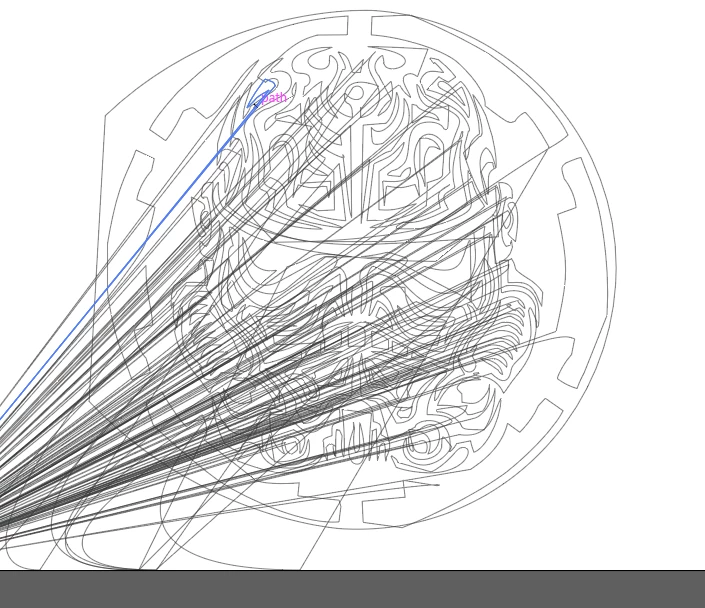
attached
attached
The lines look like they are connected to that design. When you delete those anchor points after selecting them with the direct selection tool, you will open the paths. Since this also looks like compound paths are in it, this might completely ruin the composition.
If you select them and then do not just hit the delete key, but instead press the delete anchor points button in the control panel, then you do not open the paths, which might be better for the design.
Already have an account? Login
Enter your E-mail address. We'll send you an e-mail with instructions to reset your password.
 AdChoices