

Answered
Newbie Question Regarding Fill
Greetings, Illustrator Community!
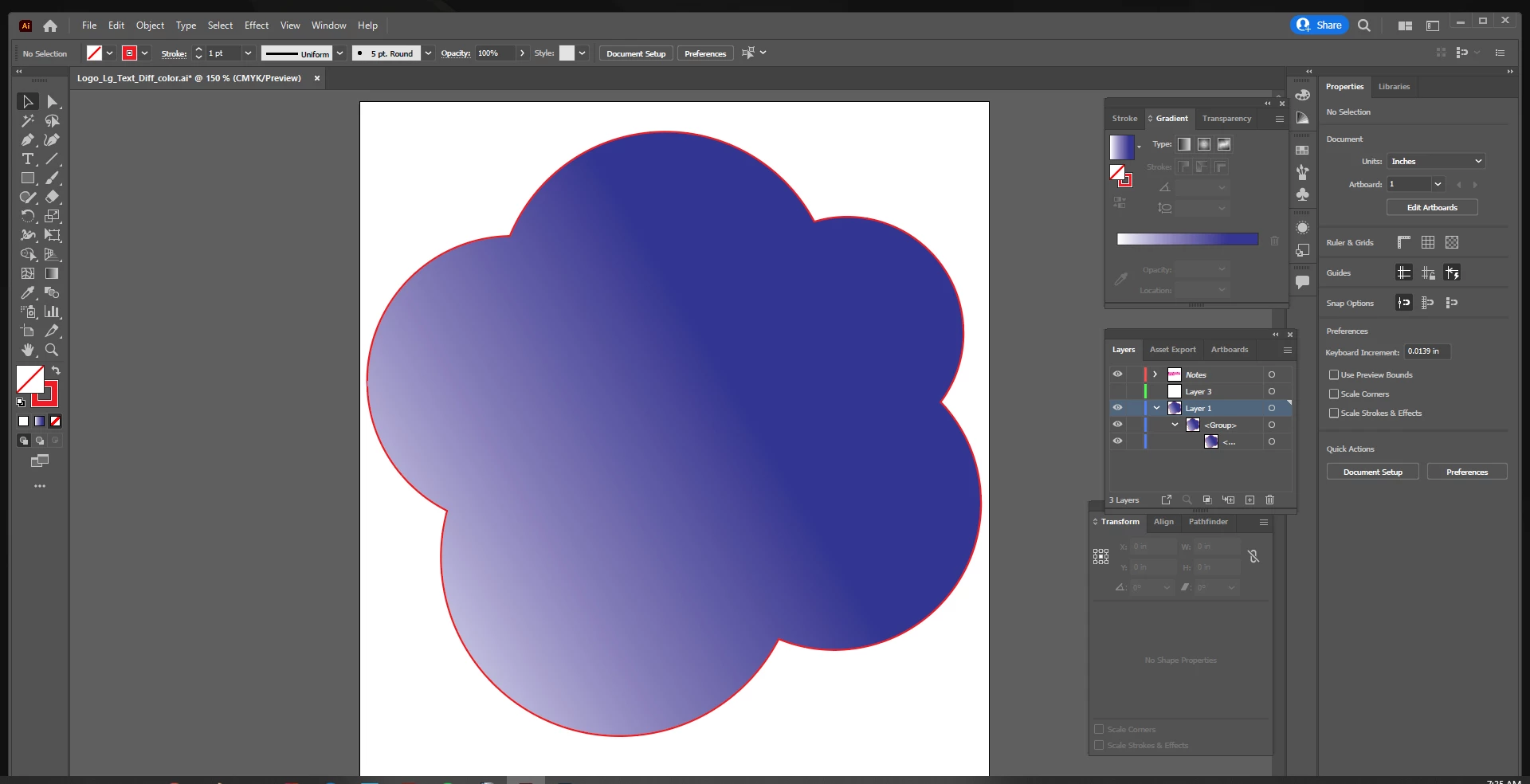
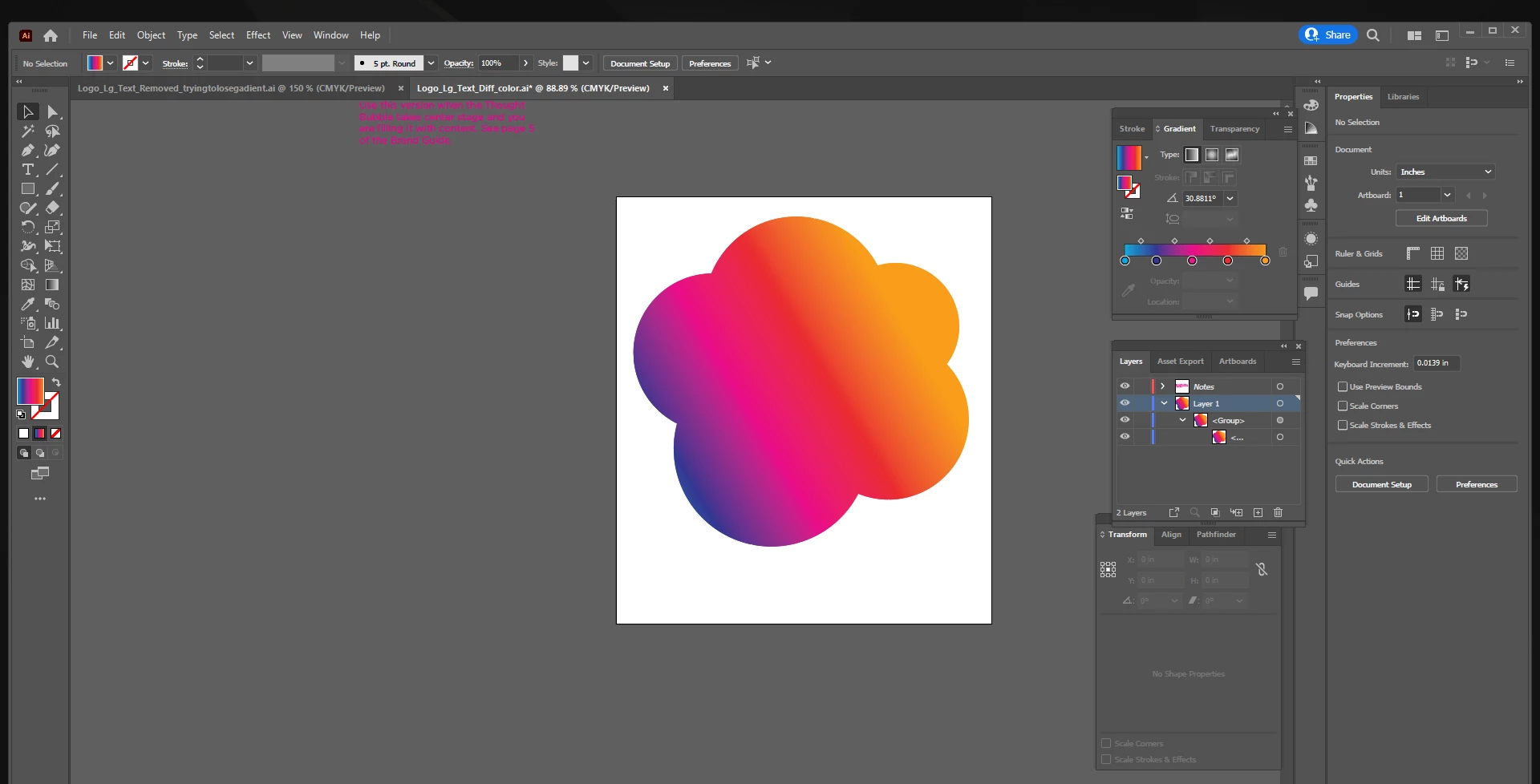
Just finished lengthy tutorial, and am well on my way, however I am unable to figure out how to make the fill disappear from this graphic. Provided as a template which I am obliged to use, it was originally filled with a gradient. I am trying to remove the gradient so that I only see an outline. Even when I create a new layer and draw a new outline, it fills with the gradient. The second img is how it looked originally. The first image is as far as I got, as I tried removing the colors of the gradient one by one, but when i remove the last color, the outline disappears! Thank you in advance...
Windows 10
Illustrator up to date
 AdChoices