
Participant
July 21, 2023
Question

No Cloud Documents in Place Files Panel

  • July 21, 2023
  • 1 reply
  • 221 views

Hi. I'm working on an Illustrator document which I created and saved as a cloud document (Landscape 4-5.aic).
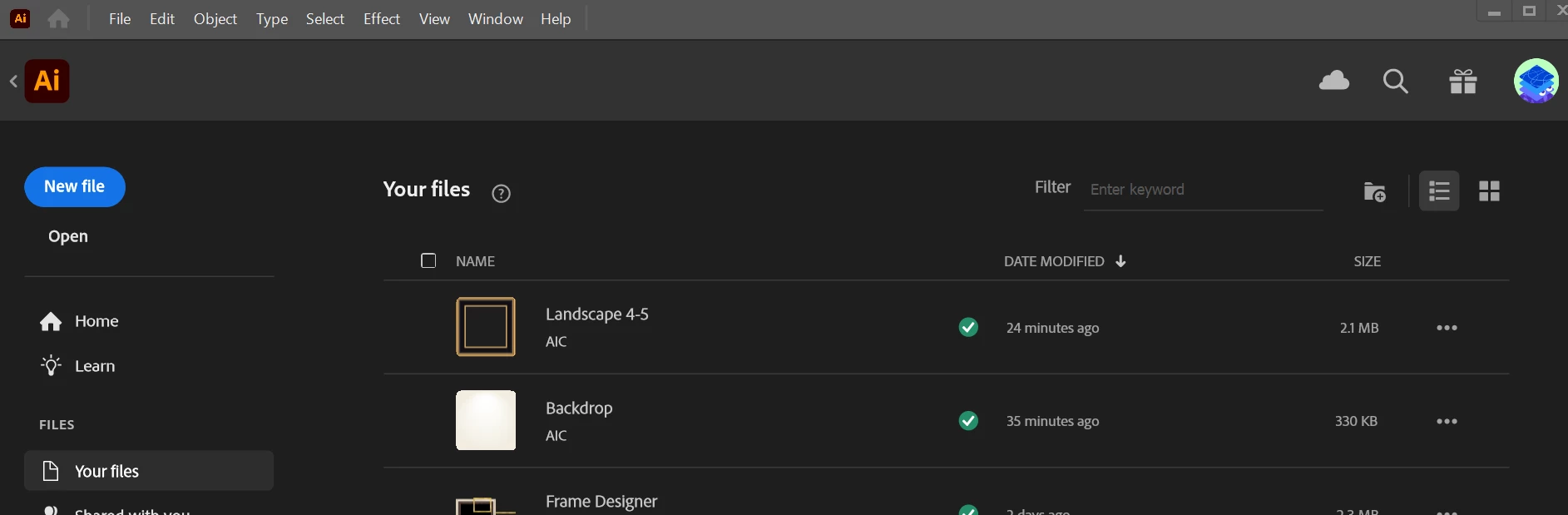


I created a second document, also saved in the cloud (Backdrop.aic). I'm trying to place the second into the first using File > Place.
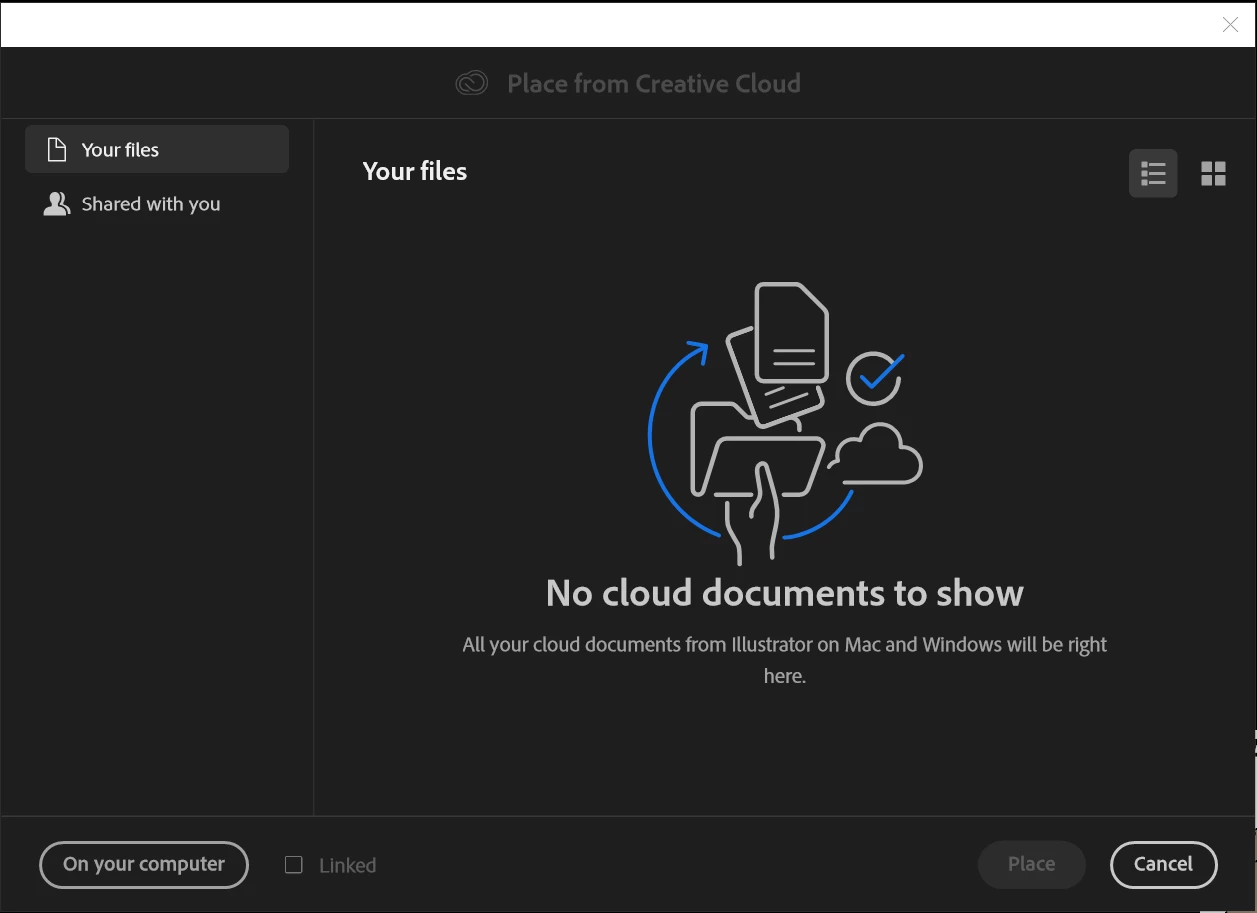


The Place panel shows no Cloud Documents. I am logged in to my one and only Creative Cloud account and everything is up to date.
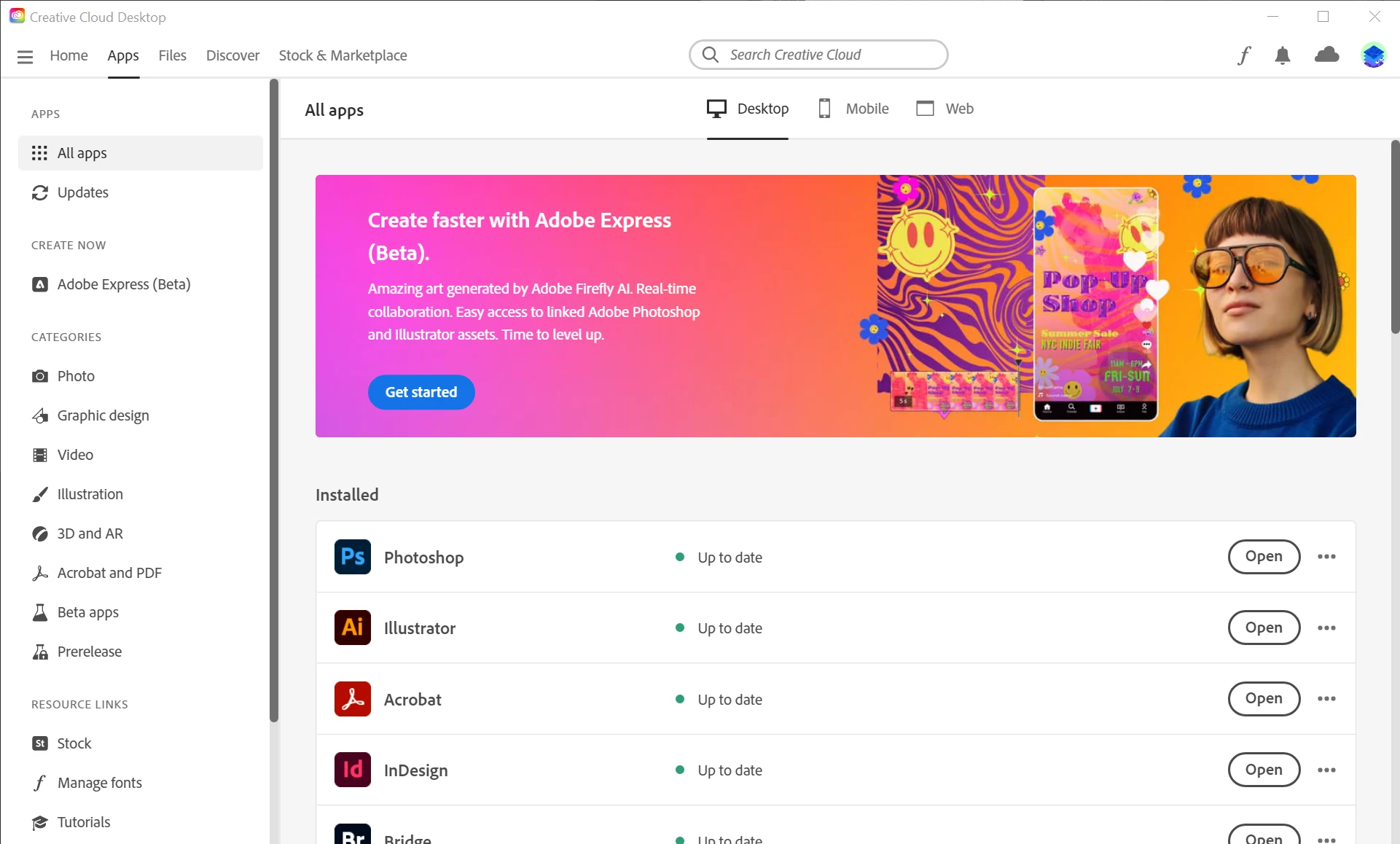


I tried logging out of the Creative Cloud application and through the web browser, restarting, and logging everything back in. Same problem.


I tried saving the Backdrop file as a local file (.ai). I was able to find that file through the Place / Windows Explorer panel, but the object placed in a really weird way - like three levels deep of clipping masks and "non-native image" as the layer. Almost too bizarre to describe.


Why can't I find my Cloud Documents, and place one inside of the other? Seems like this is a very basic and typical task - I can't imagine I'm the first person to encounter the problem..?


Cedric

This topic has been closed for replies.

1 reply

Ton Frederiks
Community Expert
Community Expert
July 21, 2023

You cannot place .aic documents. You need to save them first as .ai files.

Participant
July 22, 2023

Thanks for the reply Ton - I was able to get it to work this time when saving a local .ai file. Maybe it's just me but it seems like having half of my files in the cloud and half on my machine is half of a good solution.

Ton Frederiks
Community Expert
Community Expert
July 22, 2023

Cedric, 

Maybe saving your files locally and syncing them to the Creative Cloud is a better option for you. You can sync your files by saving them in your local CC files folder.

They automatically get versioned (you can go back to previous file versions for at least 10 days ago).

And still make traditional backups as well...

Sync:

https://helpx.adobe.com/creative-cloud/help/sync-files.html

Versioning:

https://helpx.adobe.com/creative-cloud/help/versioning-faq.html