
Participant
April 30, 2024
Question

No puedo mover la imagen.

  • April 30, 2024
  • 1 reply
  • 248 views

Simplemente no se mueve, por más que trato de mover la imagen, se queda estática. No tiene candado la capa, estoy al borde de un ataque de ansiedad. Que puede ser?
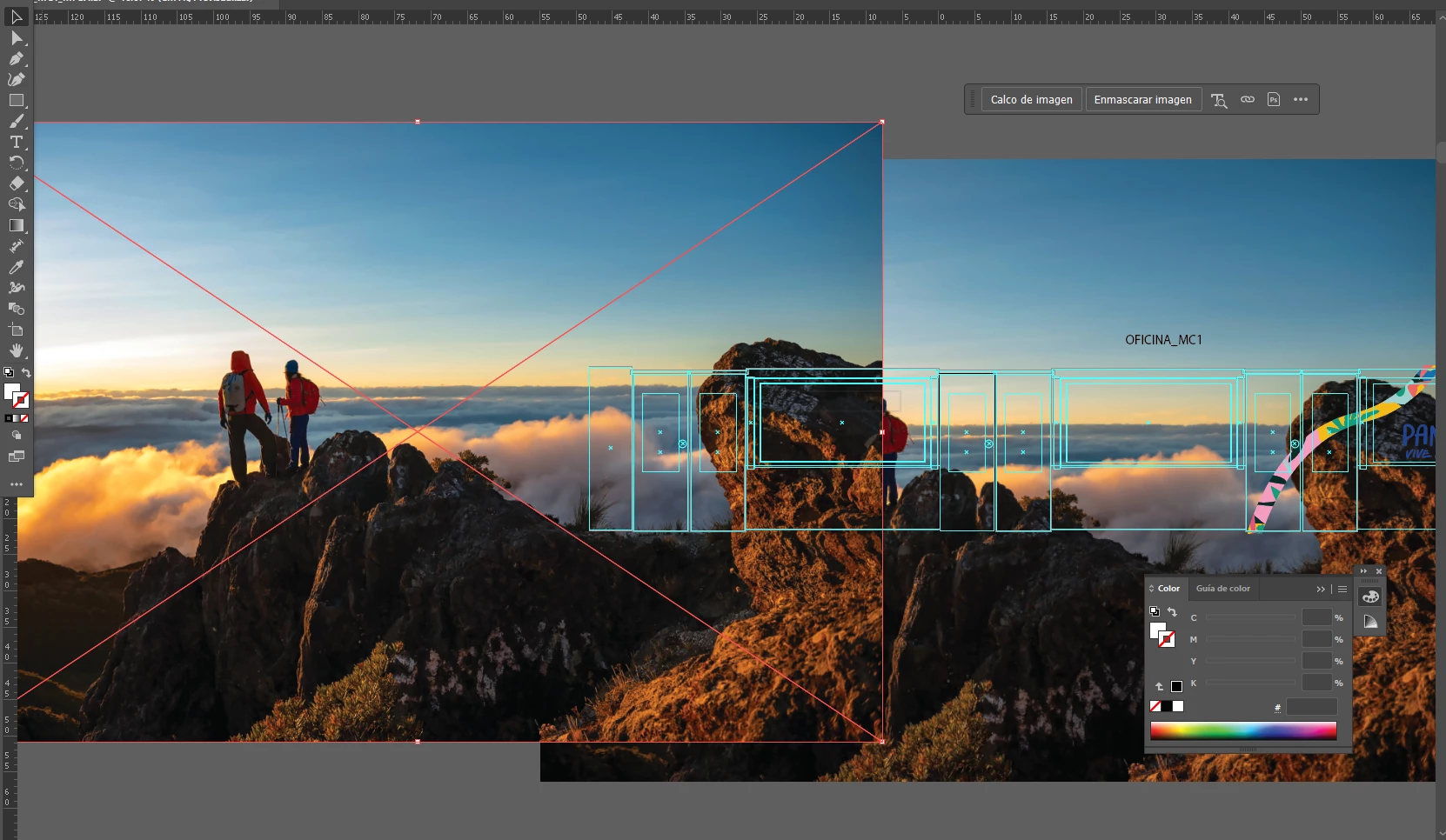
 

Aparece el cuadro delimitdor, pero es inamomible. 


saludos


This topic has been closed for replies.

1 reply

Anshul_Saini
Community Manager
Community Manager
May 3, 2024

Hi @Leonel26875074839i,

I'm sorry to hear that you're experiencing difficulty moving the image in Illustrator. Here are a few troubleshooting steps you can try:

  • Check if the layer isn't locked. Unlocking the layer might resolve the issue.

  • Make sure you're selecting the entire image or group of objects that you want to move. Sometimes, if only part of the object is selected, it may appear static.

  • Check if you accidentally entered Object Isolation Mode by double-clicking on the image. If you're in Object Isolation Mode, you can't move objects outside of the isolated group.

  • Resetting Illustrator preferences can sometimes resolve unexpected behavior. You can do this by holding down Shift+Ctrl+Alt (Windows) or Shift+Cmd+Option+Control (Mac) while launching Illustrator.

  • Sometimes, simply restarting Illustrator can fix minor glitches or issues.

  • There might be another object placed on top of the image, preventing it from being moved. Try selecting all objects in the area and moving them together.

If none of these solutions work, please provide more details about your workflow and the specific steps you've taken so far. This will help in providing more targeted assistance.

Best,

Anshul Saini