
Question
Noise appeared when I add 3D effect (inflate) and turn on real time preview
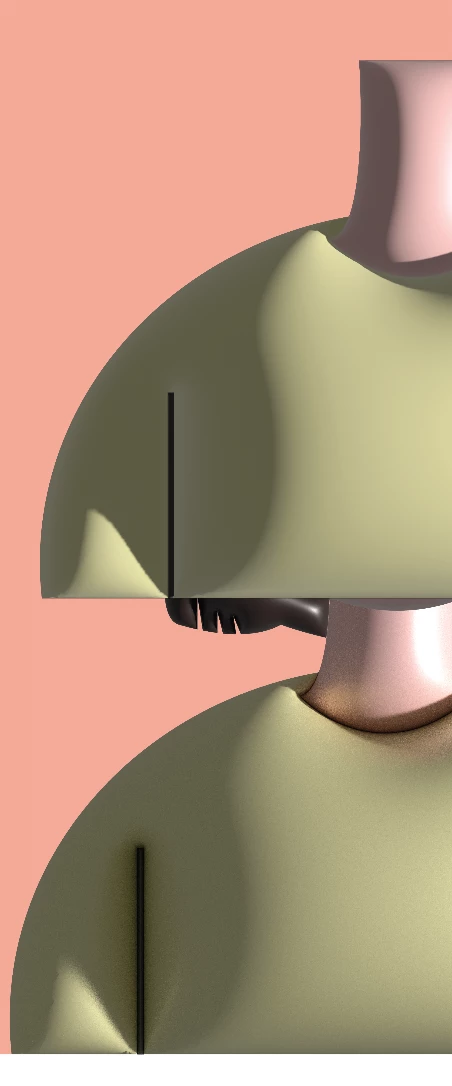
I made some figures with Illustrator and all of the surfaces are very smooth. Then, I created a new file and made another one. However, a lot of noise appeared when I did the 3D effect with real time preview.
I used the inflate effect, default material. The 3D settings are exactly the same for both, but they look really different. I tried to turn on/off [reduce noise], it did not make any difference. Those images below are screenshots, so they are a bit low quality.
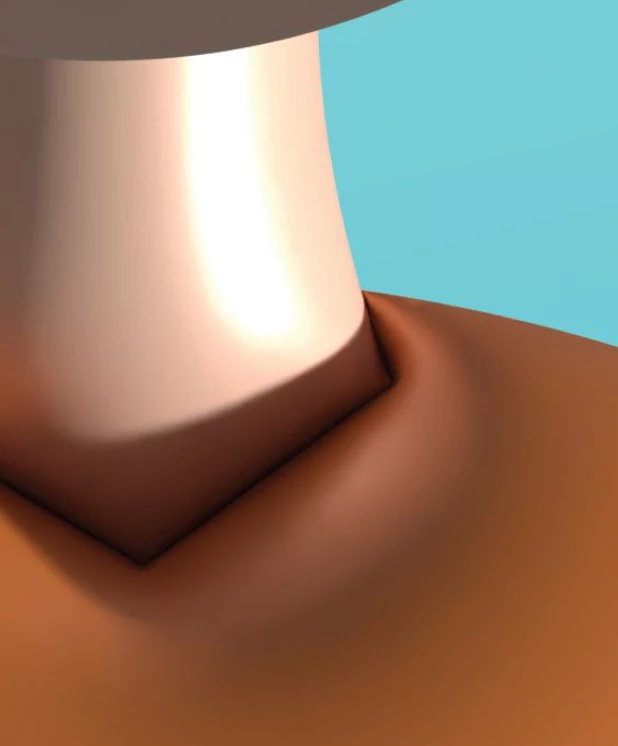
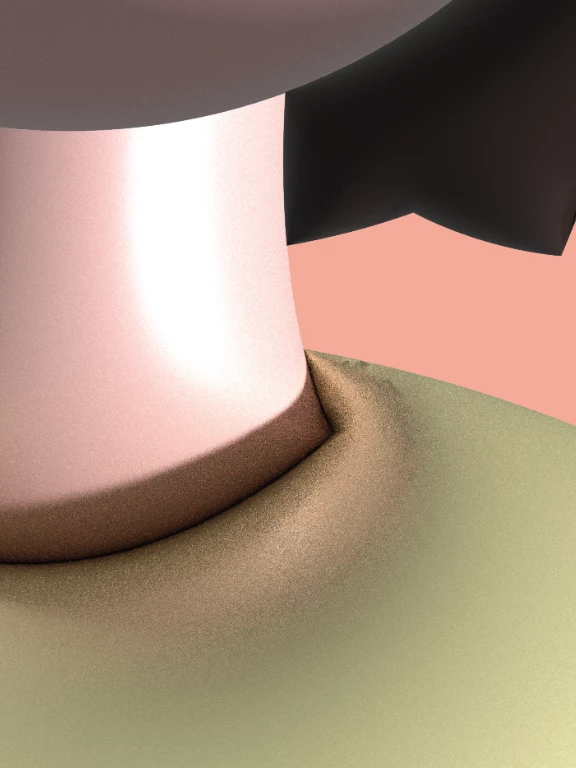
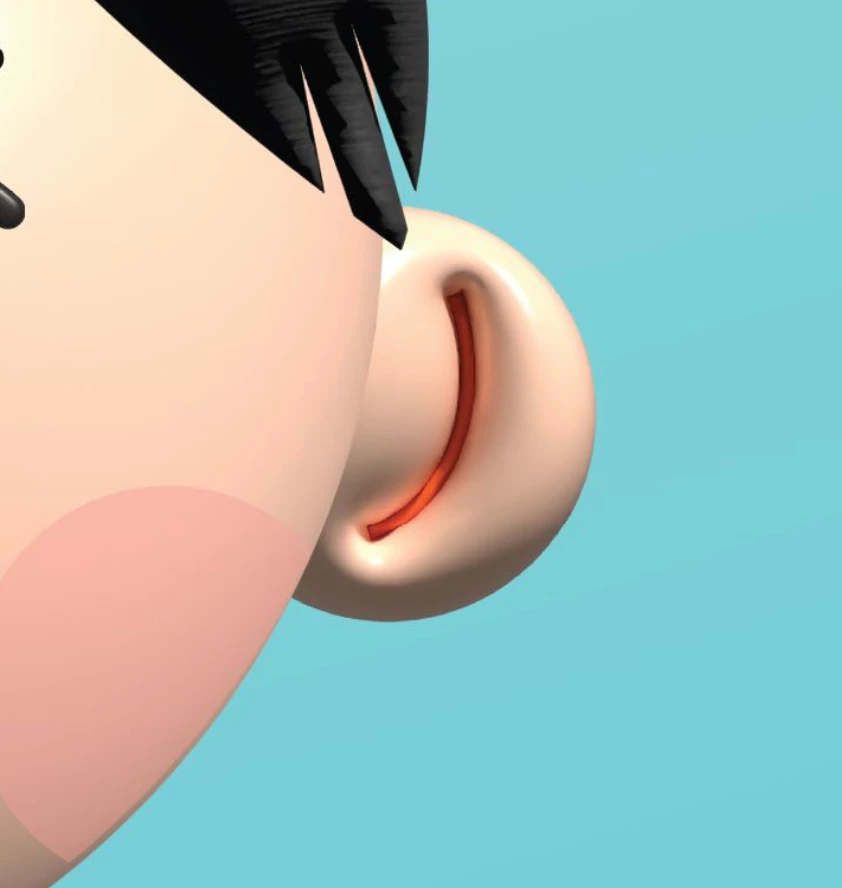
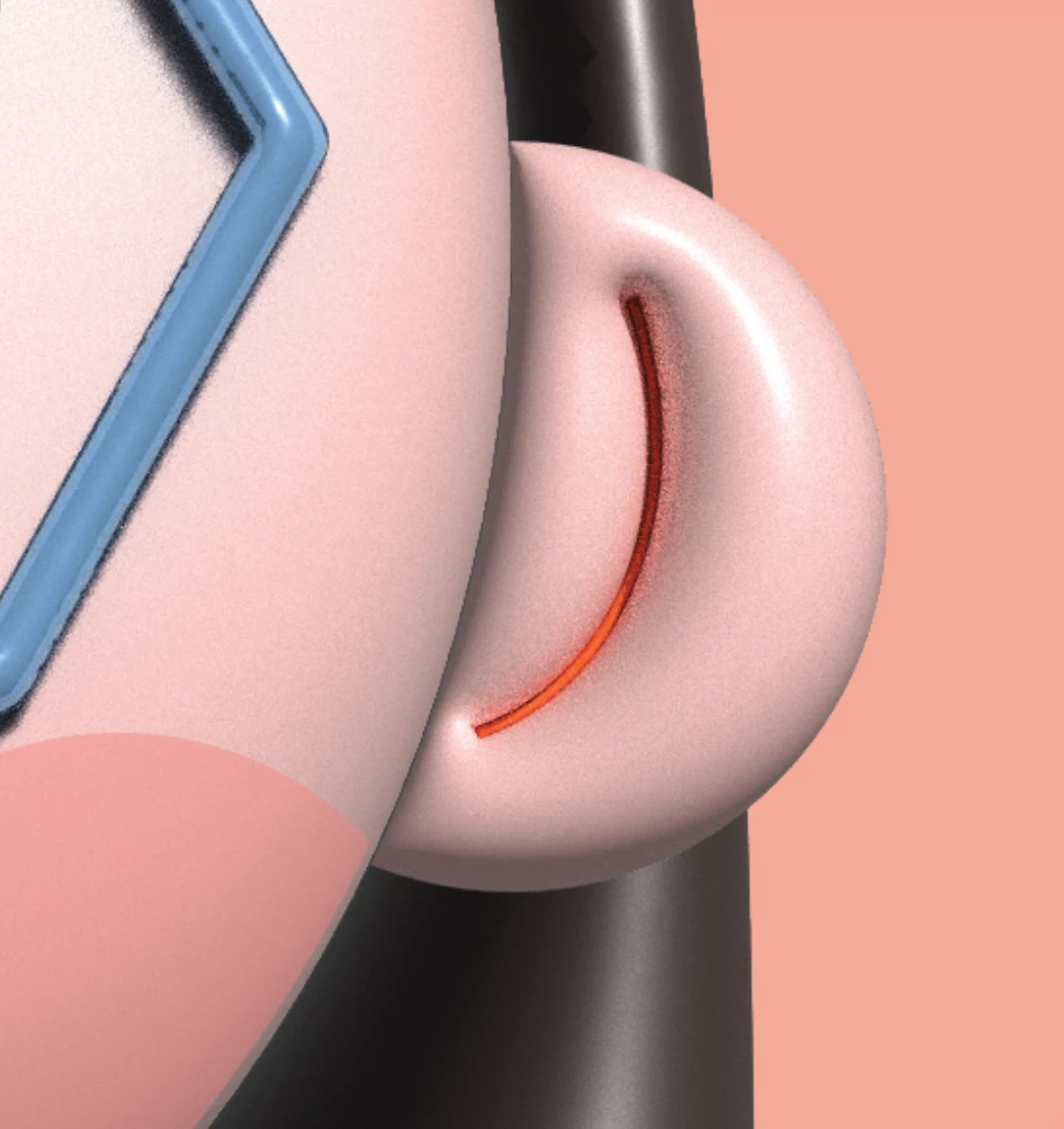
If I turn off the real time preview, the surface would be smooth, but the effect is not what I want (the top one).
 AdChoices