


Inspiring
January 29, 2026
Question

Not placing in indesign right

  • January 29, 2026
  • 2 replies
  • 40 views

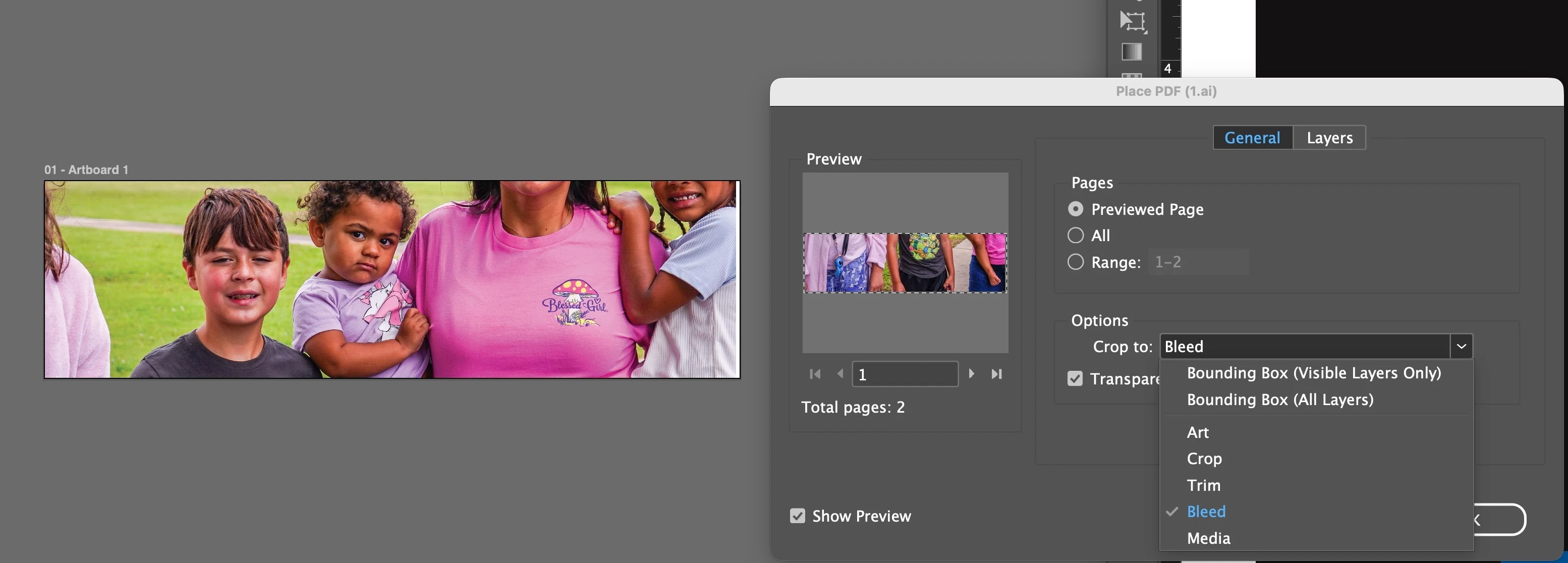
Using Illustrator, when saving an Illustrator file, the images placed are not being shown correctly when I place design on indesgin. For example, when I create an artboard in illustrator, place images, save the Illustrator file, and place it in Design, the portion that is showing is passed to the original artboard. Tried Crop to … None of them re-position to what I designed to 
 

    2 replies

    Monika Gause
    Community Expert
    Community Expert
    January 29, 2026

    What happens when you turn off “Save in background” in the Illustrator preferences, save the file again and then place it into InDesign?

    Anubhav M
    Community Manager
    Community Manager
    January 29, 2026

    Hello ​@teenc86508545 


    That does seem troubling. Would you mind confirming the exact versions of OS/Illustrator/InDesign installed, and sharing a link to the AI and INDD files so we can check them with the team?

    Looking forward to hearing from you.
    Anubhav