
Answered
Number of paths in a layer
This 15 paths contain a one aeroplane layer. How does the illustrate determine seperate path for each element?
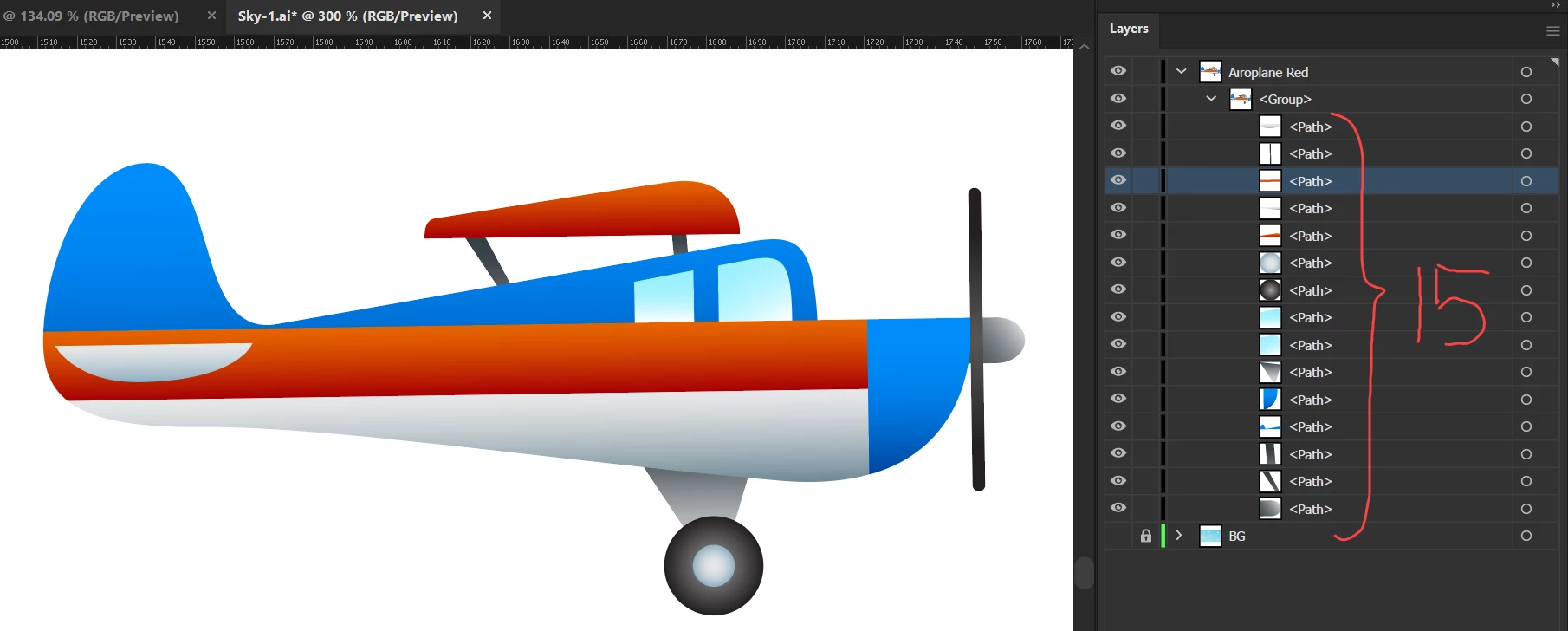

This 15 paths contain a one aeroplane layer. How does the illustrate determine seperate path for each element?
Although in the hierarchy they are below layers, I'd rather not call them sublayers, because sublayers are actual layers that are hierarchically children of other layers. Layers are "containers" - they have other elements inside them (which are then indented in the layers panel). Those elements can be just paths, but they can also be pixel images, or gradient meshesor other special Illustrator objects. They can also be other containers, that then contain even more elements, such as groups, or blends ... or sublayers.
The thing with all these elements is: they function differently and you can do different things with them. This shows when you're selecting them, or moving them or applying tools to them. And then it really matters, what exactly something is.
Already have an account? Login
Enter your E-mail address. We'll send you an e-mail with instructions to reset your password.
 AdChoices