
Inspiring
December 1, 2020
Answered

Numerical Data for Bar Chart

  • December 1, 2020
  • 1 reply
  • 372 views

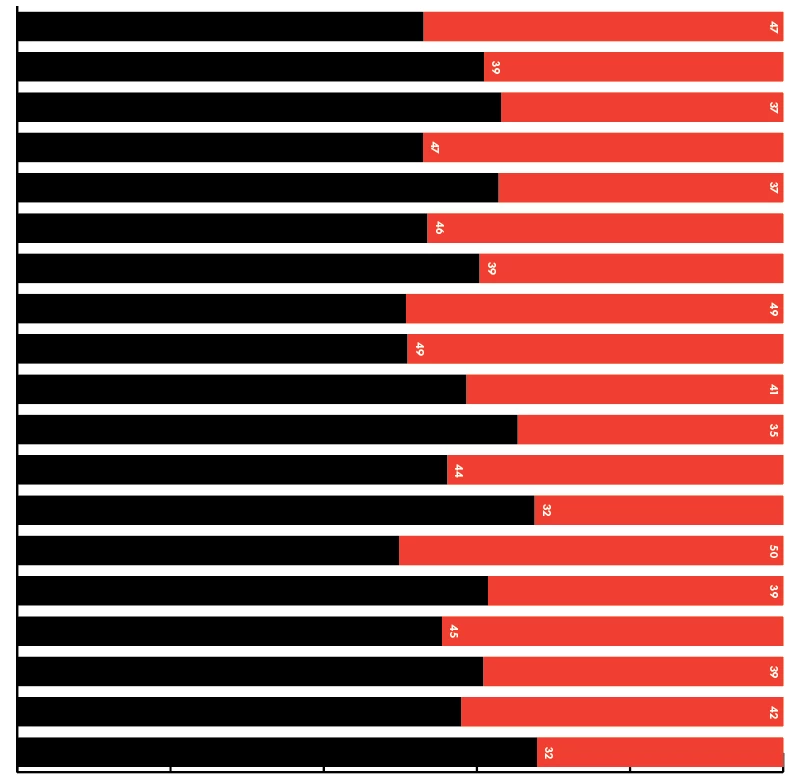
Hi all, I'm using bar chart tool to create something like this:



But unlike column chart, I can't seem to figure out how to make the number appear on bar chart without getting stretched. Also how can I make the numerical labeling comes with fraction? As you can see, the numbers get rounded.
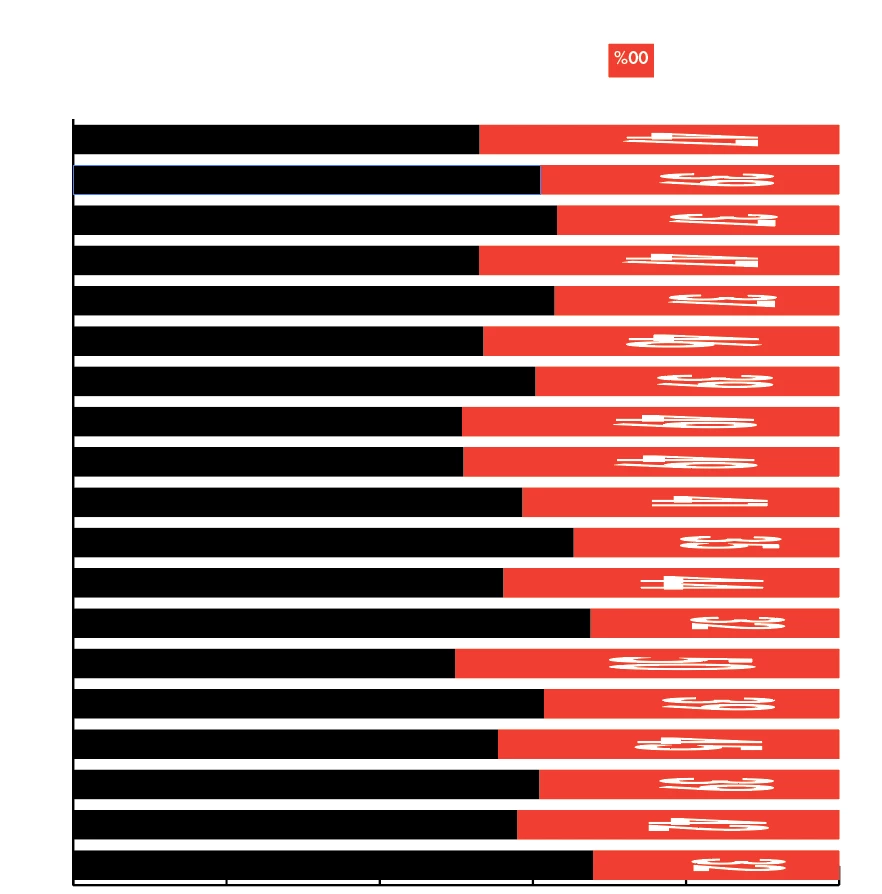


I'm using the object -> graph -> design & column


I can somewhat replicate by using the "Sliding" column type but the text doesn't automatically rotate, and also not centered.
 

This topic has been closed for replies.
Correct answer Monika Gause

There is no automatic rotation for text.

The chart tools are very simple. And old.

Getting the numbers to appear in the enter of the bar will be close to impossible.

1 reply

Monika Gause
Community Expert
Monika GauseCommunity ExpertCorrect answer
Community Expert
December 1, 2020

There is no automatic rotation for text.

The chart tools are very simple. And old.

Getting the numbers to appear in the enter of the bar will be close to impossible.

Inspiring
December 2, 2020

Thank you. Do you have suggestions for design softwares to generate charts that work well with InDesign then?