Answered
Object Arrange not Working for me
Ive been tying the Arrange a blurred square to be on top of two regular squares but bring to front/forward wont rearrange the layers. 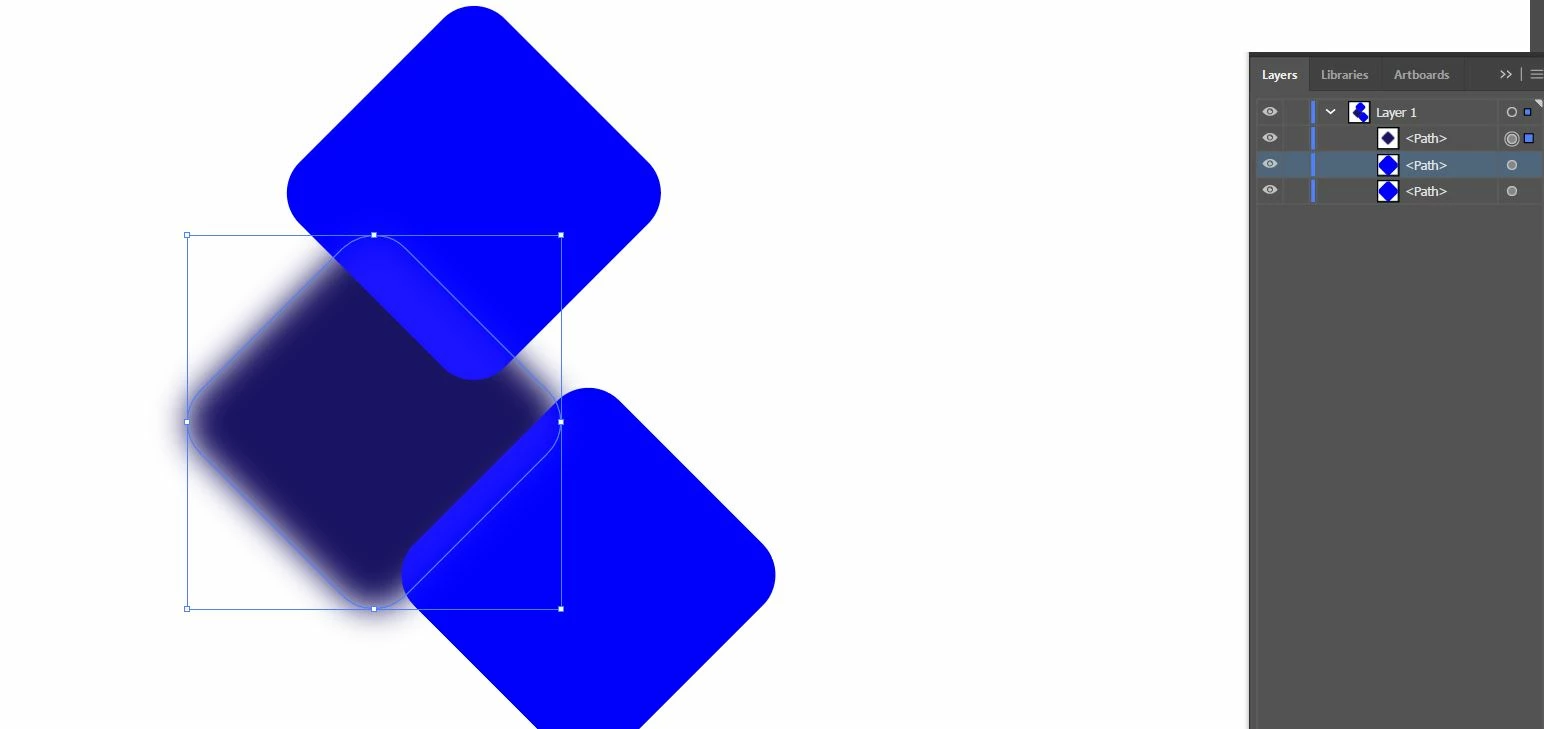
Ive been tying the Arrange a blurred square to be on top of two regular squares but bring to front/forward wont rearrange the layers.
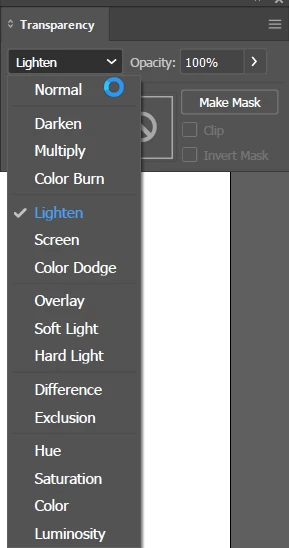
Select the blurred square and check the Transparency panel. If the blend mode is Lighten, Screen, or Saturation, or something other than Normal, that could be the issue.
Already have an account? Login
Enter your E-mail address. We'll send you an e-mail with instructions to reset your password.
 AdChoices