Question
Object Blend Option Spacing
Hi all,
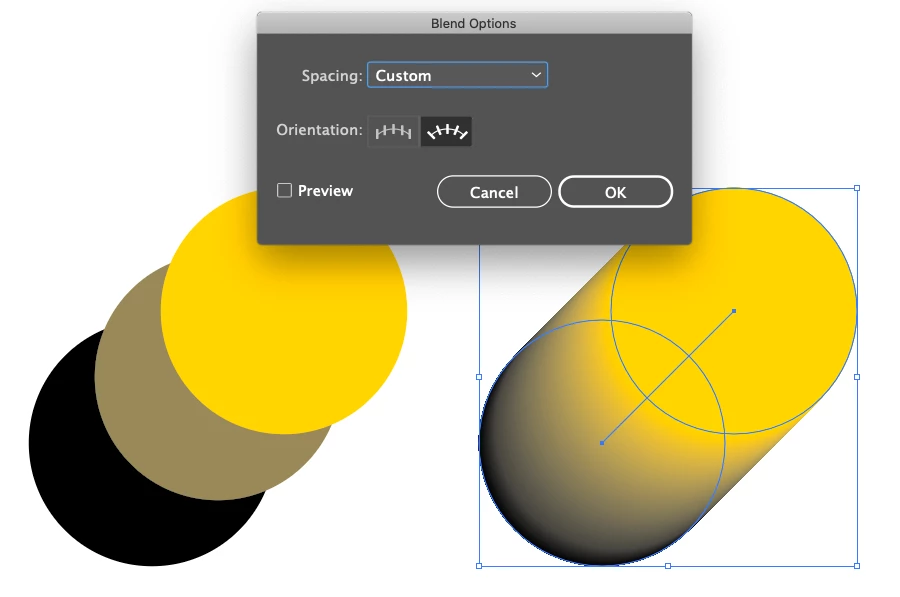
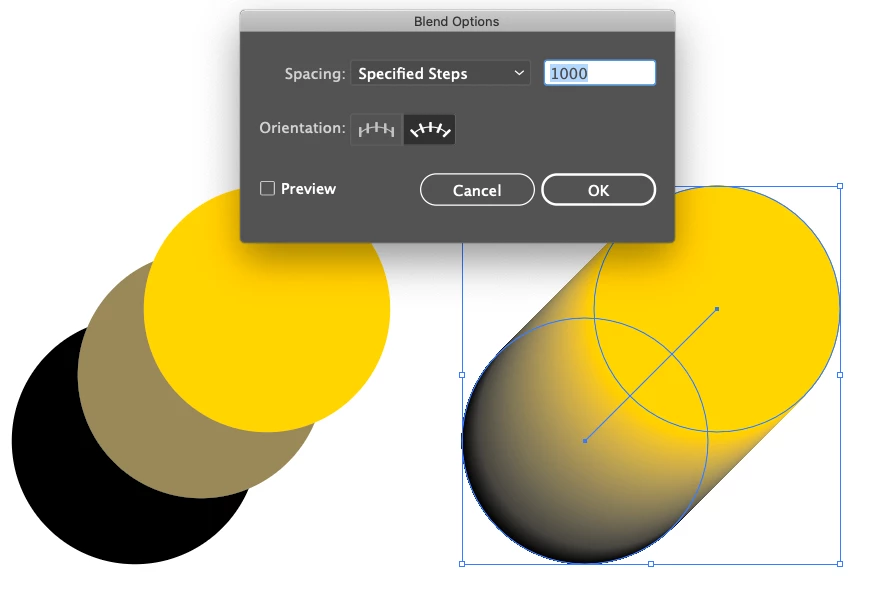
Whenever I copy/paste an object created with the Object > Blend Option feature, that object will automatically change the settings to Spacing; Specific Steps 1,000. Even if the origianl object only had 2 steps or even a different Spacing setting (eg Smooth Colour or Specific Distance). It always defaults to Specific Steps 1,000.
I've reset preferences. Using Illustrator 24.0.1
Thanks in advance
 AdChoices