
Answered
Object bounding box appearing in wrong place
Ahoy all,
I've been using Illustrator on Windows systems for years, but in recent years I've noticed Adobe does a terrible job with scaling on high-resolution Windows systems (or Microsoft is at fault, but the Adobe apps are the only ones that seem to struggle).
One issue that's driving me nuts is that the bounding box on all objects is appearing away from the object, instead of around it.
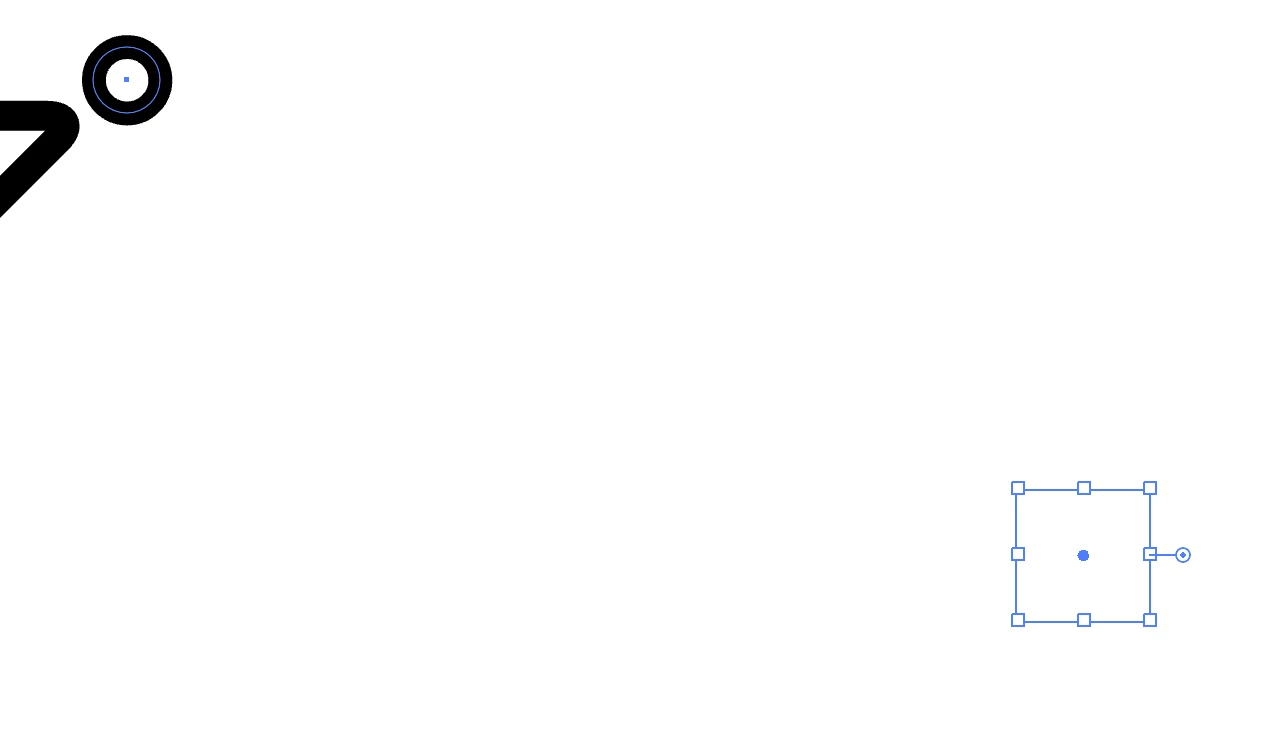
Anybody know how to resolve? Simply resetting the bounding box doesn't seem to fix it, not sure what else to try.
Apologies if this has been discussed, I couldn't find anything.
Cheers!
 AdChoices